Soft Editorial
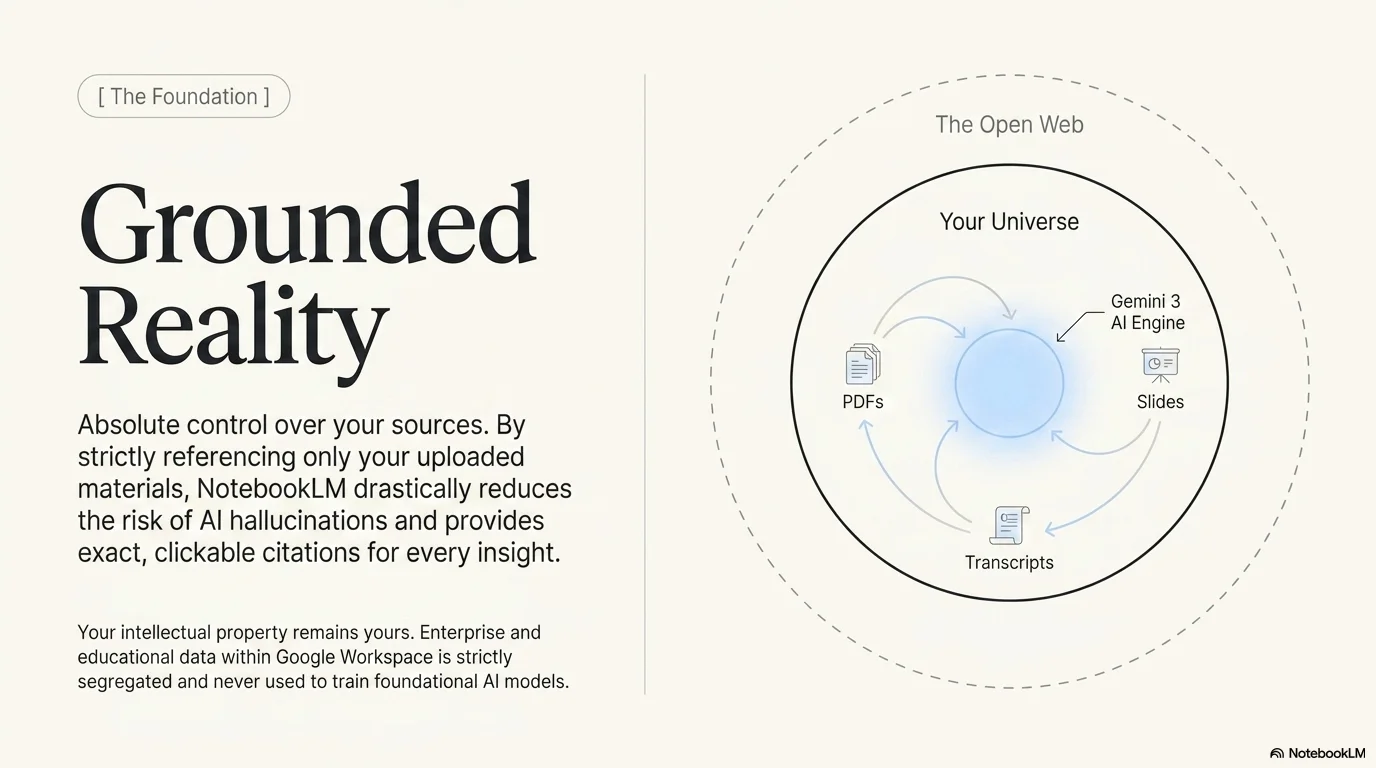
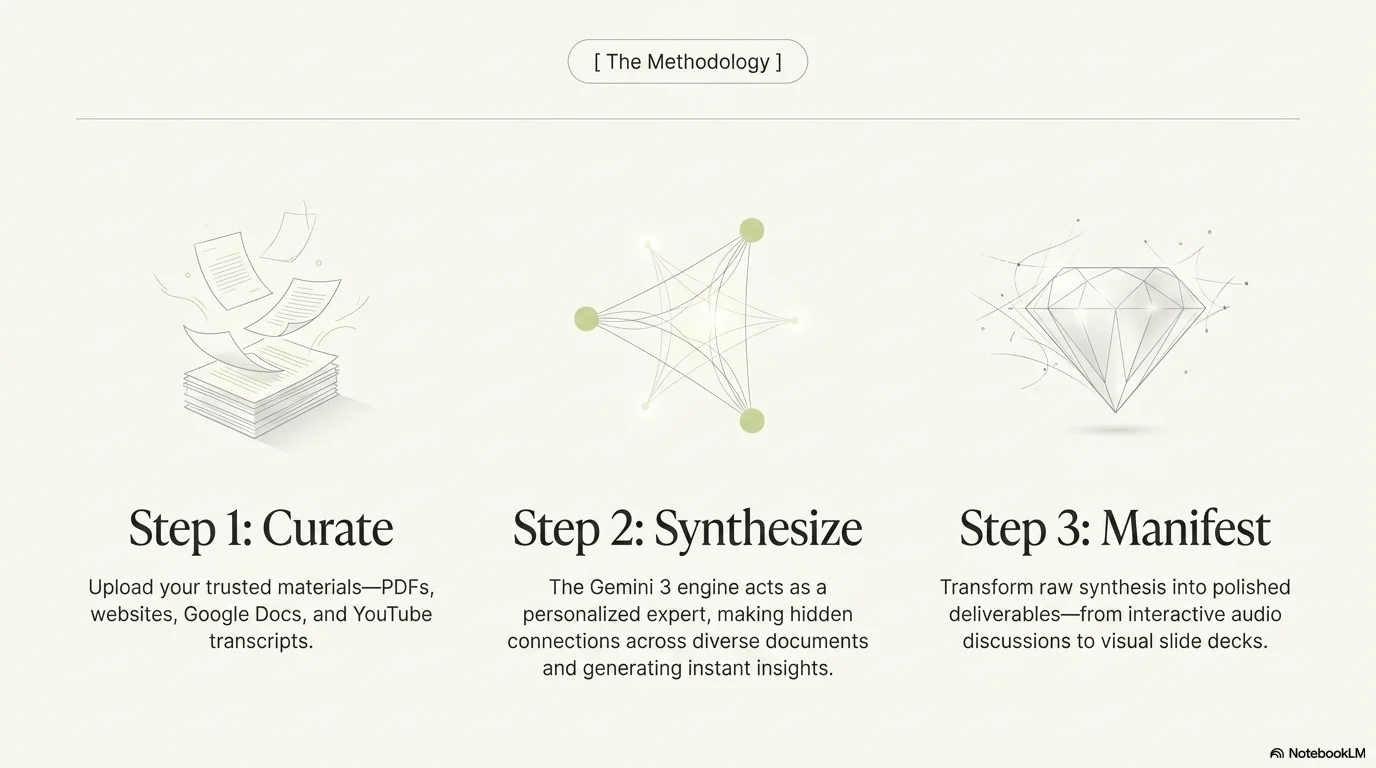
A sophisticated and airy editorial aesthetic designed for fashion campaigns, high-end beauty brands, and feminine storytelling. It features the elegant, high-contrast Loubag serif typeface for headlines, providing a chic and authoritative presence. Characterized by a palette of soft cream, muted lime green, and pale sky blue, it utilizes generous white space, delicate horizontal lines, and pill-shaped category labels to create a premium, magazine-like experience.

Palette
- Background
#FDFCF8 - Text
#1A1A1A
Typography
- primary heading
- Loubag, serif
- secondary heading
- Loubag, italic
- body text
- Inter, regular
Key visual elements
- Generous white space for a clean, editorial layout
- Pill-shaped labels with thin borders for categories or tags
- Thin horizontal separators between titles and subtitles
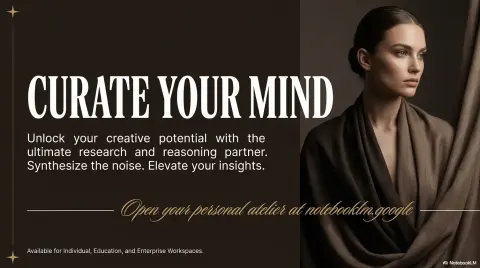
- Full-bleed or large-format photography with soft, natural lighting
YAML
description: "A sophisticated and airy editorial aesthetic designed for fashion campaigns, high-end beauty brands, and feminine storytelling. It features the elegant, high-contrast Loubag serif typeface for headlines, providing a chic and authoritative presence. Characterized by a palette of soft cream, muted lime green, and pale sky blue, it utilizes generous white space, delicate horizontal lines, and pill-shaped category labels to create a premium, magazine-like experience."
design_system:
  global_style:
    theme: "Soft Editorial. Elegant magazine-style design with high-contrast serif typography."
    typography:
      primary_heading: "Loubag, serif"
      secondary_heading: "Loubag, italic"
      body_text: "Inter, regular"
    color_palette:
      primary: "#D4E157" # Soft Lime Green
      secondary: "#B3E5FC" # Pale Sky Blue
      background: "#FDFCF8" # Cream/Off-white
      surface: "#FFFFFF" # Pure White
      text_main: "#1A1A1A" # Deep Charcoal
      text_secondary: "#757575" # Medium Grey
    key_visual_elements:
      - "Generous white space for a clean, editorial layout"
      - "Pill-shaped labels with thin borders for categories or tags"
      - "Thin horizontal separators between titles and subtitles"
      - "Full-bleed or large-format photography with soft, natural lighting"

  image_generation_prompts:
    style_guidelines: "High-end editorial photography, soft natural lighting, minimalist composition, Loubag font aesthetic, pale lime and cream palette, sophisticated and serene."
    themes:
      - target: "Creative Concept"
        prompt_elements: "Close-up of two hands reaching towards each other, soft shadows, cream background, minimalist and artistic, editorial style."
      - target: "Beauty Product"
        prompt_elements: "A delicate white flower held by a person, soft focus, pale blue and lime accents, clean and airy composition."

slide_layout_templates:
  - type: "Editorial_Cover_Split"
    usage: "Full-bleed photo on one side, large Loubag title on a cream background on the other"
  - type: "Pill_Category_Intro"
    usage: "Centered title with a small pill-shaped tag above it and a thin separator below"
  - type: "Quote_Soft_Serif"
    usage: "Large italic Loubag quote on a soft lime background with subtle drop shadows"
  - type: "Photography_Showcase"
    usage: "Multiple photos of varying sizes arranged in a clean, asymmetric grid with minimal text"






Connect & Share