Cobalt Editorial
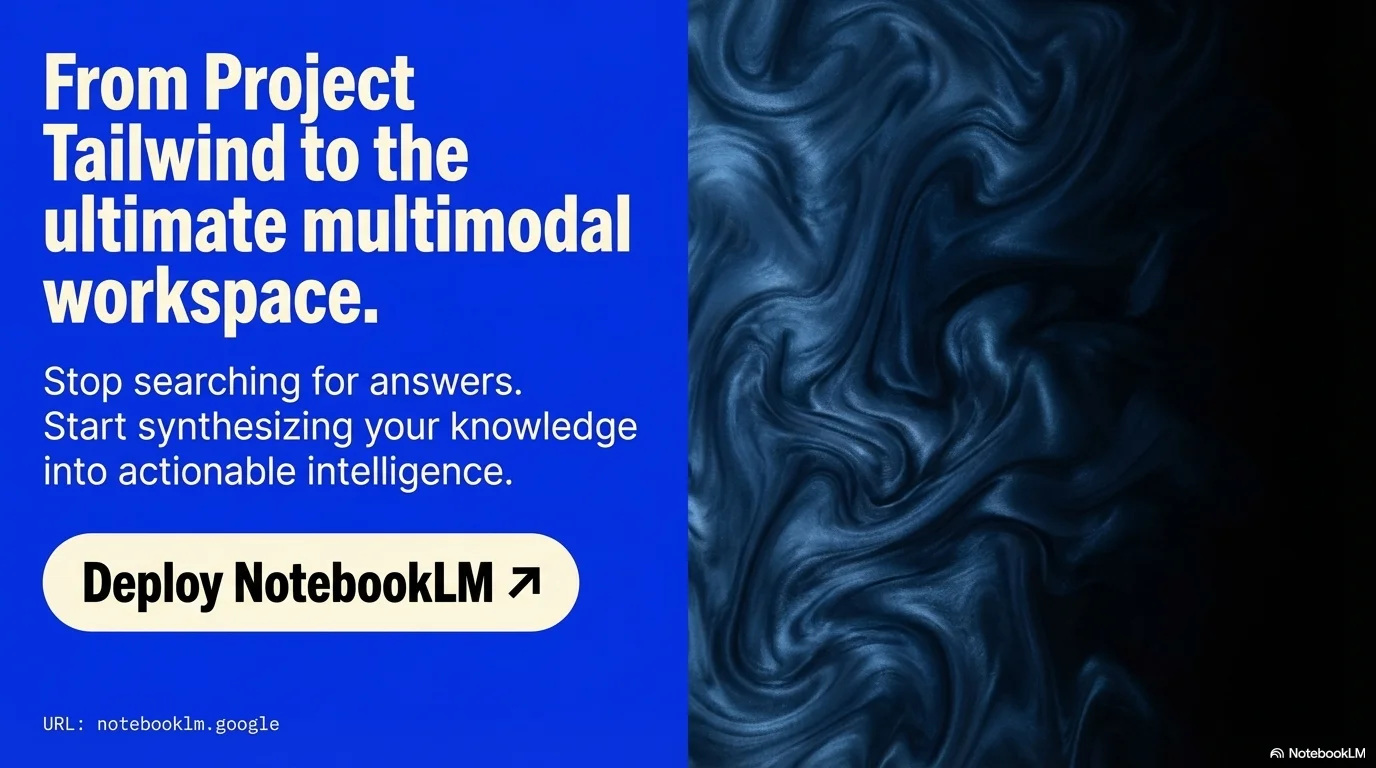
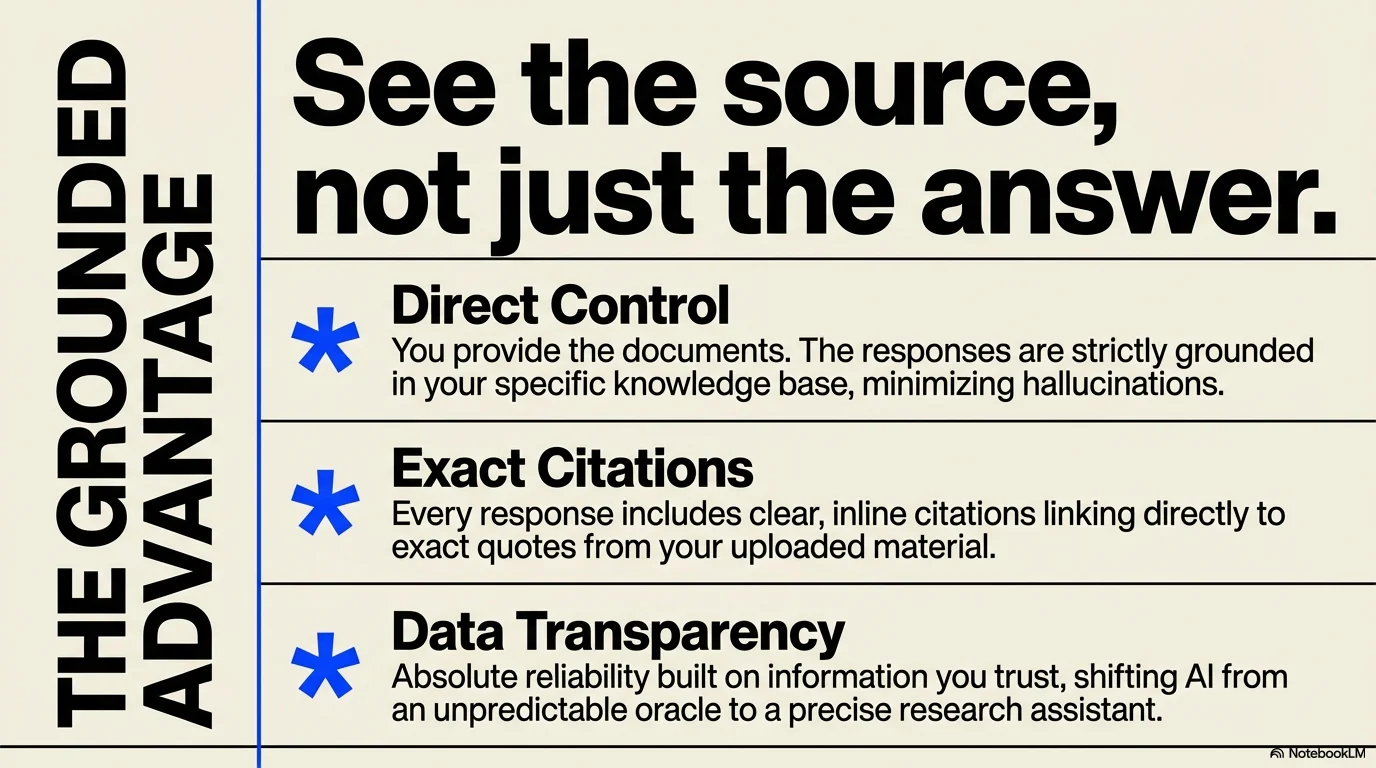
Bold editorial and Swiss-inspired design. High contrast between Electric Blue and Cream, featuring large brutalist typography, liquid organic textures, and iconic symbols like asterisks and plus signs.
Palette
- Primary
#2B59FF - Background
#FDF5E6 - Text
#000000
Typography
- primary heading
- Extra-bold brutalist sans-serif (e.g., Helvetica, Inter)
- secondary heading
- Bold sans-serif, often used vertically
- body text
- Clean sans-serif, high legibility
- accent mono
- Monospace for technical metadata (date, URL)
Key visual elements
- Electric Blue asterisks (*) and plus signs (+) as icons
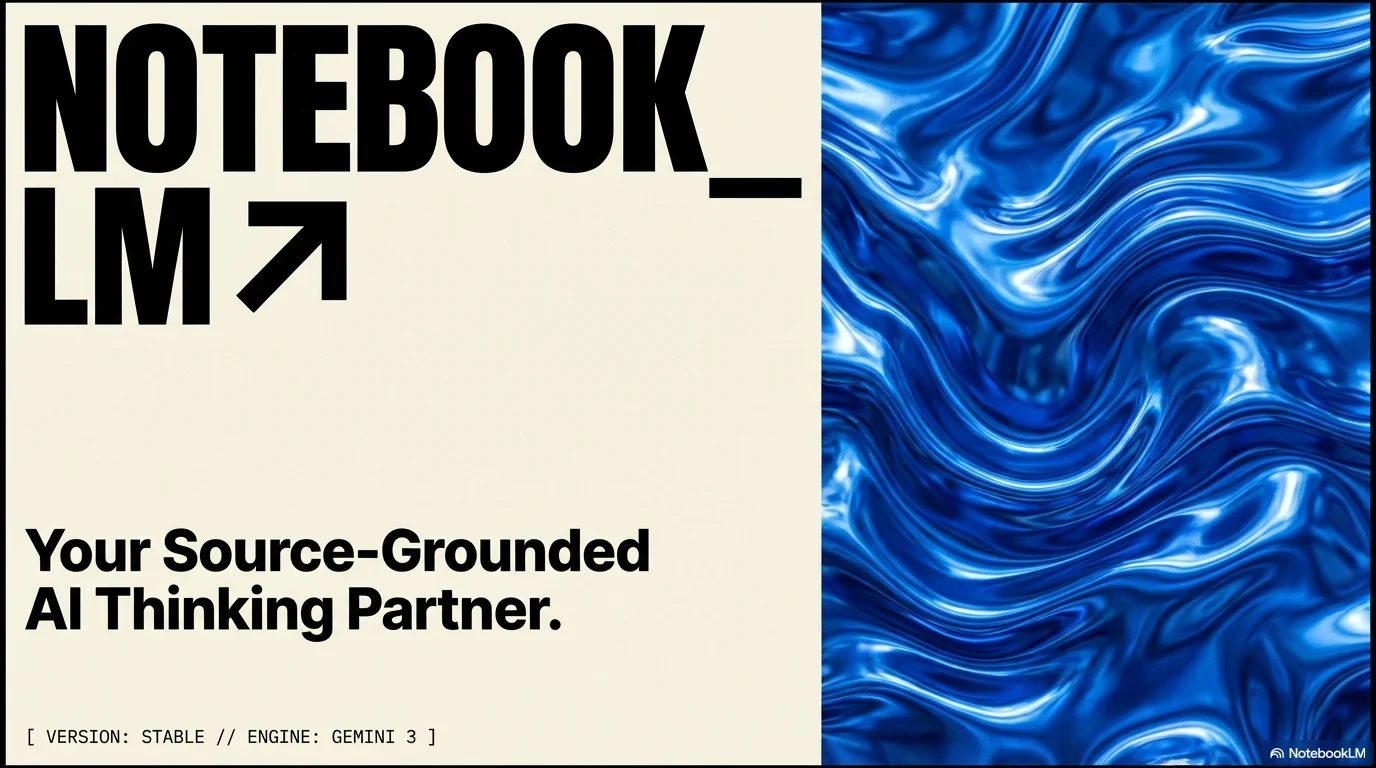
- Full-bleed liquid, rippled, or smoky textures in blue/black
- Split-screen layouts (Cream vs Solid Blue)
- Heavy pill-shaped buttons with thin blue outlines
- Polaroid-style frames for black & white or blue-tinted portraits
- Rightward-pointing arrows (↗) for navigation
YAML
design_system:
  global_style:
    theme: "Bold editorial and Swiss-inspired design. High contrast between Electric Blue and Cream, featuring large brutalist typography and liquid organic textures."
    typography:
      primary_heading: "Extra-bold brutalist sans-serif (e.g., Helvetica, Inter)"
      secondary_heading: "Bold sans-serif, often used vertically"
      body_text: "Clean sans-serif, high legibility"
      accent_mono: "Monospace for technical metadata (date, URL)"
    color_palette:
      primary_color: "#2B59FF"    # Electric Cobalt Blue
      background: "#FDF5E6"       # Soft Cream/Off-white
      text_main: "#000000"        # Pure Black for maximum contrast
      text_accent: "#2B59FF"      # Blue for secondary elements
    key_visual_elements:
      - "Electric Blue asterisks (*) and plus signs (+) as icons"
      - "Full-bleed liquid, rippled, or smoky textures in blue/black"
      - "Split-screen layouts (Cream vs Solid Blue)"
      - "Heavy pill-shaped buttons with thin blue outlines"
      - "Polaroid-style frames for black & white or blue-tinted portraits"
      - "Rightward-pointing arrows (↗) for navigation"

  image_generation_prompts:
    style_guidelines: "Blue-tinted editorial photography, high-contrast studio lighting, liquid macro textures, Swiss minimalist composition, electric blue and cream color grading, sharp focus, professional art gallery aesthetic."
    themes:
      - target: "Abstract Texture"
        prompt_elements: "Macro shot of blue metallic liquid ripples, high contrast, glossy finish, minimalist composition."

slide_layout_templates:
  - type: "Editorial_Split"
    usage: "Core sections or chapter starts"
    components:
      - "Layout: Split screen vertical"
      - "Left: Bold title on Cream background"
      - "Right: Electric blue liquid texture or high-contrast portrait"

  - type: "Vertical_Type_List"
    usage: "Detailed overviews or content lists"
    components:
      - "Layout: Large vertical title on the left margin"
      - "List: Items on the right with Electric Blue arrows (↗)"

  - type: "Modular_Brand_Focus"
    usage: "Presenting mission statements or brand pillars"
    components:
      - "Layout: Mixed modular grid"
      - "Visual: Heavy black typography on cream, accented with blue asterisks"




Connect & Share