Prime Noir
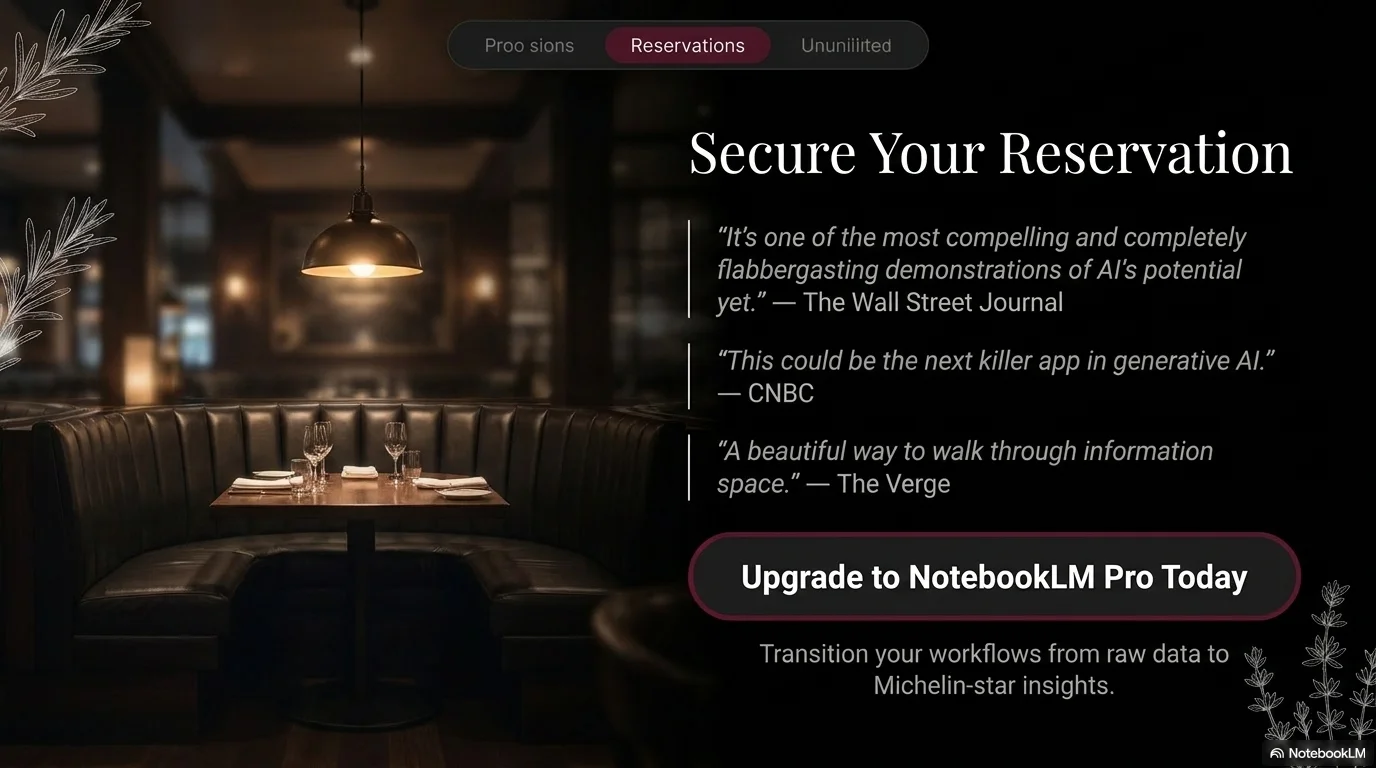
A dark and sophisticated culinary aesthetic designed for premium steakhouses, fine dining restaurants, and luxury food brands. It features a high-contrast serif for headings to convey tradition and excellence, paired with the modern DM Sans for clear information delivery. Characterized by a matte black background, deep burgundy accents, and delicate botanical illustrations, it creates a prestigious 'noir' dining experience.
Palette
- Background
#000000 - Text
#FFFFFF
Typography
- primary heading
- Cinzel, serif
- secondary heading
- Playfair Display, serif
- body text
- DM Sans, sans-serif
Key visual elements
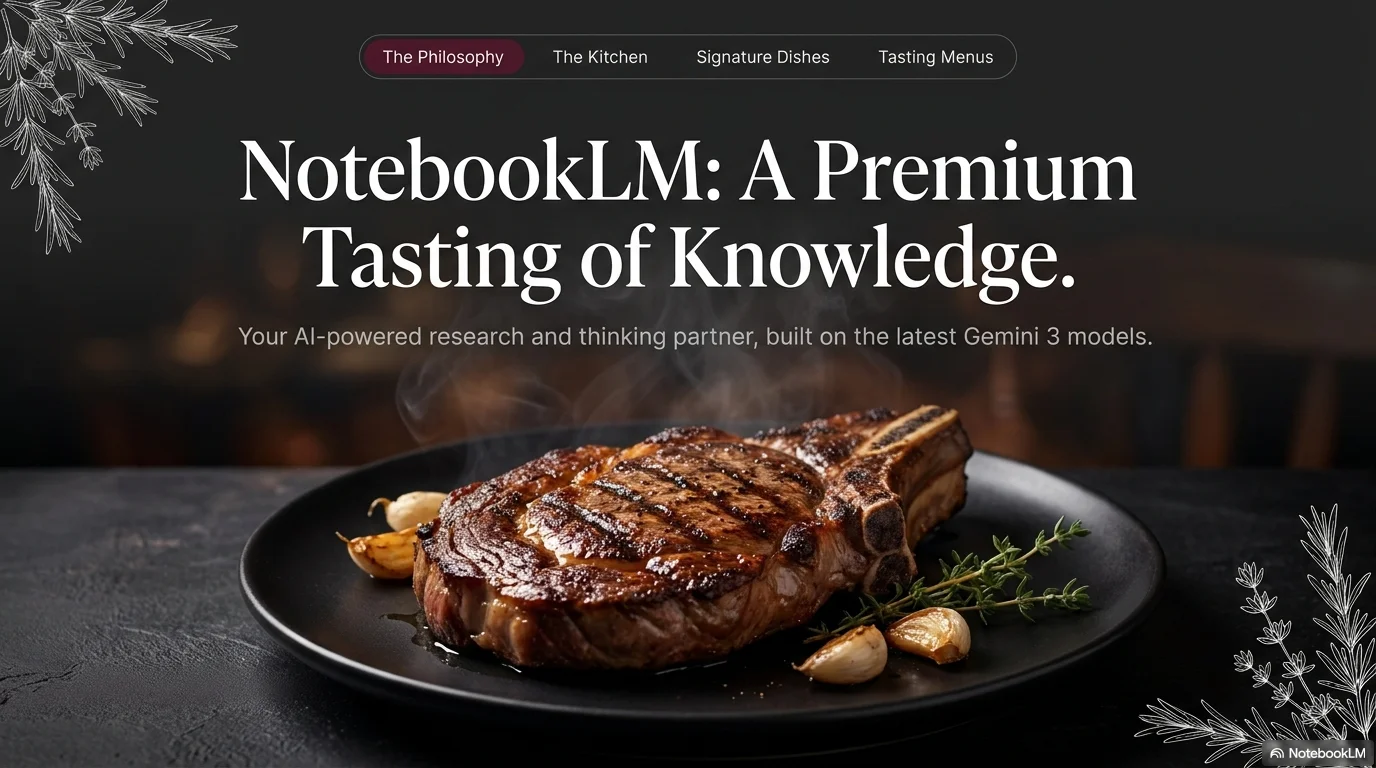
- White hand-drawn botanical illustrations (rosemary, leaves) in the corners
- Pill-shaped navigation bar with red highlights for active items
- Large, high-contrast serif titles for a prestigious feel
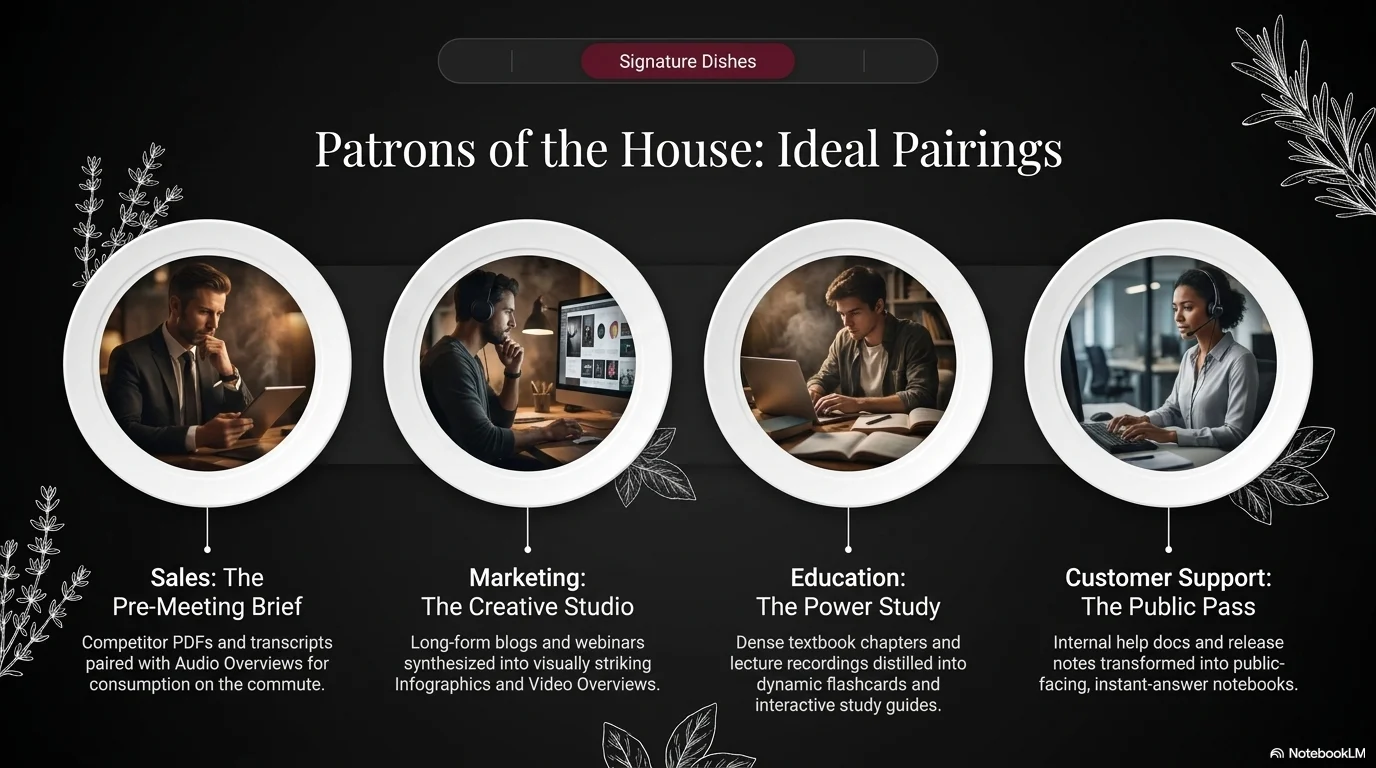
- Circular or rounded-rectangular image containers with thin borders
- Subtle dark gradients to add depth to the black background
YAML
description: "A dark and sophisticated culinary aesthetic designed for premium steakhouses, fine dining restaurants, and luxury food brands. It features a high-contrast serif for headings to convey tradition and excellence, paired with the modern DM Sans for clear information delivery. Characterized by a matte black background, deep burgundy accents, and delicate botanical illustrations, it creates a prestigious 'noir' dining experience."
design_system:
  global_style:
    theme: "Prime Noir. Sophisticated dark culinary design with burgundy and botanical accents."
    typography:
      primary_heading: "Cinzel, serif"
      secondary_heading: "Playfair Display, serif"
      body_text: "DM Sans, sans-serif"
    color_palette:
      primary: "#990000" # Deep Burgundy
      secondary: "#111111" # Matte Black Background
      background: "#000000" # Pure Black
      surface: "#1A1A1A" # Dark Charcoal Surface
      text_main: "#FFFFFF" # Pure White Text
      text_secondary: "#CCCCCC" # Light Grey Text
    key_visual_elements:
      - "White hand-drawn botanical illustrations (rosemary, leaves) in the corners"
      - "Pill-shaped navigation bar with red highlights for active items"
      - "Large, high-contrast serif titles for a prestigious feel"
      - "Circular or rounded-rectangular image containers with thin borders"
      - "Subtle dark gradients to add depth to the black background"

  image_generation_prompts:
    style_guidelines: "Fine dining food photography, low-key lighting, dark mood, steam rising from food, burgundy and charcoal palette, sharp focus, Prime Noir font aesthetic."
    themes:
      - target: "Signature Dish"
        prompt_elements: "A perfectly grilled steak on a black plate, rosemary garnish, dark moody lighting, steam, high-end restaurant photography, sharp and elegant."
      - target: "Restaurant Ambience"
        prompt_elements: "Interior of a luxury steakhouse, dim warm lighting, dark wood and leather textures, sophisticated and exclusive atmosphere."

slide_layout_templates:
  - type: "Steakhouse_Hero_Cover"
    usage: "Full-bleed food photo with a large Cinzel title centered and botanical corner accents"
  - type: "Noir_Menu_Category"
    usage: "Title on a deep burgundy highlight bar with a list of items in DM Sans below"
  - type: "Chef_Team_Circles"
    usage: "Round portraits of the team with thin white borders on a matte black background"
  - type: "Culinary_Values_Grid"
    usage: "Two-column layout with circular photos on one side and structured DM Sans text on the other"








Connect & Share