Editorial Essence
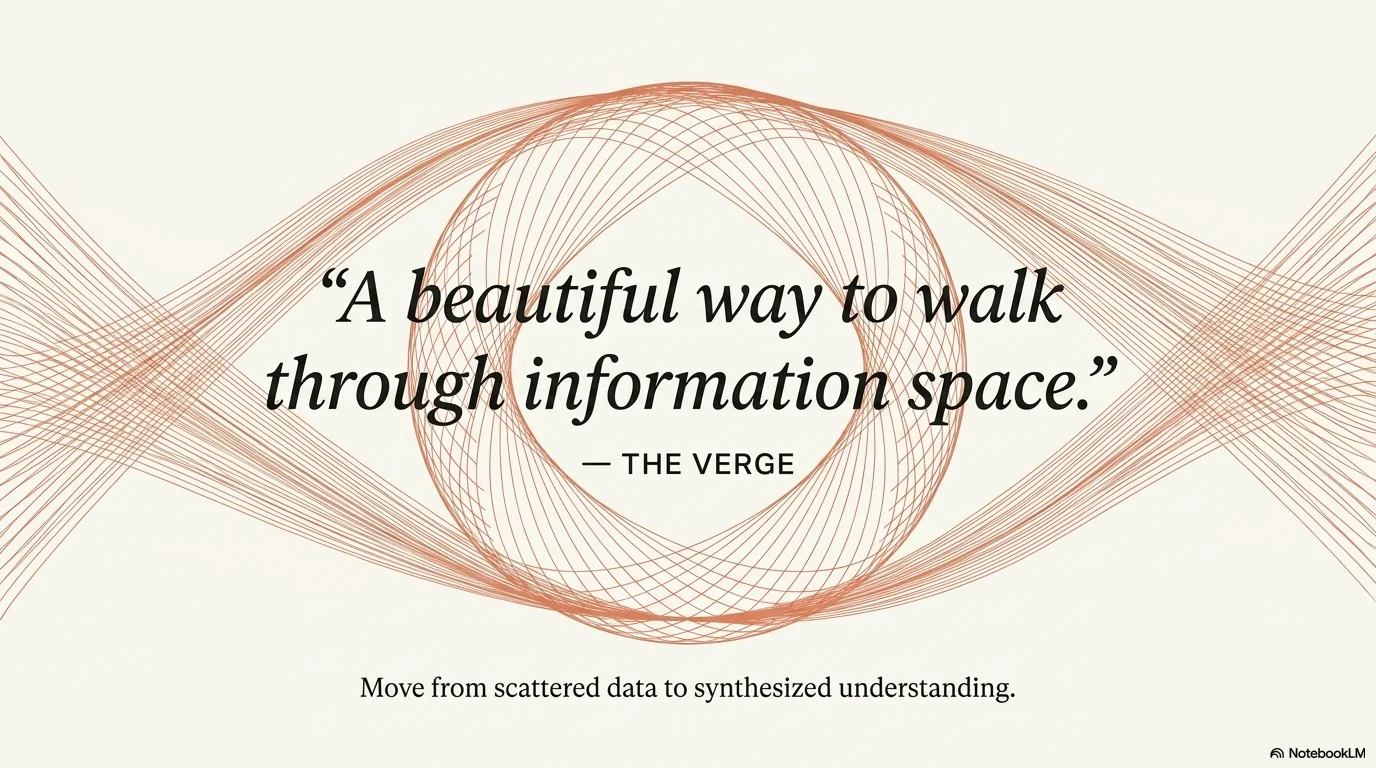
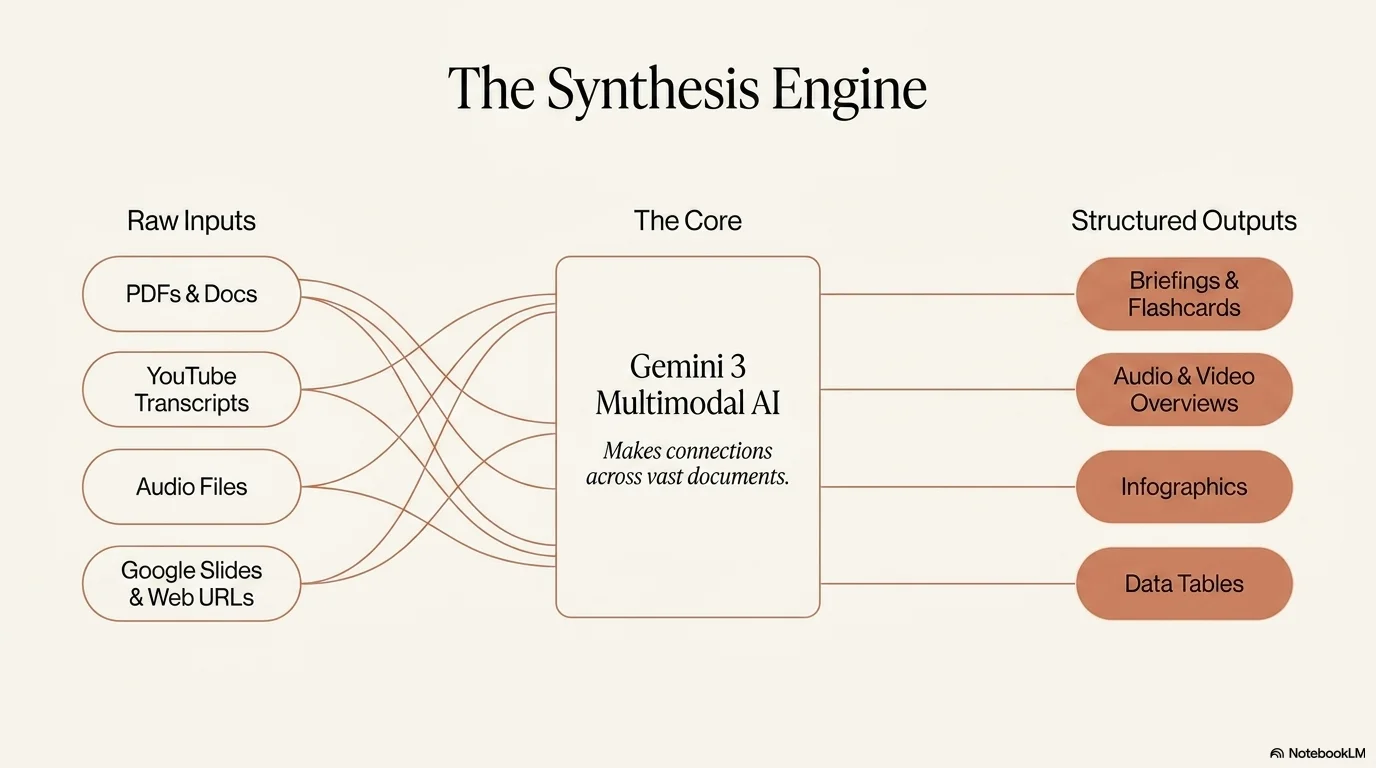
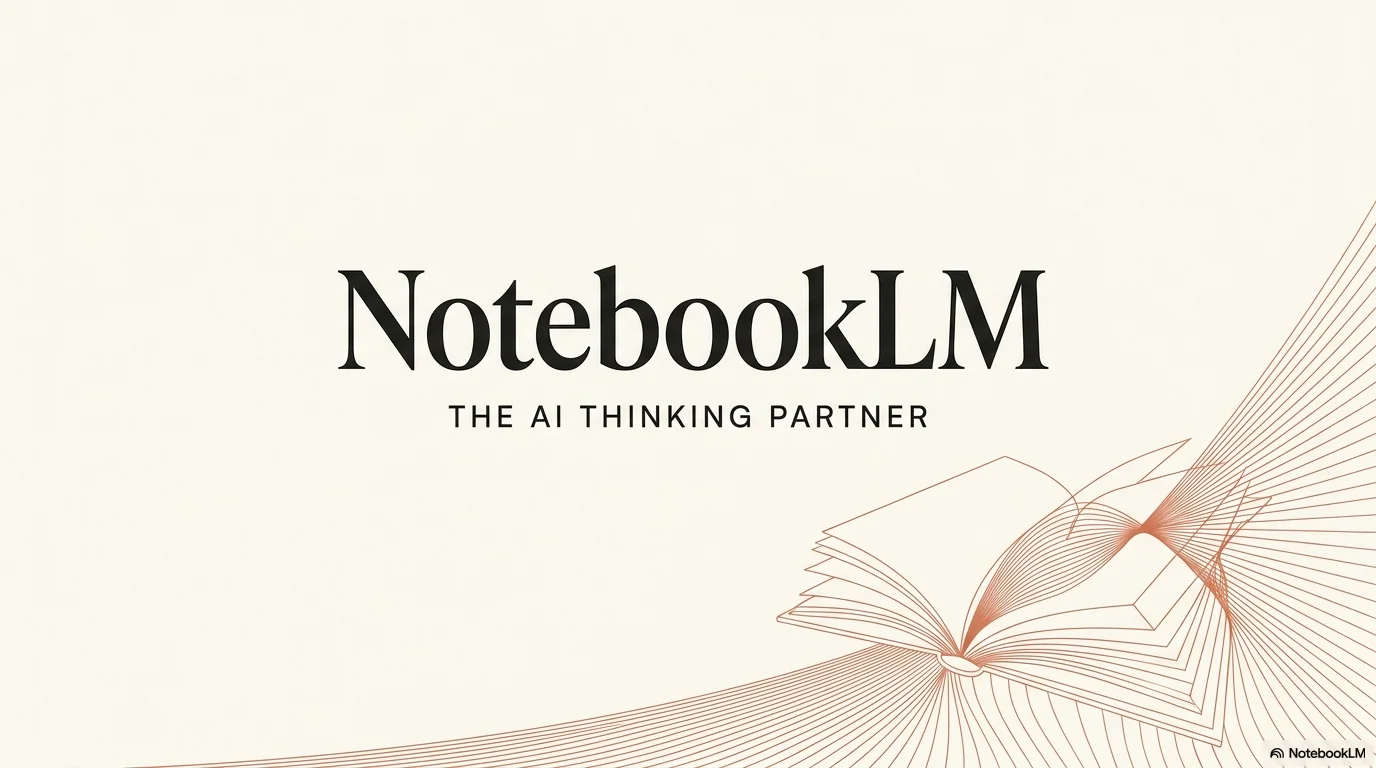
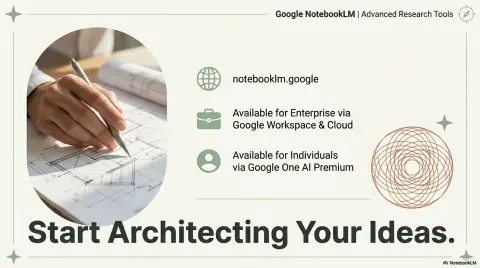
Sophisticated, editorial, and human-centric design language. It uses warm cream backgrounds, bold terracotta accents, and elegant serif typography to create a "book-like" presentation feel.
Palette
- Primary
#D97757 - Background
#FAF9F5 - Text
#141413
Typography
- primary heading
- Elegant serif (e.g., Lora, Playfair Display), bold
- secondary heading
- Clean sans-serif (e.g., Poppins, Inter), uppercase
- body text
- Refined serif (e.g., Lora), airy line-height
Key visual elements
- Generous whitespace (Editorial layout)
- Abstract geometric line art
- Pill-shaped labels
YAML
design_system:
  global_style:
    theme: "Minimalist, sophisticated, and human-centric. High-end editorial style using warm cream backgrounds and bold terracotta accents."
    typography:
      primary_heading: "Elegant serif (e.g., Lora, Playfair Display), bold"
      secondary_heading: "Clean sans-serif (e.g., Poppins, Inter), uppercase"
      body_text: "Refined serif (e.g., Lora), airy line-height"
    color_palette:
      primary_color: "#D97757"
      background: "#FAF9F5"
      text_main: "#141413"
    key_visual_elements:
      - "Generous whitespace (Editorial layout)"
      - "Abstract geometric line art"
      - "Pill-shaped labels"

  image_generation_prompts:
    style_guidelines: "Editorial photography style, warm natural lighting, high-end magazine aesthetic, minimalist cream background, terracotta accents, sophisticated vibe."
    themes:
      - target: "Abstract Connection"
        prompt_elements: "Minimalist geometric shapes, warm earth tones, fine line art, editorial layout, premium paper texture."

slide_layout_templates:
  - type: "Cover_Editorial"
    usage: "Main title slide with high-impact serif typography"
    components:
      - "Layout: Large centered title with generous top margin"
      - "Visual: Subtle terracotta line art at the bottom right"

  - type: "Split_Insight"
    usage: "40/60 text-image split for conceptual explanations"
    components:
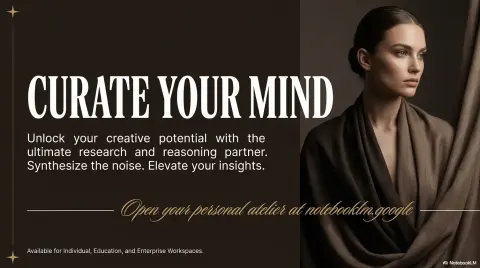
      - "Layout: Text on the left (terracotta subheadings), full-height editorial image on the right"




Connect & Share