Project Launch
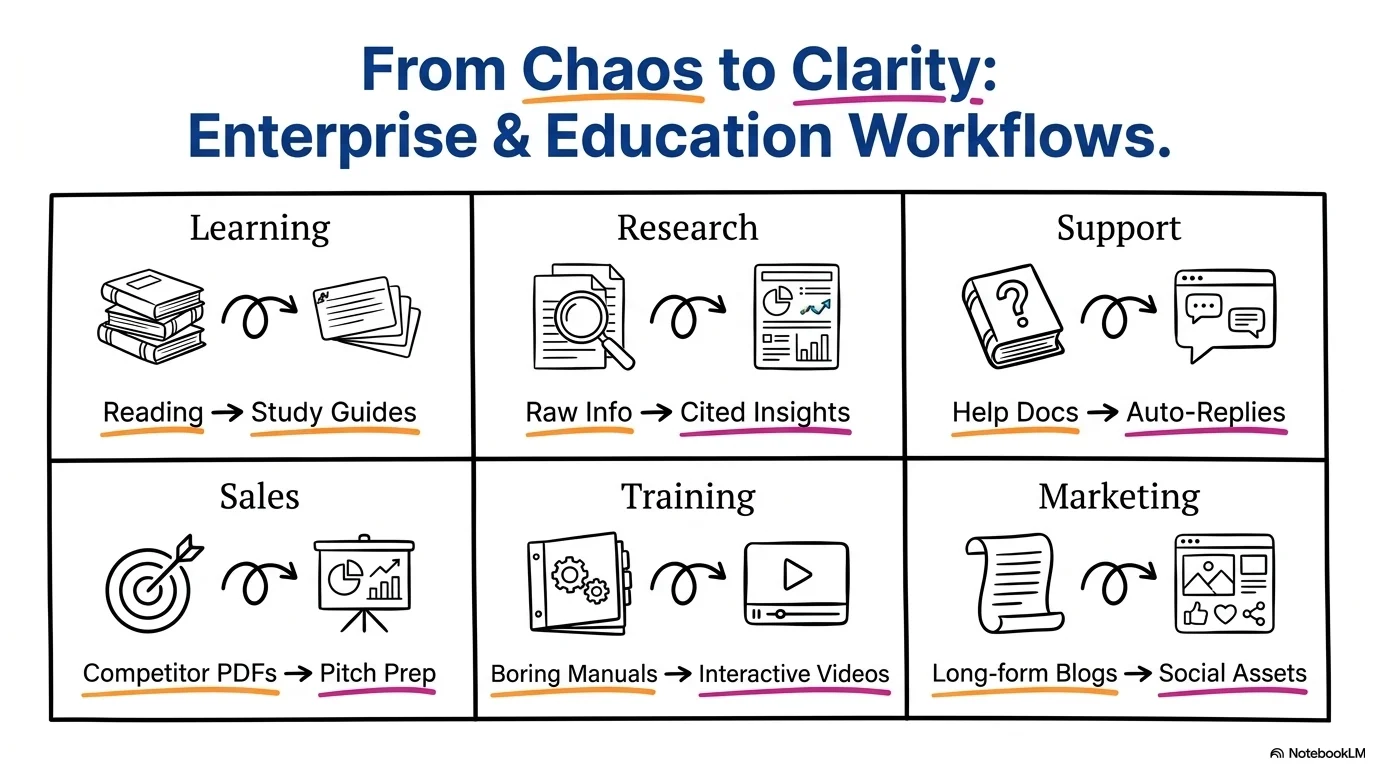
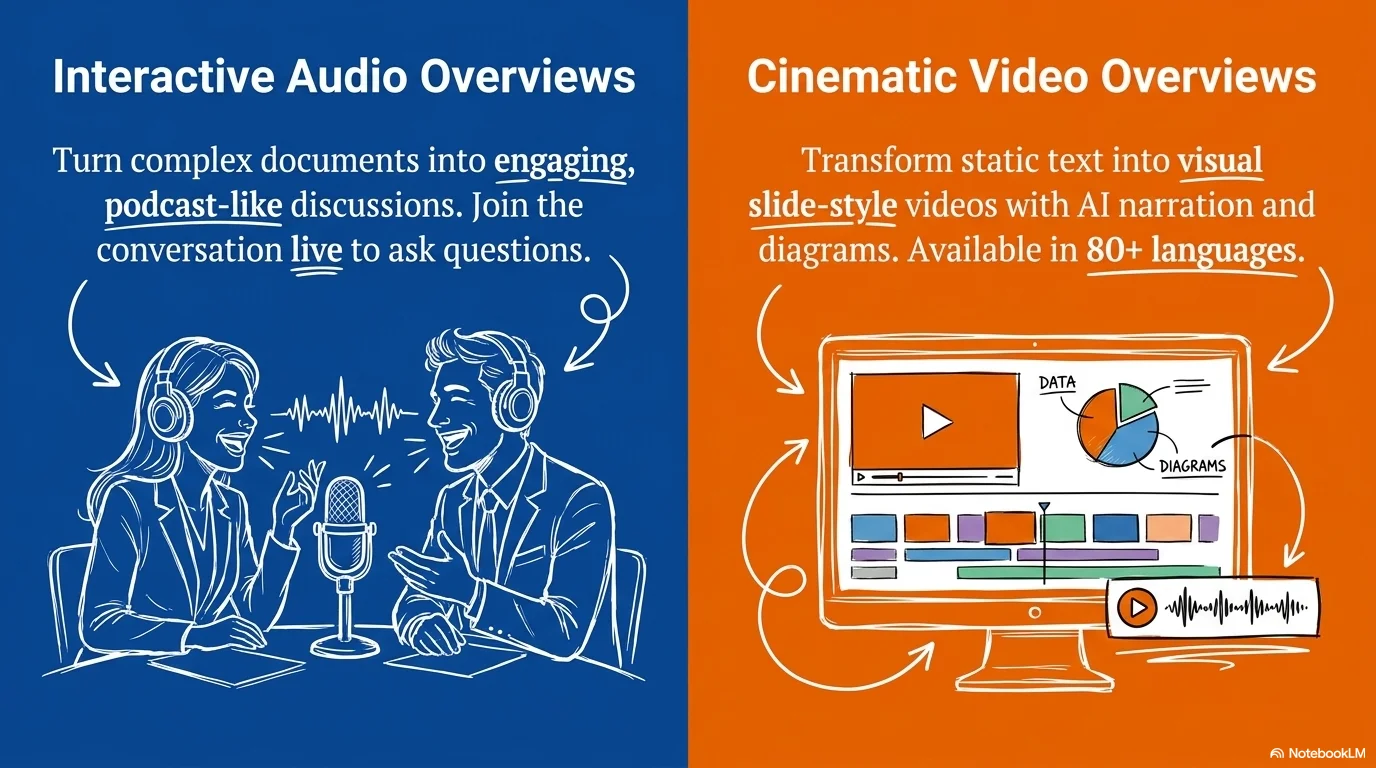
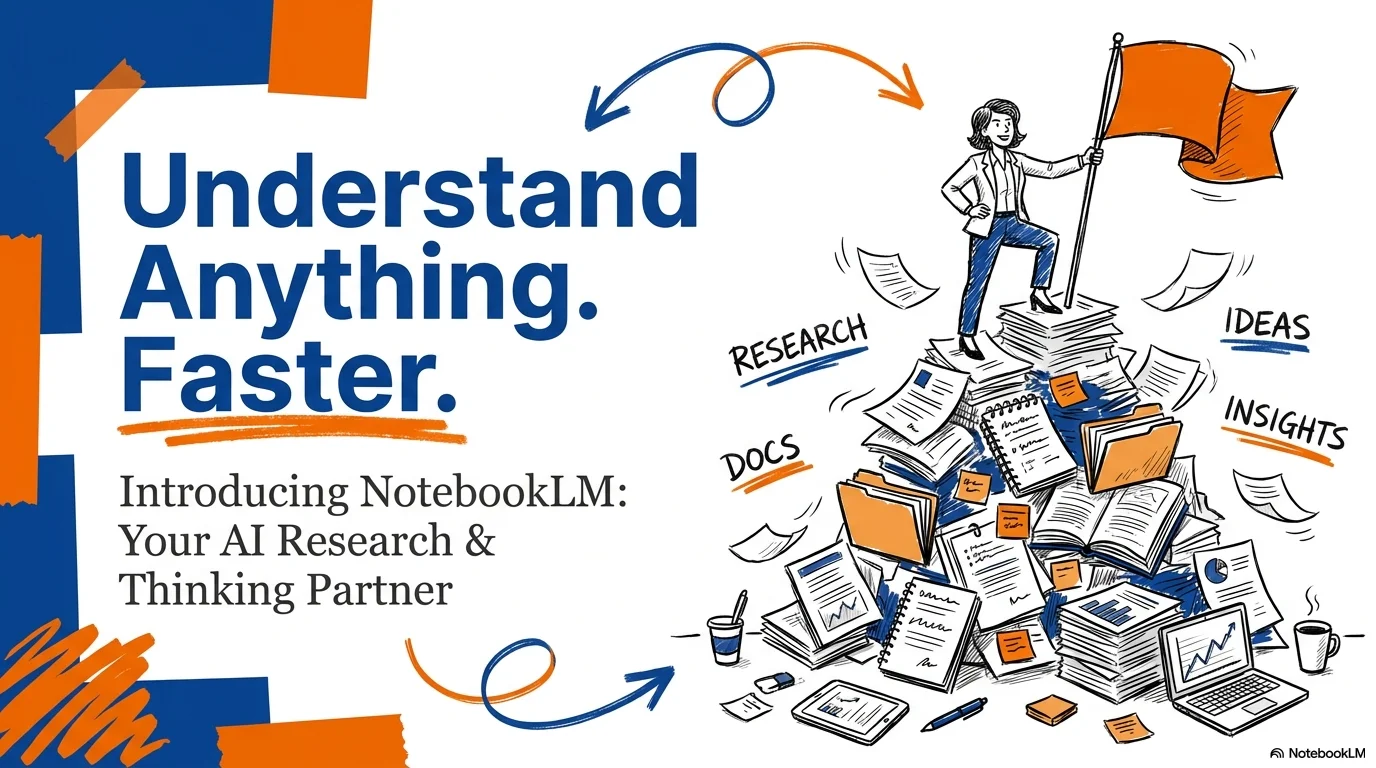
An energetic and professional aesthetic designed for tech launches, project kick-offs, and collaborative workshops. It pairs the elegant The Youngest serif with the bold Heading Now sans-serif. Characterized by high-contrast blocks of blue, orange, and magenta, it features sketchy, hand-drawn style illustrations of people and workspace elements to create a dynamic 'startup' atmosphere.
Palette
- Background
#FFFFFF - Text
#000000
Typography
- primary heading
- Heading Now, sans-serif
- secondary heading
- The Youngest, serif
- body text
- Heading Now, regular
Key visual elements
- Hand-drawn, sketchy illustrations of people shopping, meeting, or using devices
- Bold, solid color blocks used as backgrounds for key sections
- Roughly sketched underlines and highlights for emphasis
- Clean, high-contrast layouts with a 'whiteboard' or 'collaboration' feel
YAML
description: "An energetic and professional aesthetic designed for tech launches, project kick-offs, and collaborative workshops. It pairs the elegant The Youngest serif with the bold Heading Now sans-serif. Characterized by high-contrast blocks of blue, orange, and magenta, it features sketchy, hand-drawn style illustrations of people and workspace elements to create a dynamic 'startup' atmosphere."
design_system:
  global_style:
    theme: "Project Launch. Dynamic and collaborative design with bold colors and sketchy illustrations for tech teams."
    typography:
      primary_heading: "Heading Now, sans-serif"
      secondary_heading: "The Youngest, serif"
      body_text: "Heading Now, regular"
    color_palette:
      primary: "#0D47A1" # Deep Blue
      secondary: "#EF6C00" # Energetic Orange
      background: "#FFFFFF" # White Background
      surface: "#F06292" # Magenta Accents
      text_main: "#000000" # Solid Black
      text_secondary: "#FFFFFF" # White for text on dark blocks
    key_visual_elements:
      - "Hand-drawn, sketchy illustrations of people shopping, meeting, or using devices"
      - "Bold, solid color blocks used as backgrounds for key sections"
      - "Roughly sketched underlines and highlights for emphasis"
      - "Clean, high-contrast layouts with a 'whiteboard' or 'collaboration' feel"

  image_generation_prompts:
    style_guidelines: "Sketchy hand-drawn illustrations of professionals, bold color blocks in blue and orange, high-contrast whiteboard style, Heading Now and The Youngest font vibe, energetic startup atmosphere."
    themes:
      - target: "Project Goal"
        prompt_elements: "A sketchy illustration of a person placing a flag on a mountain, bold orange background block, clean white lines."
      - target: "Team Collaboration"
        prompt_elements: "Two people in a hand-drawn style brainstorming at a table, vibrant blue accents, modern and sketchy look."

slide_layout_templates:
  - type: "Launch_Cover"
    usage: "Large blue Heading Now title on white with a sketchy scene and orange highlights"
  - type: "Bold_Block_Stat"
    usage: "A solid magenta or blue block containing a large white number or key achievement"
  - type: "Sketchy_Process_Map"
    usage: "A slide where steps are connected by hand-drawn arrows and doodle-style icons"
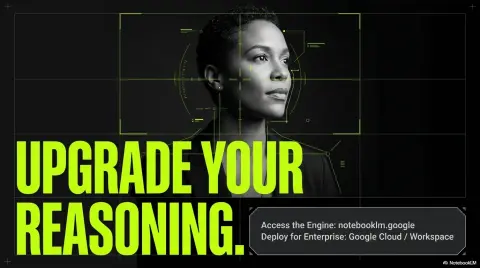
  - type: "Contact_Orange"
    usage: "Full orange background with white text and a sketchy illustration of someone holding a phone"




Connect & Share