Tech Pitch
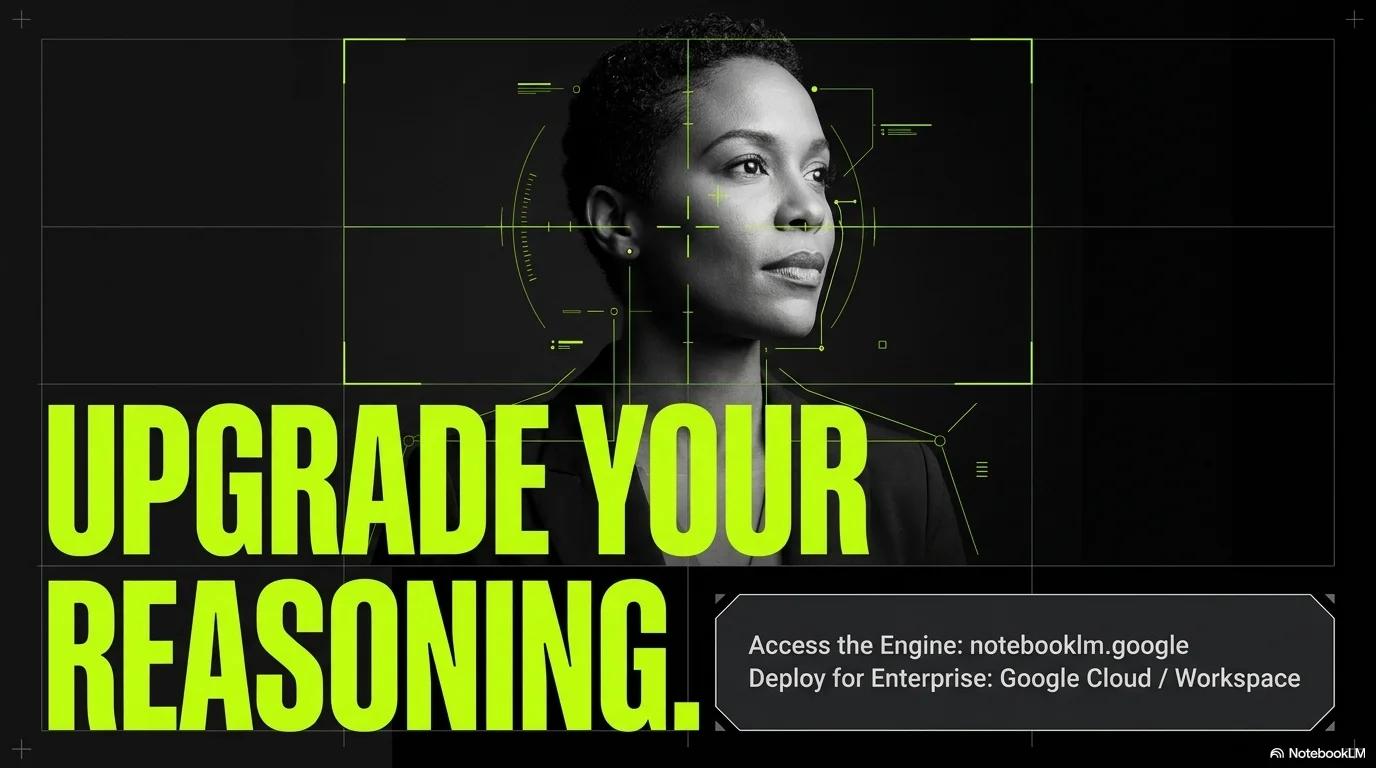
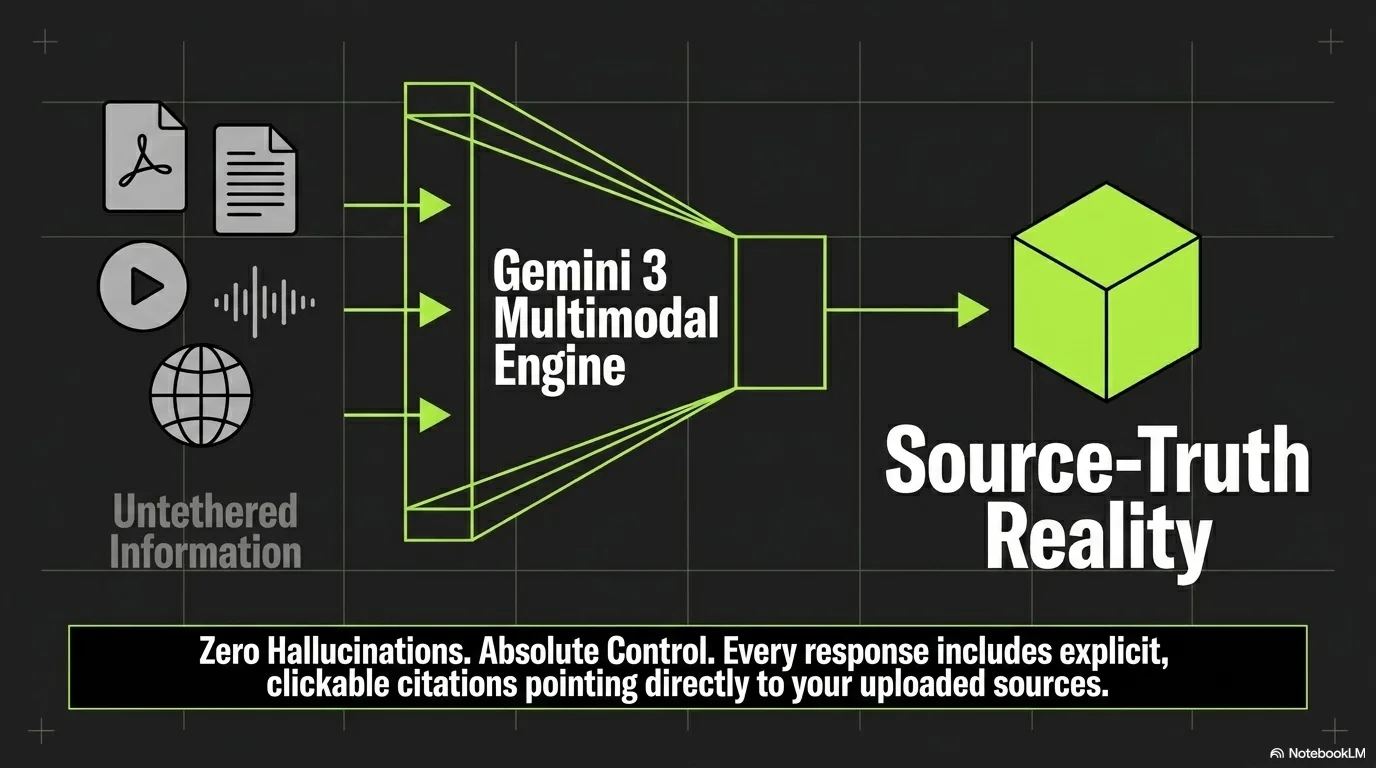
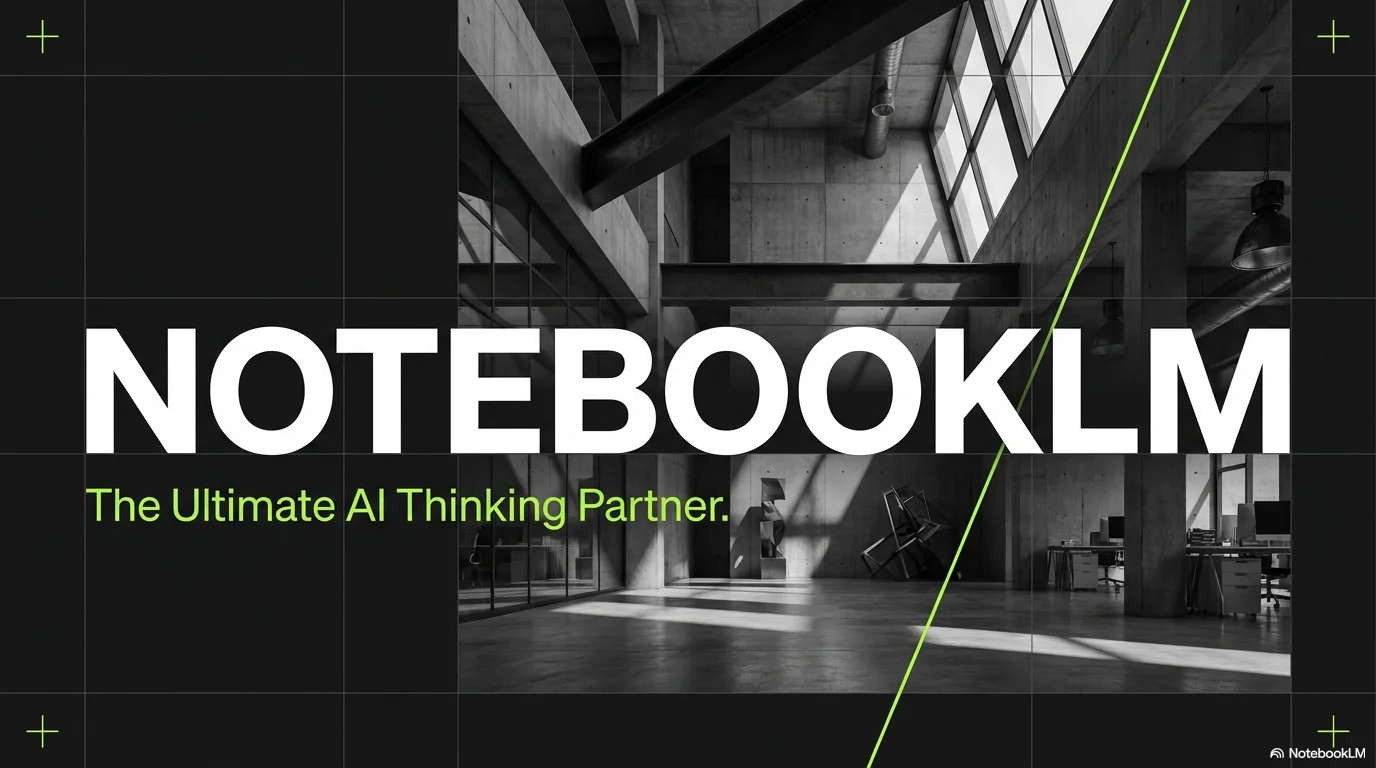
A high-energy and futuristic pitch deck aesthetic designed for tech startups, innovation hubs, and venture capital presentations. It features the bold and technical Open Sauce typeface for maximum impact and modern clarity. Characterized by a matte black background, vibrant neon lime green accents, and grayscale photography, it utilizes sharp geometric lines, minimalist charts, and punchy typography to create a powerful and forward-thinking visual presence.
Palette
- Background
#000000 - Text
#FFFFFF
Typography
- primary heading
- Open Sauce, bold
- secondary heading
- Open Sauce, medium
- body text
- Open Sauce, regular
Key visual elements
- Neon green diagonal arrows and geometric progress indicators
- Thin chart lines and data visualization elements in neon lime
- Grayscale (black and white) professional photography with high contrast
- Massive, punchy titles that dominate the layout
- Minimalist 'plus' or 'target' symbols as background decorative elements
YAML
description: "A high-energy and futuristic pitch deck aesthetic designed for tech startups, innovation hubs, and venture capital presentations. It features the bold and technical Open Sauce typeface for maximum impact and modern clarity. Characterized by a matte black background, vibrant neon lime green accents, and grayscale photography, it utilizes sharp geometric lines, minimalist charts, and punchy typography to create a powerful and forward-thinking visual presence."
design_system:
  global_style:
    theme: "Tech Pitch. High-contrast startup design with neon green tech accents."
    typography:
      primary_heading: "Open Sauce, bold"
      secondary_heading: "Open Sauce, medium"
      body_text: "Open Sauce, regular"
    color_palette:
      primary: "#C0FF00" # Neon Lime / Cyber Green
      secondary: "#121212" # Matte Black Background
      background: "#000000" # Pure Black
      surface: "#1E1E1E" # Dark Charcoal Surface
      text_main: "#FFFFFF" # Pure White Text
      text_secondary: "#A0A0A0" # Muted Grayscale Text
    key_visual_elements:
      - "Neon green diagonal arrows and geometric progress indicators"
      - "Thin chart lines and data visualization elements in neon lime"
      - "Grayscale (black and white) professional photography with high contrast"
      - "Massive, punchy titles that dominate the layout"
      - "Minimalist 'plus' or 'target' symbols as background decorative elements"

  image_generation_prompts:
    style_guidelines: "Futuristic tech environments, high-contrast industrial spaces, grayscale photography with neon lime highlights, sharp geometric lines, Open Sauce font vibe, energetic startup aesthetic."
    themes:
      - target: "Global Opportunity"
        prompt_elements: "A futuristic world map represented by glowing dots on a black background, neon green data lines, high-tech and sharp."
      - target: "Innovation Team"
        prompt_elements: "Black and white portrait of a modern tech team in a minimalist office, high contrast, neon lime geometric overlays, professional and energetic."

slide_layout_templates:
  - type: "Neon_Pitch_Title"
    usage: "Large Open Sauce title in neon green on a pure black background with a grayscale architectural photo"
  - type: "Growth_Chart_Dynamic"
    usage: "A clean line graph in neon green showing upward movement on a matte black grid"
  - type: "Impact_Stats_Bold"
    usage: "Huge white numbers with neon green unit labels (e.g., '$4.5 T') and grayscale icons"
  - type: "Call_To_Action_Cyber"
    usage: "Massive neon green 'THANK YOU' text with small white contact details in a grid below"




Connect & Share