Prismatic Tech
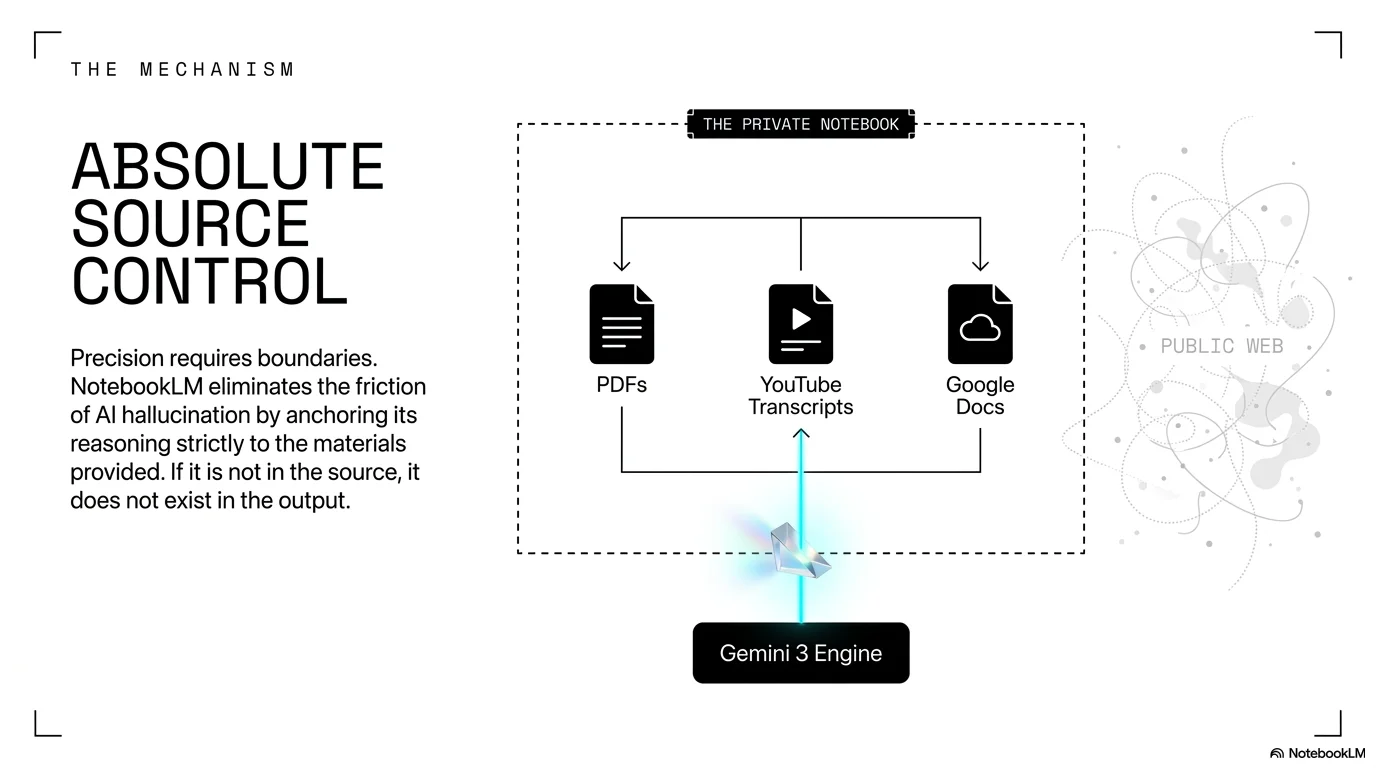
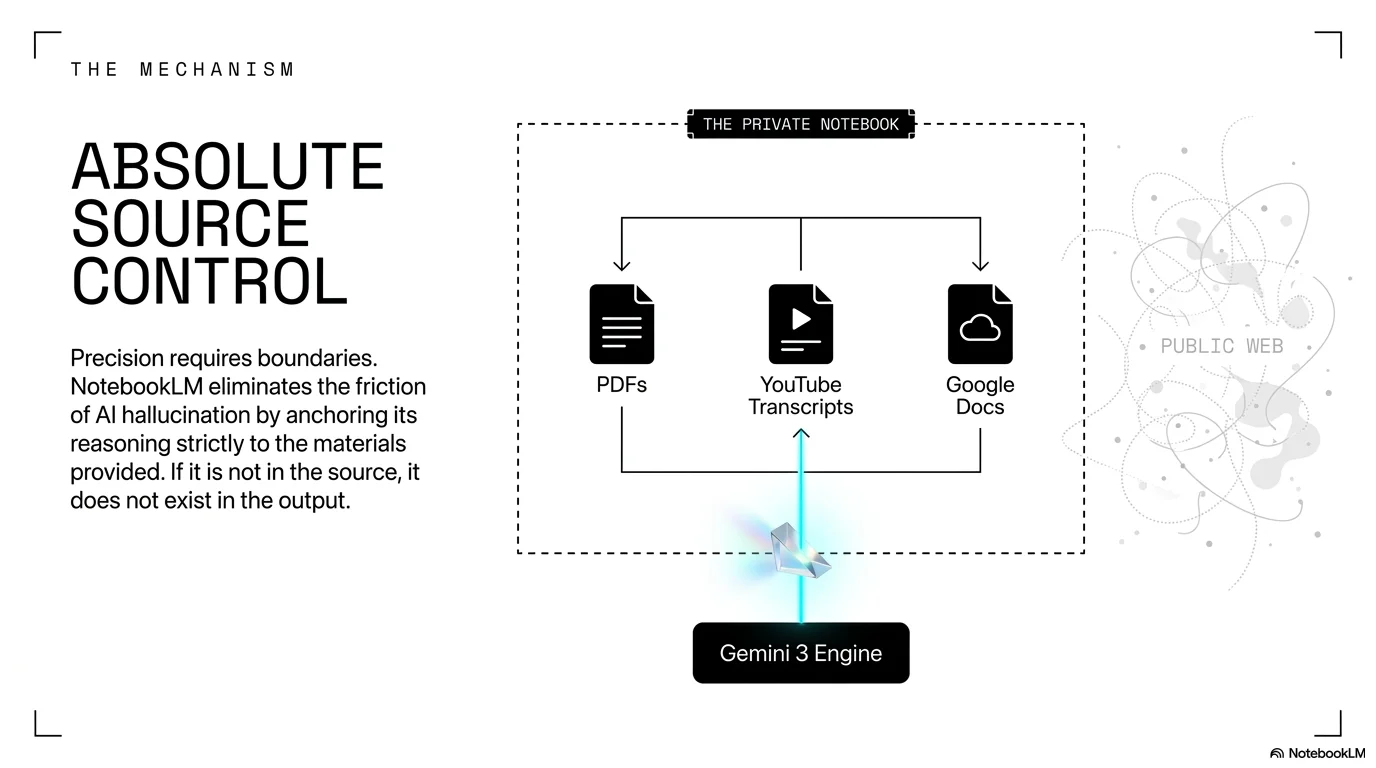
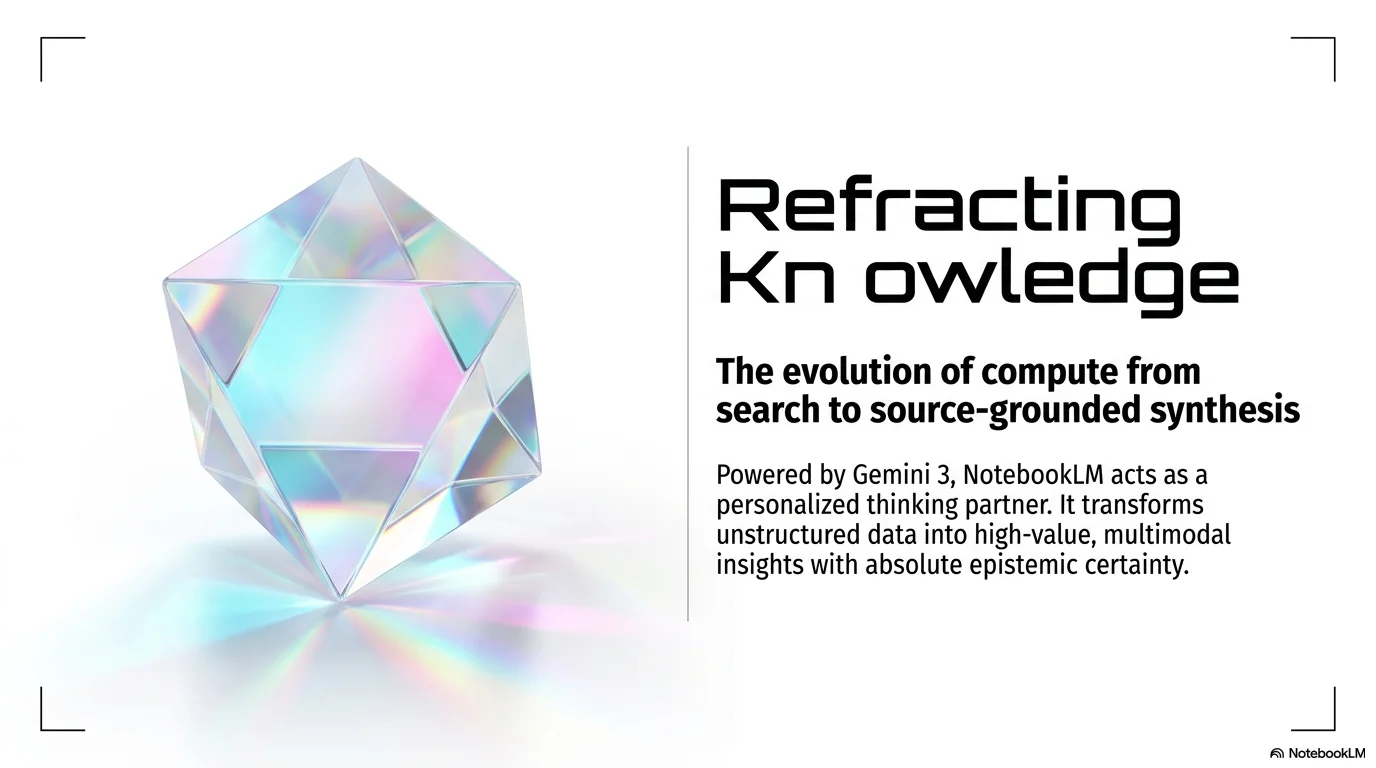
An ultra-clean and futuristic aesthetic designed for high-tech product launches, software architecture, and innovation-focused presentations. It features the wide and impactful Agrandir Extended typeface for titles, paired with the regular Agrandir for clarity. Characterized by a pure white background with prismatic and holographic accents, it utilizes 3D iridescent crystal illustrations, thin technical UI lines, and crop mark corners to create a sophisticated, high-performance visual experience.
Palette
- Background
#F5F5F5 - Text
#000000
Typography
- primary heading
- Agrandir Extended, bold
- secondary heading
- Agrandir, bold
- body text
- Agrandir, regular
Key visual elements
- 3D floating holographic crystals and iridescent glass prisms
- Thin technical lines and grid-like UI borders
- Minimalist crop marks in the corners (L-shapes)
- Iridescent gradients reflecting cyan, magenta, and yellow
- Wide typography with generous letter spacing in headings
YAML
description: "An ultra-clean and futuristic aesthetic designed for high-tech product launches, software architecture, and innovation-focused presentations. It features the wide and impactful Agrandir Extended typeface for titles, paired with the regular Agrandir for clarity. Characterized by a pure white background with prismatic and holographic accents, it utilizes 3D iridescent crystal illustrations, thin technical UI lines, and crop mark corners to create a sophisticated, high-performance visual experience."
design_system:
  global_style:
    theme: "Prismatic Tech. Minimalist holographic design with white backgrounds and iridescent crystals."
    typography:
      primary_heading: "Agrandir Extended, bold"
      secondary_heading: "Agrandir, bold"
      body_text: "Agrandir, regular"
    color_palette:
      primary: "#000000" # Black Text
      secondary: "#00FFFF" # Holographic Cyan
      background: "#F5F5F5" # Near-White
      surface: "#FFFFFF" # Pure White
      accent: "#FF00FF" # Holographic Magenta
      text_main: "#000000" # Solid Black
      text_secondary: "#424242" # Dark Gray
    key_visual_elements:
      - "3D floating holographic crystals and iridescent glass prisms"
      - "Thin technical lines and grid-like UI borders"
      - "Minimalist crop marks in the corners (L-shapes)"
      - "Iridescent gradients reflecting cyan, magenta, and yellow"
      - "Wide typography with generous letter spacing in headings"

  image_generation_prompts:
    style_guidelines: "A floating iridescent 3D crystal prism on a pure white background, soft rainbow reflections, minimalist technical lines, high-end tech aesthetic, Agrandir font vibe."
    themes:
      - target: "Future Technology"
        prompt_elements: "Close up of an iridescent glass device, prismatic light leaks, white minimalist environment, clean and sharp, futuristic."
      - target: "Holographic Interface"
        prompt_elements: "Minimalist UI elements floating in a white space with holographic glow, thin lines, sophisticated and professional."

slide_layout_templates:
  - type: "Prismatic_Hero_Cover"
    usage: "Large holographic crystal in the center with a bold black Agrandir Extended title and corner crop marks"
  - type: "Tech_Evolution_Grid"
    usage: "Clean white layout with iridescent floating cubes and thin technical separators"
  - type: "Communication_Revolution_Card"
    usage: "Landscape iridescent glass panel with black text and technical annotations"
  - type: "Prismatic_Thank_You"
    usage: "Centered text on a white background with two prismatic crystals flanking the 'Thank You' message"






Connect & Share