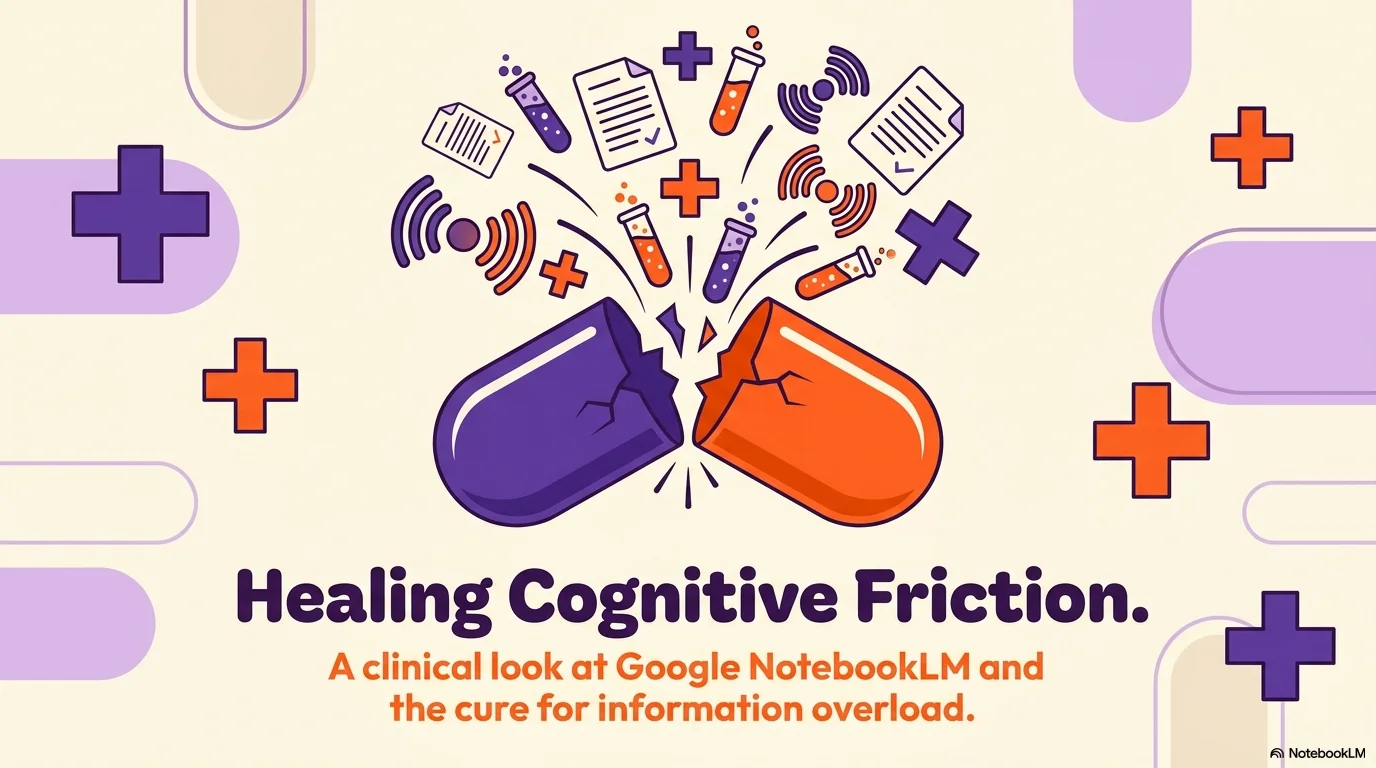
Medicine Pop
A vibrant and high-energy medical aesthetic inspired by pop-art and modern vector illustrations. It features the bold Luktao typeface, a striking palette of deep purple, lavender, and energetic orange over a soft cream background. Characterized by playful medical icons and colorful 'plus' symbols, it brings a fresh and optimistic approach to healthcare data.


Palette
- Background
#FFFBF0 - Text
#2D0A4E
Typography
- primary heading
- Luktao, sans-serif
- secondary heading
- Luktao, regular
- body text
- Poppins, medium
Key visual elements
- Vibrant flat illustrations of medical objects (pills, monitors, etc.)
- Large colorful 'plus' icons (+) scattered as accents
- Bold, saturated color blocks for data and charts
- Playful and rounded layout shapes
YAML
description: "A vibrant and high-energy medical aesthetic inspired by pop-art and modern vector illustrations. It features the bold Luktao typeface, a striking palette of deep purple, lavender, and energetic orange over a soft cream background. Characterized by playful medical icons and colorful 'plus' symbols, it brings a fresh and optimistic approach to healthcare data."
design_system:
  global_style:
    theme: "Medicine Pop. High-energy medical illustration style with vibrant purple and orange tones."
    typography:
      primary_heading: "Luktao, sans-serif"
      secondary_heading: "Luktao, regular"
      body_text: "Poppins, medium" # Complemented with Poppins for body readability
    color_palette:
      primary: "#5B10A3" # Deep Purple
      secondary: "#FFAD33" # Energy Orange
      background: "#FFFBF0" # Soft Cream
      surface: "#F3E8FF" # Lavender Surface
      text_main: "#2D0A4E"
      text_secondary: "#5B10A3"
    key_visual_elements:
      - "Vibrant flat illustrations of medical objects (pills, monitors, etc.)"
      - "Large colorful 'plus' icons (+) scattered as accents"
      - "Bold, saturated color blocks for data and charts"
      - "Playful and rounded layout shapes"

  image_generation_prompts:
    style_guidelines: "Vibrant vector illustration, pop-art medical style, saturated colors (purple, orange), soft cream background, playful characters and objects, clean bold lines, Luktao font vibe."
    themes:
      - target: "Medical Statistics"
        prompt_elements: "Colorful bar charts and icons, medical icons (heart, pill), vibrant purple and orange palette, energetic aesthetic."
      - target: "Innovative Lab"
        prompt_elements: "A laboratory with colorful test tubes and purple lighting, pop-art style illustration, vibrant and modern atmosphere."

slide_layout_templates:
  - type: "Pop_Medical_Cover"
    usage: "Large title on cream background surrounded by colorful medical doodles and orange crosses"
  - type: "Vibrant_Statistics"
    usage: "Full purple background slide with white cards for high-contrast data visualization"
  - type: "Timeline_Pop"
    usage: "A thick purple vertical line with orange markers and colorful icons for each milestone"
  - type: "Team_Doodles"
    usage: "Round portraits with thick colorful borders and name labels in Luktao font"





Connect & Share