Science Sketch
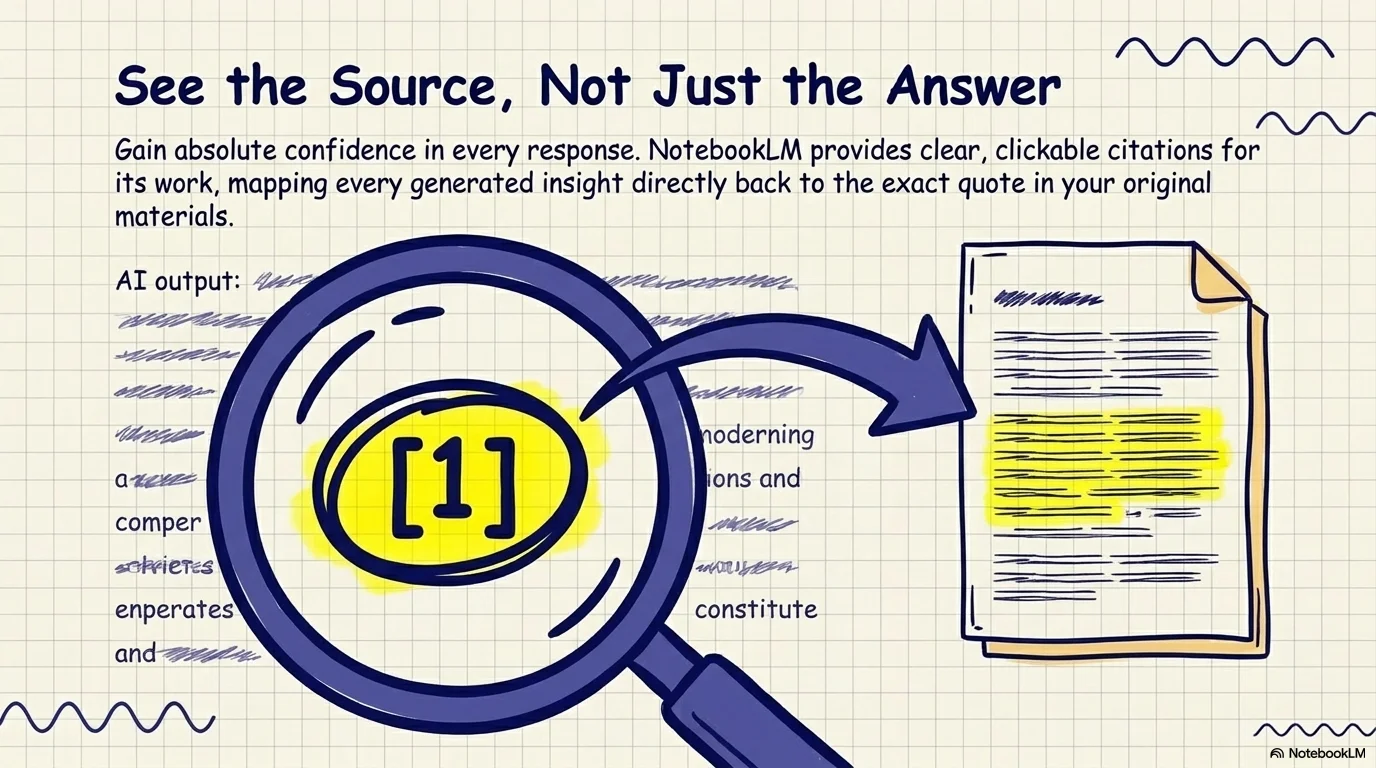
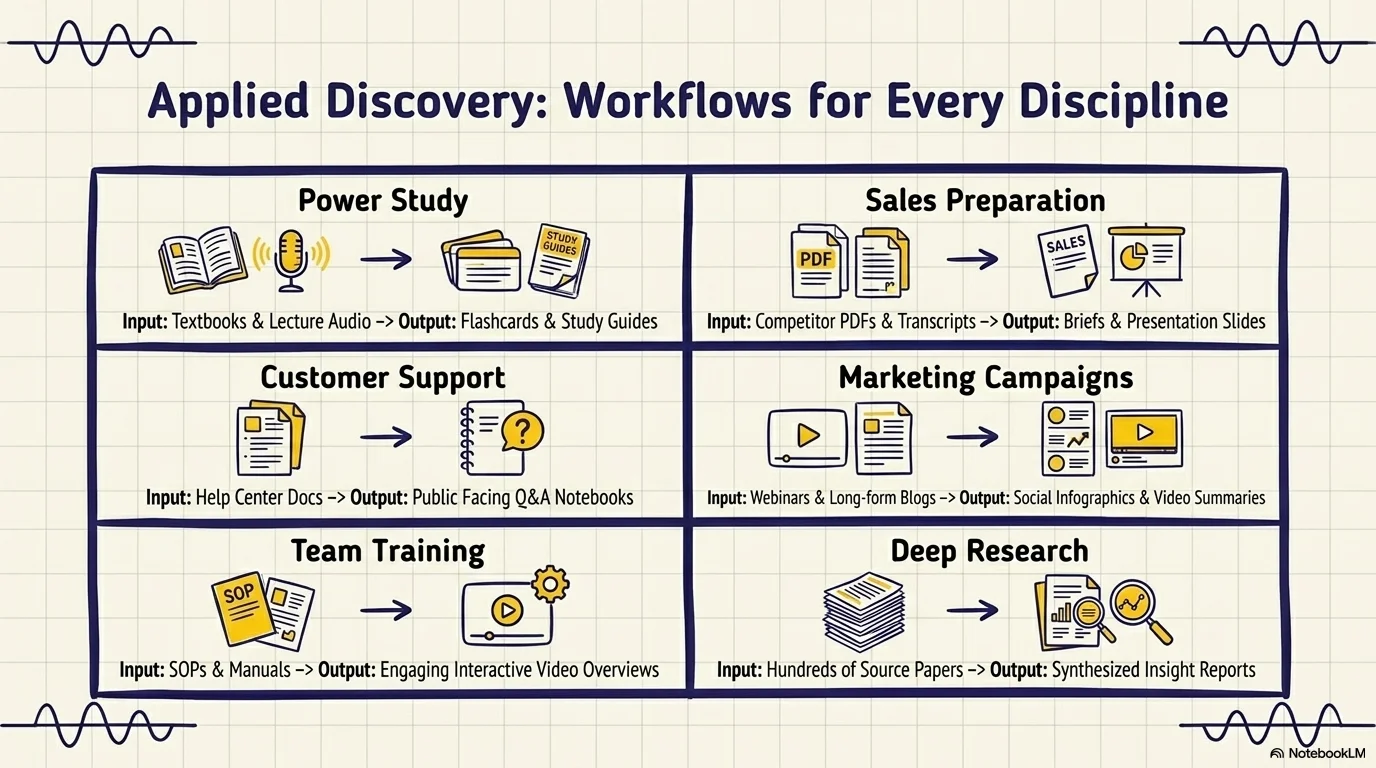
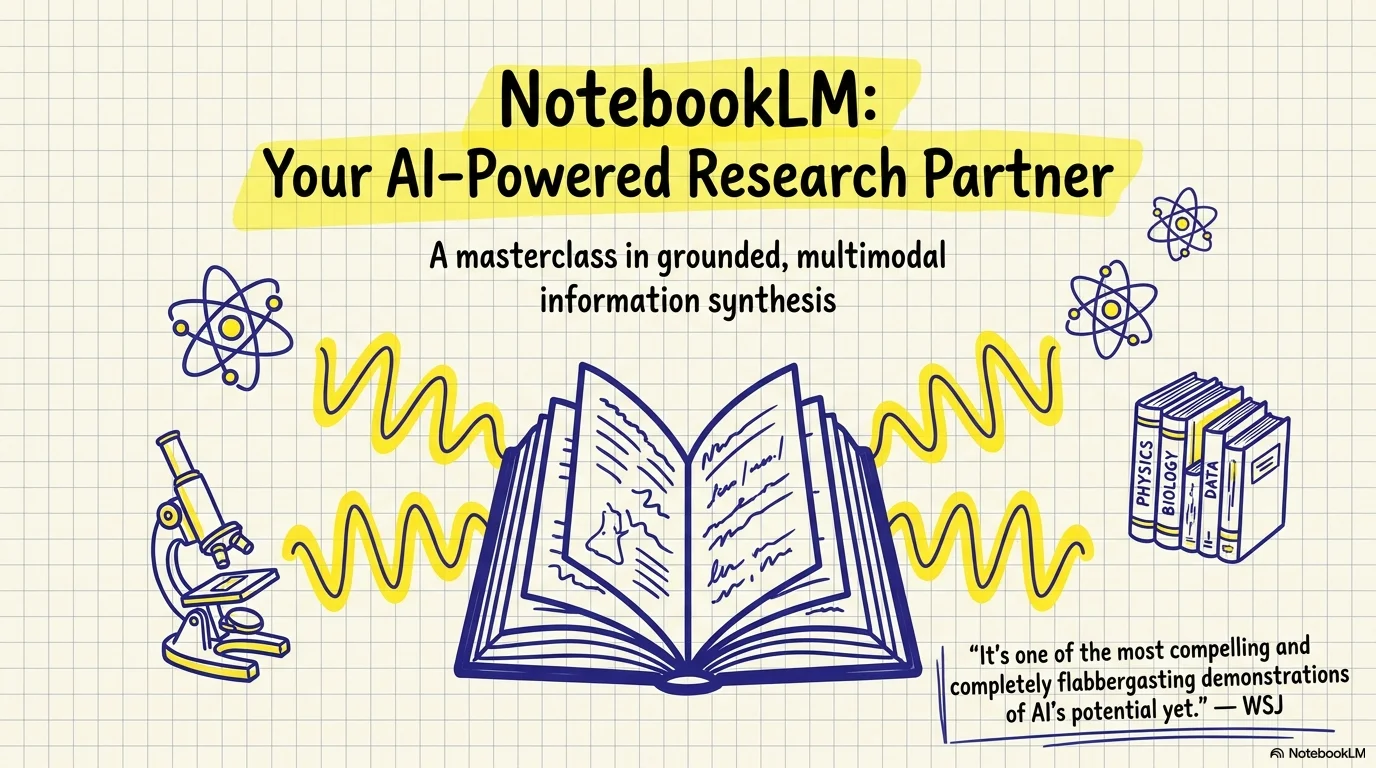
A clean and vibrant academic aesthetic inspired by high school science projects and textbook sketches. It features the hand-drawn Schoolbell typeface paired with the condensed Pompiere for subtitles. Characterized by thick-lined blue vector doodles filled with bright yellow, and accents like graph paper grids and wavy lines, it conveys a sense of organized learning and active discovery.
Palette
- Background
#FFFDF0 - Text
#283593
Typography
- primary heading
- Schoolbell, sans-serif
- secondary heading
- Pompiere, regular
- body text
- Schoolbell, regular
Key visual elements
- Clean vector doodles with thick indigo outlines and yellow fills
- Graph paper (grid) patterns in the corners or background
- Wavy horizontal lines (sine waves) as decorative accents
- Soft color blobs acting as backgrounds for key scientific icons
YAML
description: "A clean and vibrant academic aesthetic inspired by high school science projects and textbook sketches. It features the hand-drawn Schoolbell typeface paired with the condensed Pompiere for subtitles. Characterized by thick-lined blue vector doodles filled with bright yellow, and accents like graph paper grids and wavy lines, it conveys a sense of organized learning and active discovery."
design_system:
  global_style:
    theme: "Science Sketch. Clean academic illustration style with bold blue and yellow tones."
    typography:
      primary_heading: "Schoolbell, sans-serif"
      secondary_heading: "Pompiere, regular"
      body_text: "Schoolbell, regular"
    color_palette:
      primary: "#3F51B5" # Indigo Blue
      secondary: "#FFD54F" # Sunflower Yellow
      background: "#FFFDF0" # Light Cream
      surface: "#E3F2FD" # Sky Blue Surface
      text_main: "#283593"
      text_secondary: "#3F51B5"
    key_visual_elements:
      - "Clean vector doodles with thick indigo outlines and yellow fills"
      - "Graph paper (grid) patterns in the corners or background"
      - "Wavy horizontal lines (sine waves) as decorative accents"
      - "Soft color blobs acting as backgrounds for key scientific icons"

  image_generation_prompts:
    style_guidelines: "Clean vector doodle, thick blue outlines, bright yellow highlights, cream background, graph paper textures, educational icons, Schoolbell font vibe."
    themes:
      - target: "Methodology"
        prompt_elements: "Microscope and test tubes in a clean vector style, indigo and yellow palette, academic and bright."
      - target: "Findings"
        prompt_elements: "A bar chart on a graph paper background, thick-lined doodles of a magnifying glass, vibrant educational aesthetic."

slide_layout_templates:
  - type: "Sketch_Cover"
    usage: "Large Schoolbell title with thick outlines, surrounded by atoms, books, and yellow wavy lines"
  - type: "Grid_Content"
    usage: "Text placed on a clean area with a subtle graph paper grid pattern in the background"
  - type: "Method_Focus"
    usage: "Central image with rounded corners and a thick border, surrounded by scientific doodles"
  - type: "Academic_Summary"
    usage: "Summary list where each item is marked by a small yellow filled indigo circle"






Connect & Share