Garden Doodles
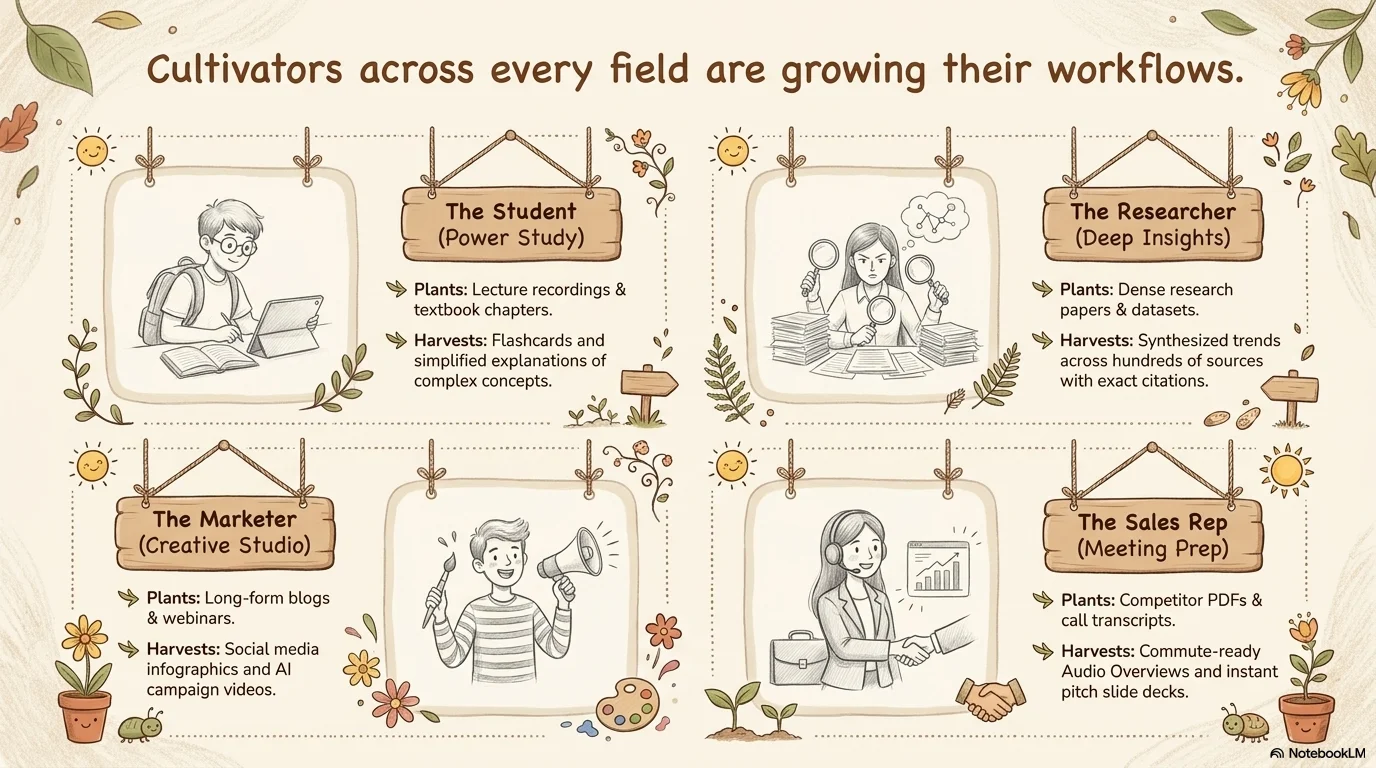
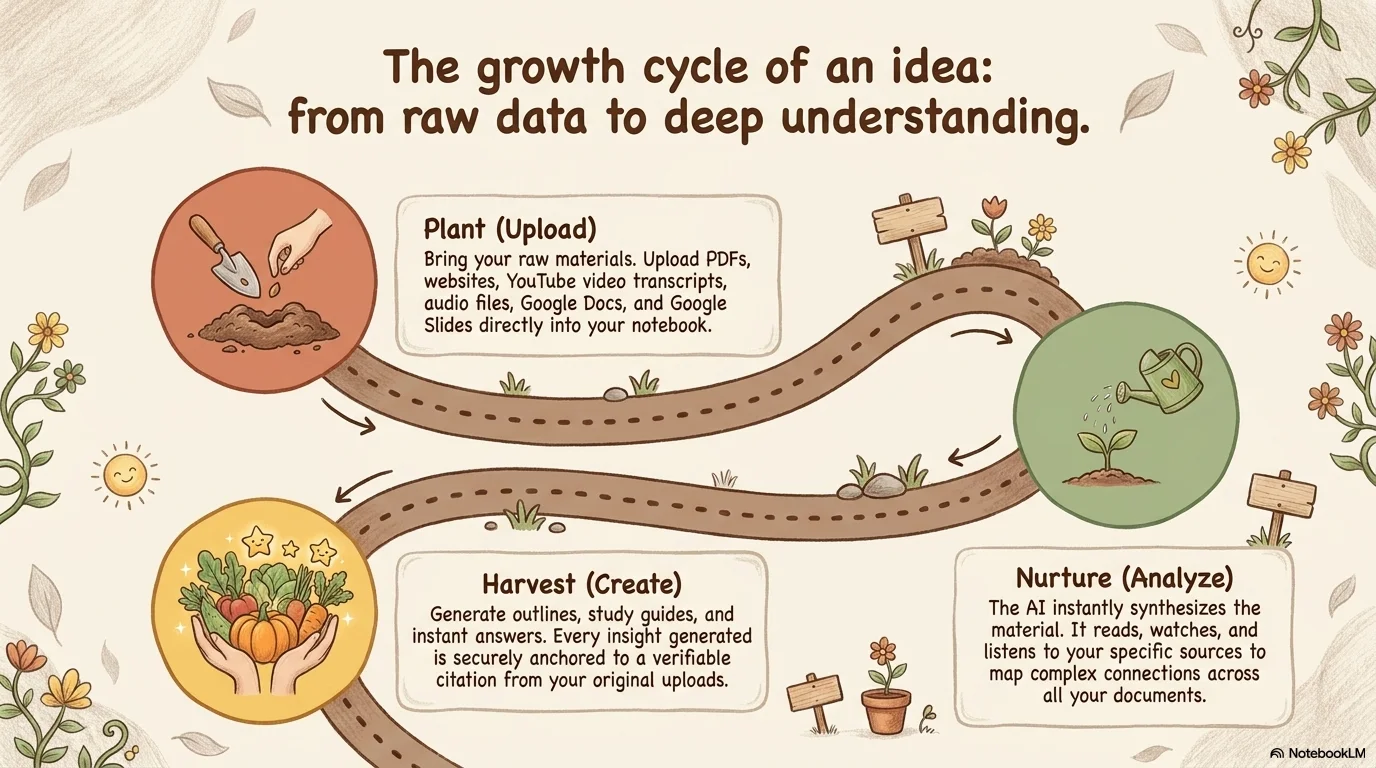
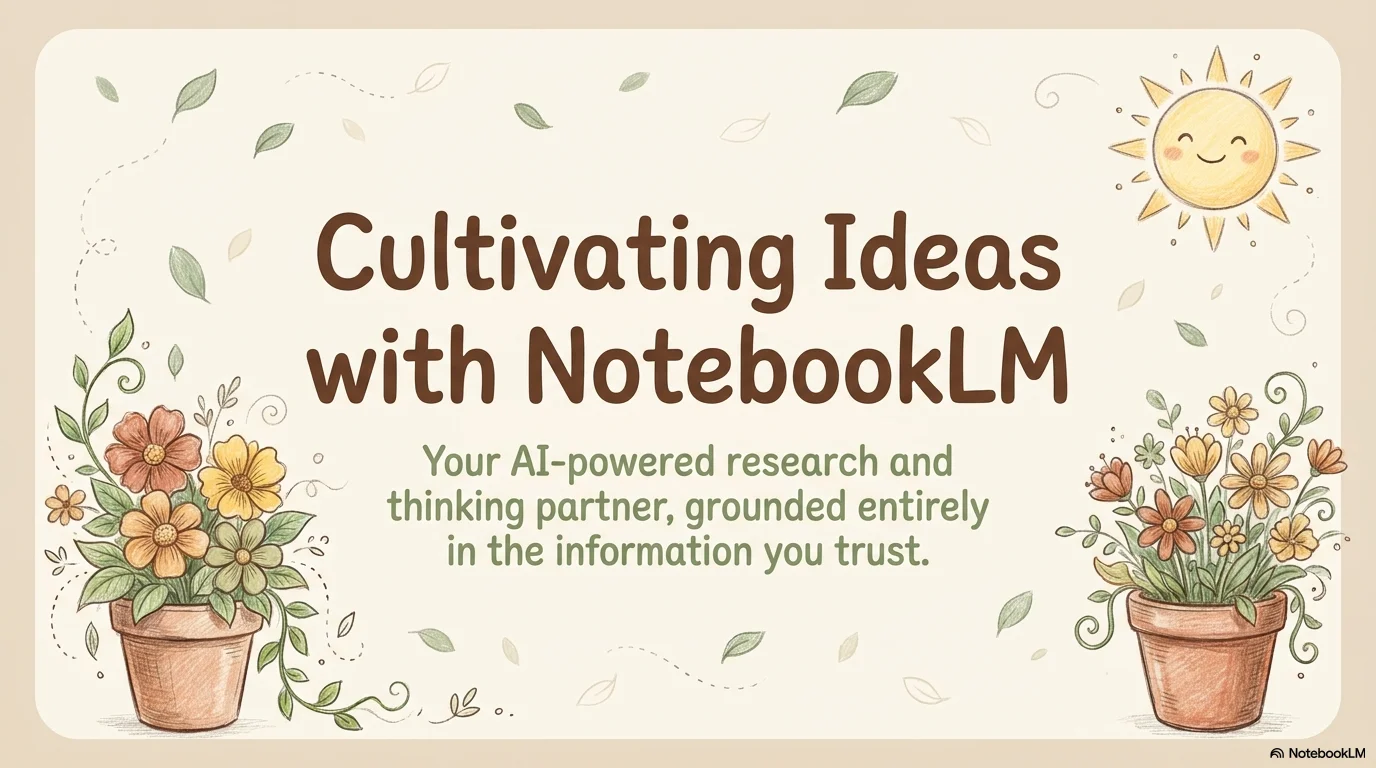
A cozy and organic hand-drawn aesthetic inspired by nature and garden sketches. It features the friendly Mali typeface and a warm palette of terracotta, sage green, and chocolate brown over a soft beige background. Characterized by charming 'doodle' illustrations like smiling suns, flowers, and wooden fences, it brings a personal and approachable touch to any presentation.
Palette
- Background
#F2E8DF - Text
#4B3D33
Typography
- primary heading
- Mali, sans-serif
- secondary heading
- Mali, medium
- body text
- Mali, regular
Key visual elements
- Hand-drawn 'doodle' illustrations of suns, plants, and flowers
- Soft rounded corners for all containers and cards
- Organic accent shapes like leaves and stars floating as background elements
- Dotted lines and hand-drawn arrows for connectors
YAML
description: "A cozy and organic hand-drawn aesthetic inspired by nature and garden sketches. It features the friendly Mali typeface and a warm palette of terracotta, sage green, and chocolate brown over a soft beige background. Characterized by charming 'doodle' illustrations like smiling suns, flowers, and wooden fences, it brings a personal and approachable touch to any presentation."
design_system:
  global_style:
    theme: "Garden Doodles. Hand-drawn nature style with warm earth tones and friendly sketches."
    typography:
      primary_heading: "Mali, sans-serif"
      secondary_heading: "Mali, medium"
      body_text: "Mali, regular"
    color_palette:
      primary: "#4B3D33" # Chocolate Brown
      secondary: "#D47C6A" # Terracotta
      background: "#F2E8DF" # Soft Beige
      surface: "#FAF3ED" # Light Cream Surface
      text_main: "#4B3D33"
      text_secondary: "#7A6C5D"
    key_visual_elements:
      - "Hand-drawn 'doodle' illustrations of suns, plants, and flowers"
      - "Soft rounded corners for all containers and cards"
      - "Organic accent shapes like leaves and stars floating as background elements"
      - "Dotted lines and hand-drawn arrows for connectors"

  image_generation_prompts:
    style_guidelines: "Hand-drawn doodle illustration, warm earth tones, children's book aesthetic, soft pencil textures, organic shapes, friendly and cozy atmosphere, Mali font vibe."
    themes:
      - target: "Nature Elements"
        prompt_elements: "Smiling sun, garden flowers, and green leaves in a cute doodle style, soft beige background, terracotta accents."
      - target: "Project Timeline"
        prompt_elements: "A hand-drawn ladder with vines, earthy colors, organic and playful layout, cozy garden vibe."

slide_layout_templates:
  - type: "Garden_Cover"
    usage: "Large title in Mali font on a beige background with a smiling sun and flowers in the corners"
  - type: "Doodle_Team"
    usage: "Portrait photos inside soft rounded frames with hand-drawn name labels below"
  - type: "Organic_Timeline"
    usage: "A dotted horizontal line connecting colorful hand-drawn circles with event text"
  - type: "Resource_Garden"
    usage: "A collage of garden icons (watering cans, plants, trees) acting as a background for resource links"







Connect & Share