Urban Jungle
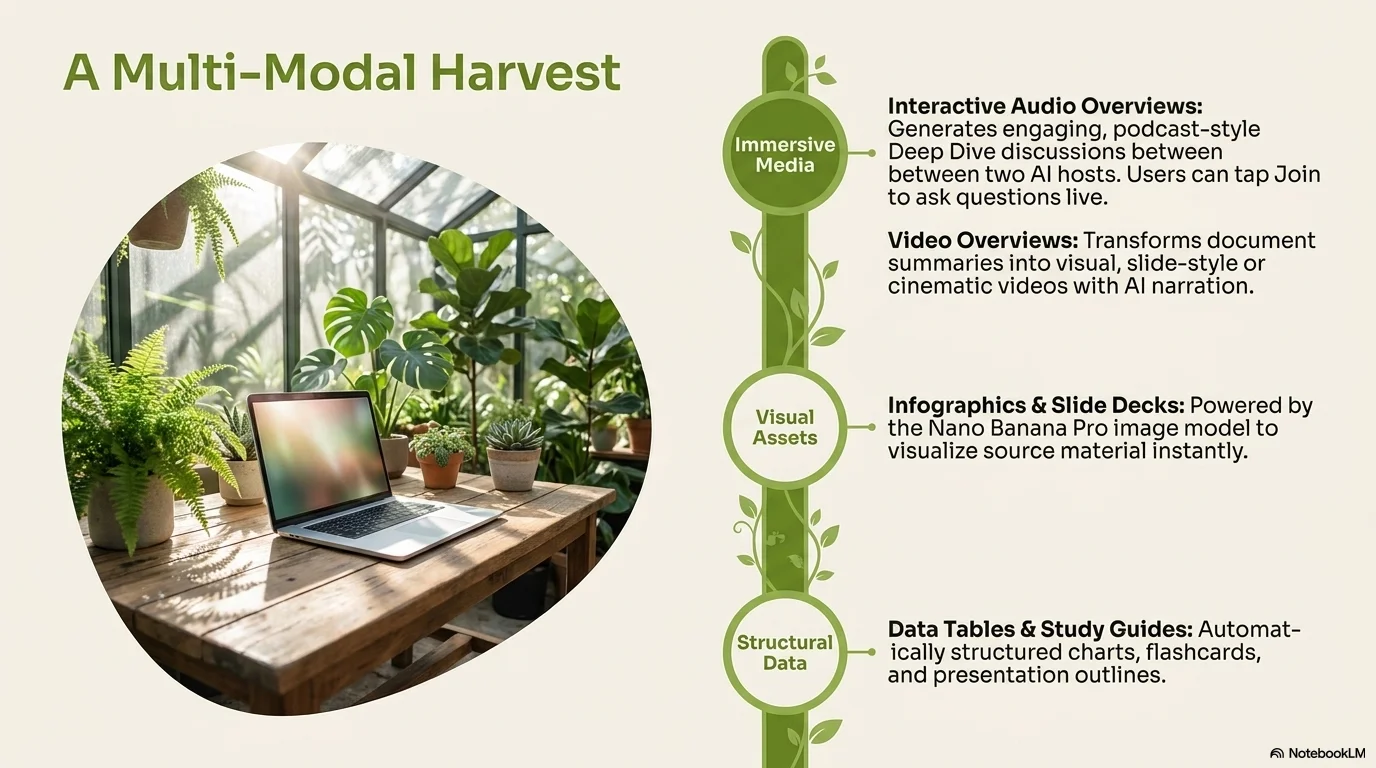
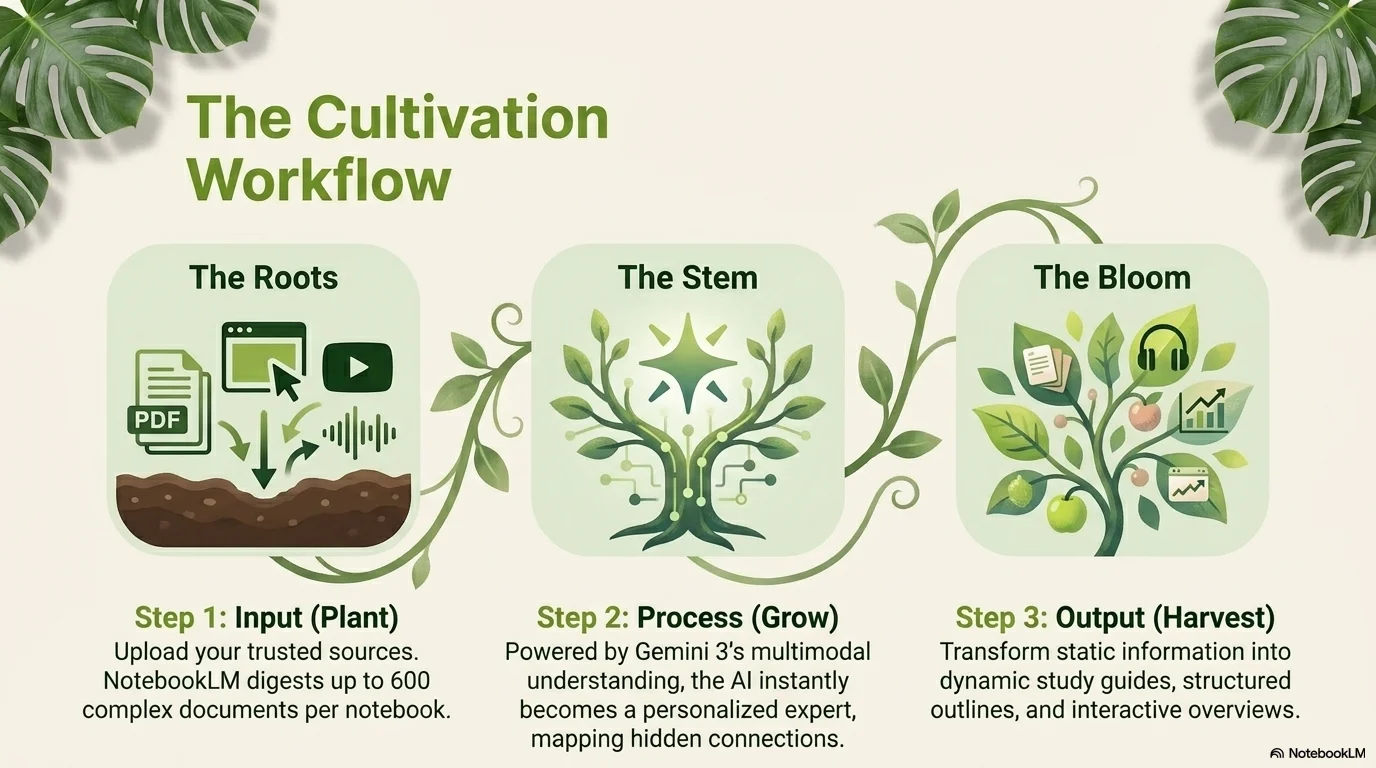
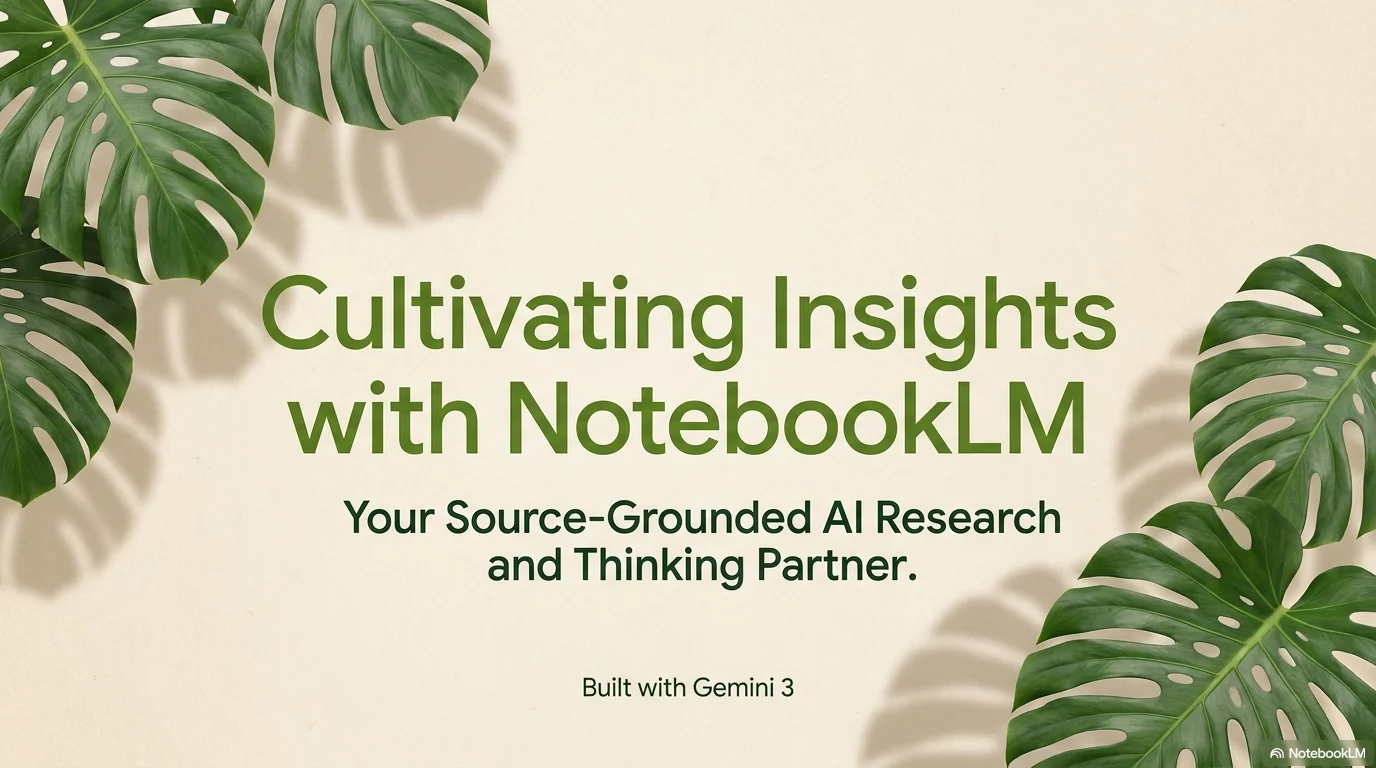
A fresh and organic aesthetic designed for urban gardening and botanical pitch decks. It combines the modern Agrandir and Poppins typefaces for a clean, professional look with a friendly touch. Characterized by soft beige backgrounds, vibrant moss green accents, and iconic Monstera leaf decorations, it creates a sophisticated yet growth-oriented atmosphere for plant-centric content.
Palette
- Background
#EFEBE9 - Text
#1B5E20
Typography
- primary heading
- Agrandir, sans-serif
- secondary heading
- Poppins, medium
- body text
- Poppins, regular
Key visual elements
- Decorative Monstera and plant leaf overlays in the corners
- Ultra-rounded containers for images and text blocks
- Soft beige backgrounds that make green tones pop
- Clean and airy layouts with focused botanical imagery
YAML
description: "A fresh and organic aesthetic designed for urban gardening and botanical pitch decks. It combines the modern Agrandir and Poppins typefaces for a clean, professional look with a friendly touch. Characterized by soft beige backgrounds, vibrant moss green accents, and iconic Monstera leaf decorations, it creates a sophisticated yet growth-oriented atmosphere for plant-centric content."
design_system:
  global_style:
    theme: "Urban Jungle. Modern botanical design for gardening and plant-focused pitch decks."
    typography:
      primary_heading: "Agrandir, sans-serif"
      secondary_heading: "Poppins, medium"
      body_text: "Poppins, regular"
    color_palette:
      primary: "#33691E" # Moss Green
      secondary: "#1B5E20" # Dark Forest Green
      background: "#EFEBE9" # Soft Beige / Nude
      surface: "#F1F8E9" # Pale Green Surface
      text_main: "#1B5E20"
      text_secondary: "#546E7A"
    key_visual_elements:
      - "Decorative Monstera and plant leaf overlays in the corners"
      - "Ultra-rounded containers for images and text blocks"
      - "Soft beige backgrounds that make green tones pop"
      - "Clean and airy layouts with focused botanical imagery"

  image_generation_prompts:
    style_guidelines: "Modern botanical illustration, Monstera leaves, soft beige and moss green palette, clean and professional pitch deck style, rounded corners, organic and fresh atmosphere."
    themes:
      - target: "Plant Cultivation"
        prompt_elements: "A variety of indoor plants in modern pots, soft sunlight, beige background, fresh and sophisticated botanical look."
      - target: "Market Potential"
        prompt_elements: "Minimalist greenhouse interior, green and nude color scheme, clean professional layout, organic growth vibes."

slide_layout_templates:
  - type: "Botanical_Pitch_Cover"
    usage: "Headline centered with large Monstera leaf shadows and a soft beige background"
  - type: "Plant_Feature"
    usage: "Large photo with ultra-rounded corners on one side and clean bullet points on the other"
  - type: "Leaf_Divider"
    usage: "A slide with a horizontal line decorated by small leaf icons to separate sections"
  - type: "Green_Summary"
    usage: "Final slide with a large 'Thank You' and a vibrant plant branch across the bottom"





Connect & Share