Groovy 70s
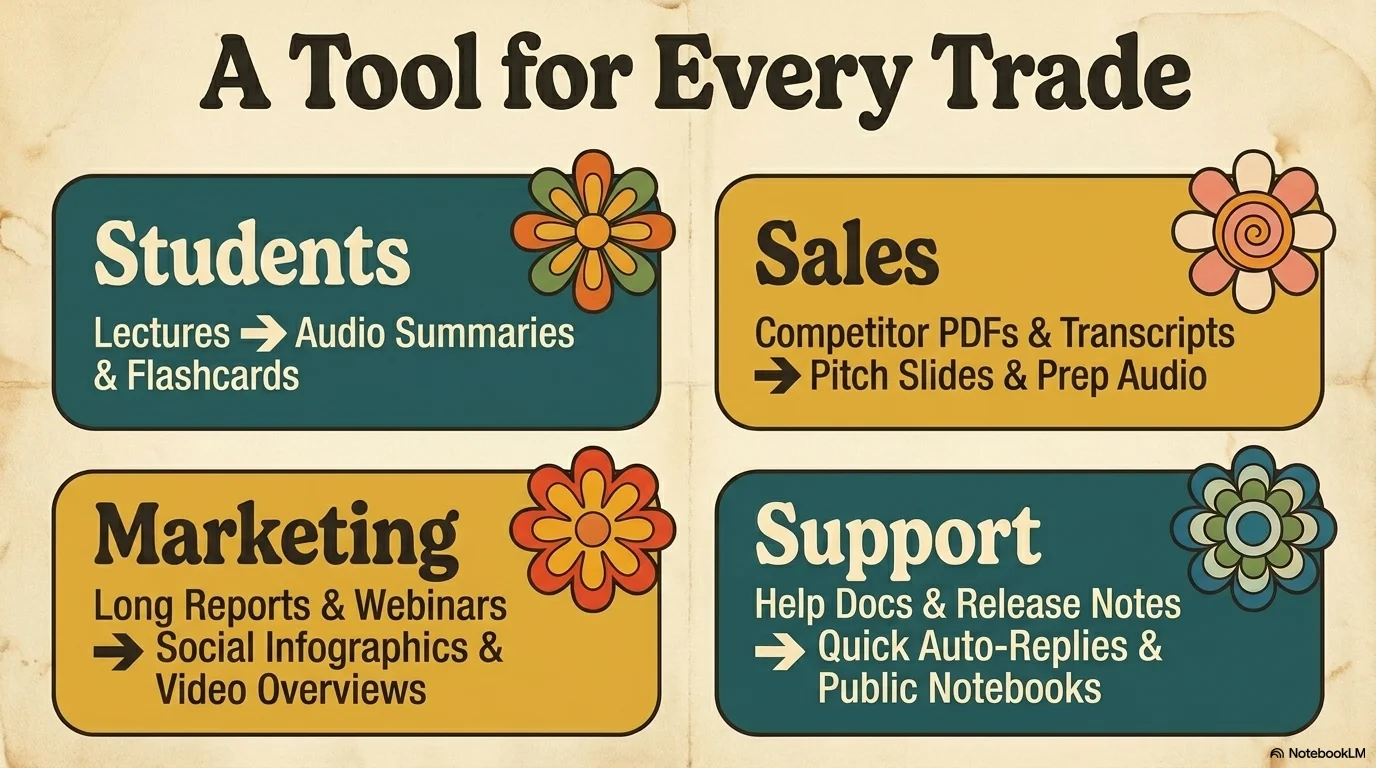
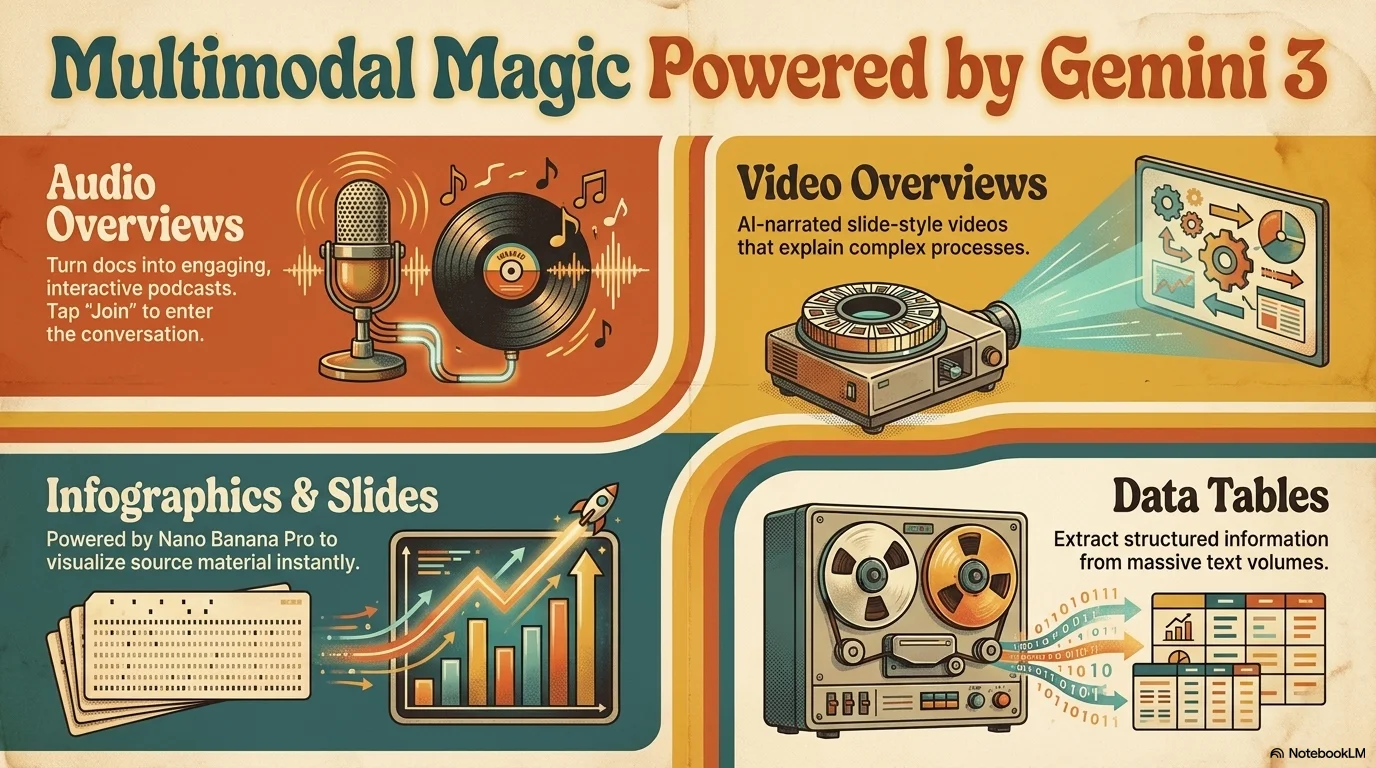
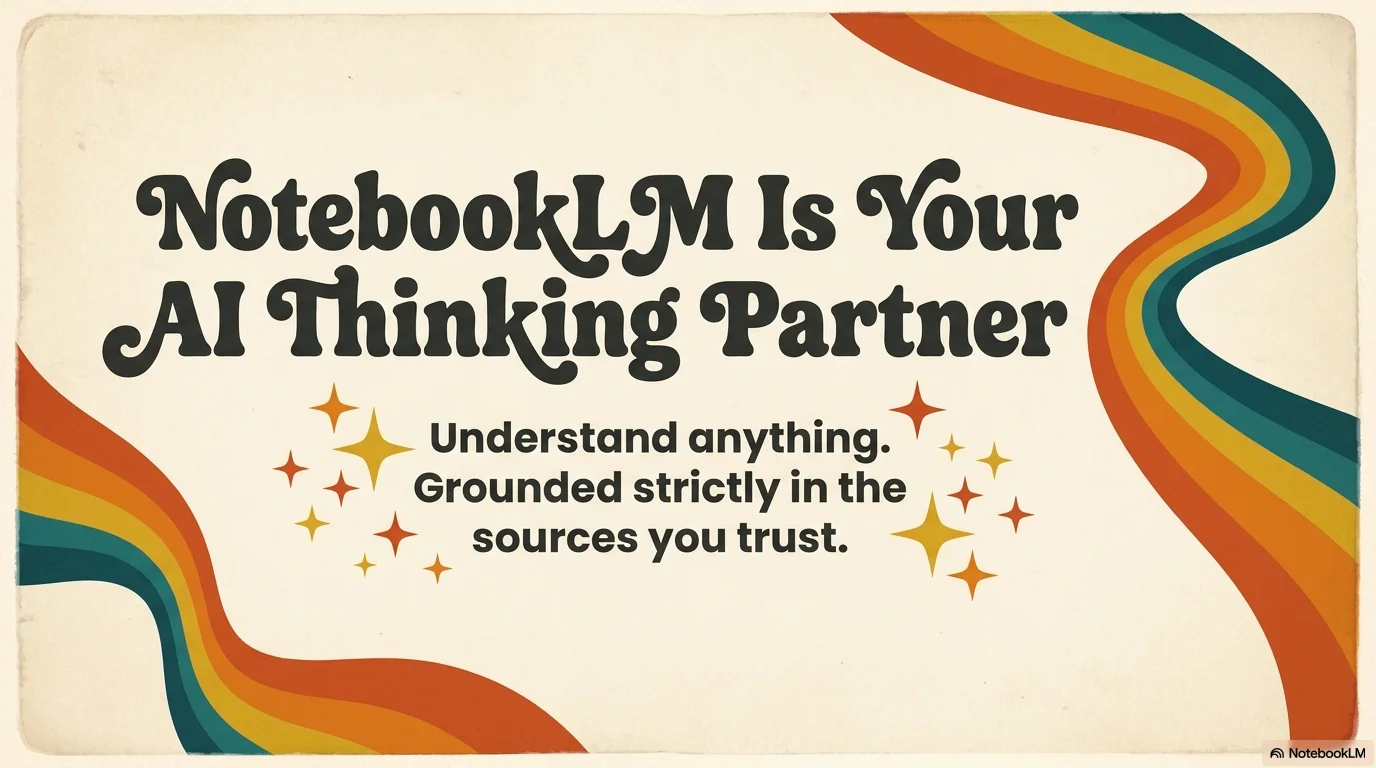
A warm and nostalgic aesthetic inspired by the groovy 70s. It features the psychedelic and flowing TAN Nimbus serif for a highly stylized look. Characterized by a cream background with wavy rainbow stripes in burnt orange, mustard yellow, and teal, it uses retro sparkles, flower power icons, and organic heart shapes to create a soulful and stylish atmosphere.
Palette
- Background
#E8DCC4 - Text
#212121
Typography
- primary heading
- TAN Nimbus, serif
- secondary heading
- TAN Nimbus, medium
- body text
- Inter, regular
Key visual elements
- Wavy, multi-colored rainbow stripes flowing across the layout
- Retro four-pointed star sparkles and flower power icons
- Organic, hand-drawn heart shapes and floral motifs
- Warm, low-contrast cream background that enhances retro tones
YAML
description: "A warm and nostalgic aesthetic inspired by the groovy 70s. It features the psychedelic and flowing TAN Nimbus serif for a highly stylized look. Characterized by a cream background with wavy rainbow stripes in burnt orange, mustard yellow, and teal, it uses retro sparkles, flower power icons, and organic heart shapes to create a soulful and stylish atmosphere."
design_system:
  global_style:
    theme: "Groovy 70s. Nostalgic and psychedelic design with organic curves and warm retro tones."
    typography:
      primary_heading: "TAN Nimbus, serif"
      secondary_heading: "TAN Nimbus, medium"
      body_text: "Inter, regular" # Using a clean sans for readability alongside the stylized headers
    color_palette:
      primary: "#BF360C" # Burnt Orange
      secondary: "#FBC02D" # Mustard Yellow
      background: "#E8DCC4" # Warm Cream / Beige
      surface: "#006064" # Teal / Dark Green
      text_main: "#212121" # Charcoal for contrast
      text_secondary: "#BF360C"
    key_visual_elements:
      - "Wavy, multi-colored rainbow stripes flowing across the layout"
      - "Retro four-pointed star sparkles and flower power icons"
      - "Organic, hand-drawn heart shapes and floral motifs"
      - "Warm, low-contrast cream background that enhances retro tones"

  image_generation_prompts:
    style_guidelines: "70s groovy aesthetic, burnt orange and mustard yellow palette, wavy rainbow stripes, TAN Nimbus font vibe, retro sparkles and flowers, warm and nostalgic atmosphere."
    themes:
      - target: "Project Vision"
        prompt_elements: "A retro office with 70s furniture, warm sunlight, wavy orange and teal graphic overlays, groovy and stylish vibe."
      - target: "Creative Team"
        prompt_elements: "People in 70s vintage clothing, grainy film texture, flower power icons, warm and soulful atmosphere."

slide_layout_templates:
  - type: "Groovy_Cover"
    usage: "Large TAN Nimbus title on a cream background with wavy stripes flowing from the corner"
  - type: "Flower_Power_Points"
    usage: "Bullet points where each point is marked by a small retro flower icon"
  - type: "Wavy_Divider"
    usage: "A slide with a large horizontal wavy rainbow separating two sections of content"
  - type: "Retro_Sparkle_Quote"
    usage: "A centered quote surrounded by four-pointed star sparkles and heart motifs"




Connect & Share