Engaging Learner
A fun and engaging aesthetic designed for language learning apps, EdTech startups, and interactive educational presentations. It features the bold Heading Now typeface for titles to convey energy, paired with the friendly clarity of TT Firs Neue. Characterized by a palette of periwinkle blue, soft mint, and coral pink, it utilizes playful speech bubble illustrations, wavy zigzag lines, and hand-drawn style tech icons to create a dynamic and welcoming learning experience.
Palette
- Background
#FFFFFF - Text
#3F51B5
Typography
- primary heading
- Heading Now, bold
- secondary heading
- TT Firs Neue, bold
- body text
- TT Firs Neue, regular
Key visual elements
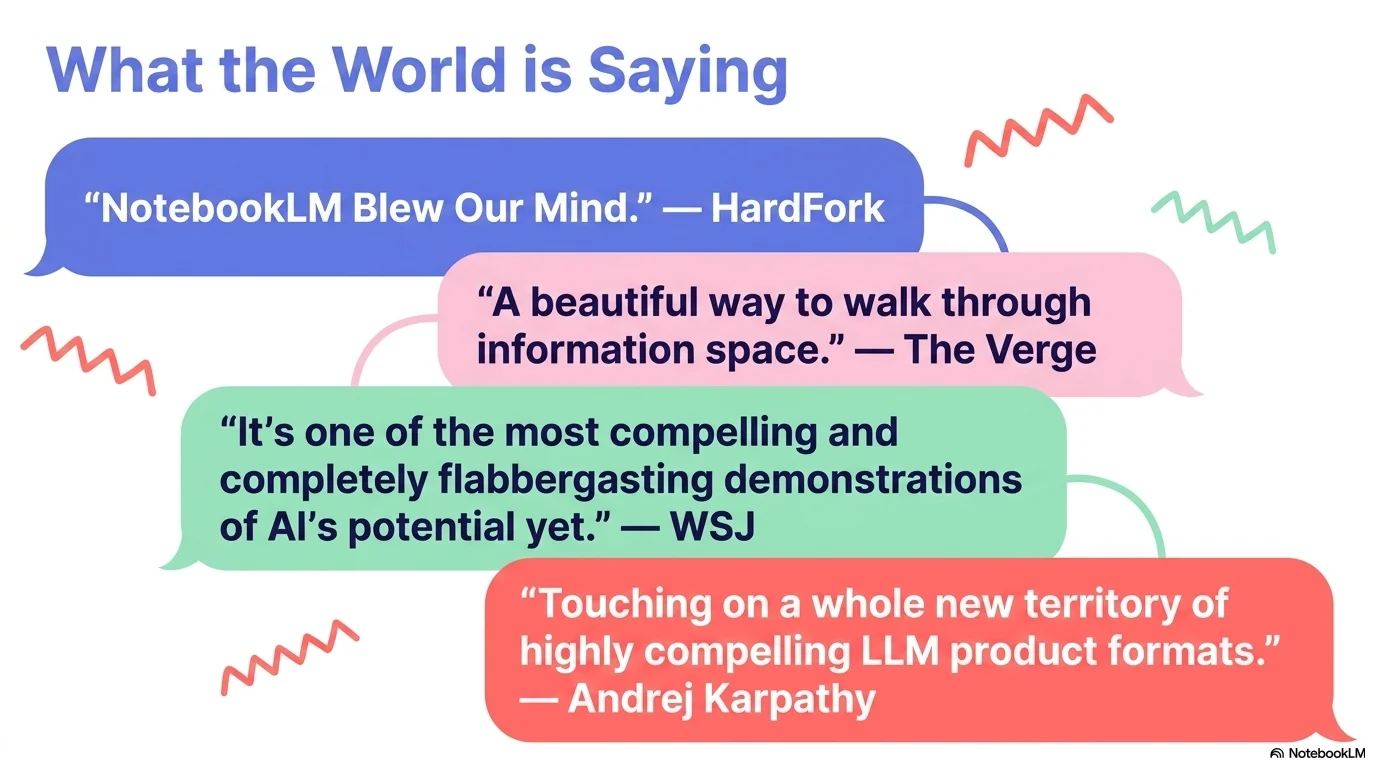
- Playful speech bubble illustrations in mint and coral
- Wavy zigzag lines in various colors to represent dynamic communication
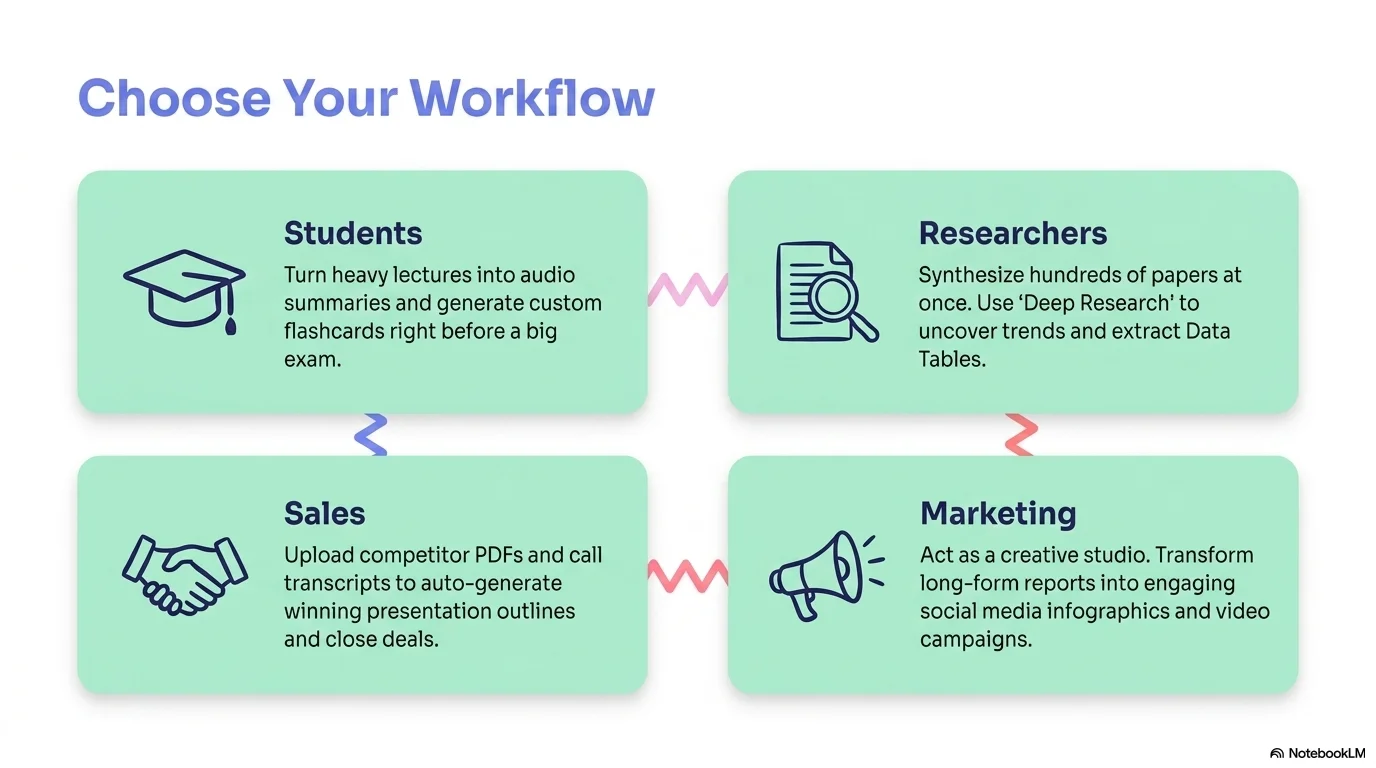
- Hand-drawn style icons for digital devices (phones, tablets, search)
- Soft rounded corners and friendly, high-contrast layouts
- Bright, diverse photography of people learning and smiling
YAML
description: "A fun and engaging aesthetic designed for language learning apps, EdTech startups, and interactive educational presentations. It features the bold Heading Now typeface for titles to convey energy, paired with the friendly clarity of TT Firs Neue. Characterized by a palette of periwinkle blue, soft mint, and coral pink, it utilizes playful speech bubble illustrations, wavy zigzag lines, and hand-drawn style tech icons to create a dynamic and welcoming learning experience."
design_system:
  global_style:
    theme: "Engaging Learner. Playful EdTech design with periwinkle, mint, and coral accents."
    typography:
      primary_heading: "Heading Now, bold"
      secondary_heading: "TT Firs Neue, bold"
      body_text: "TT Firs Neue, regular"
    color_palette:
      primary: "#7986CB" # Periwinkle Blue
      secondary: "#80CBC4" # Soft Mint Green
      background: "#FFFFFF" # Pure White
      surface: "#FCE4EC" # Soft Pink Surface
      accent: "#FF8A80" # Coral Pink
      text_main: "#3F51B5" # Deep Indigo Text
      text_secondary: "#5C6BC0" # Muted Indigo
    key_visual_elements:
      - "Playful speech bubble illustrations in mint and coral"
      - "Wavy zigzag lines in various colors to represent dynamic communication"
      - "Hand-drawn style icons for digital devices (phones, tablets, search)"
      - "Soft rounded corners and friendly, high-contrast layouts"
      - "Bright, diverse photography of people learning and smiling"

  image_generation_prompts:
    style_guidelines: "Diverse group of young adults using mobile learning apps, bright and colorful atmosphere, periwinkle and coral accents, wavy lines and speech bubble overlays, fun and engaging, Heading Now font vibe."
    themes:
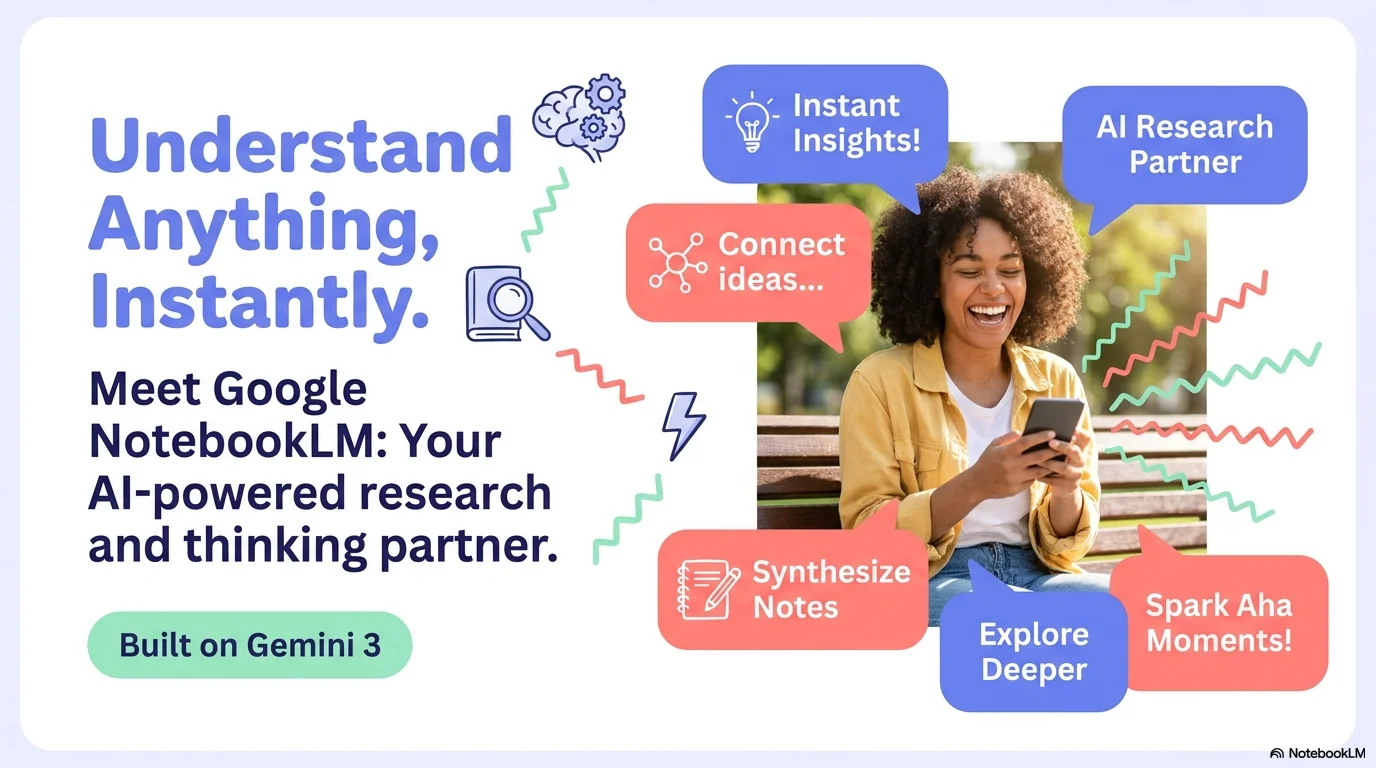
      - target: "Mobile Learning"
        prompt_elements: "A person smiling while using a language app on their phone in a sunny park, floating periwinkle speech bubbles, playful and energetic atmosphere."
      - target: "Interactive Classroom"
        prompt_elements: "A digital classroom setup with colorful icons and wavy lines, soft coral lighting, friendly and educational, high quality."

slide_layout_templates:
  - type: "Engaging_Hero_Pitch"
    usage: "Large speech bubble illustrations on the right with a bold periwinkle Heading Now title on the left"
  - type: "Interactive_Features_Showcase"
    usage: "Grid of mint-colored boxes with hand-drawn phone icons and dark indigo text"
  - type: "Community_Join_Cards"
    usage: "Split layout with a happy learning community photo and soft pink text cards"
  - type: "Learner_Review_Bubbles"
    usage: "Testimonials presented inside large colorful speech bubbles with coral accents"




Connect & Share