Creative Spark
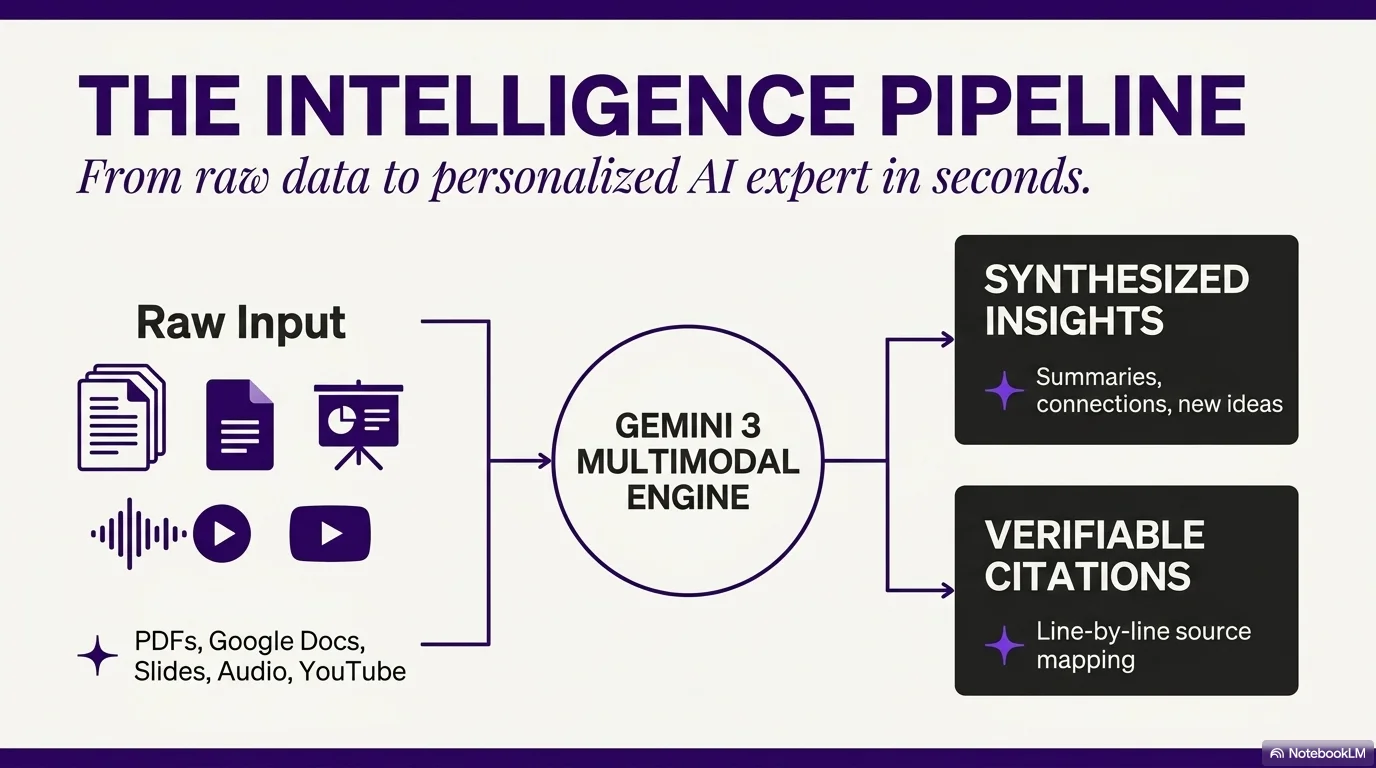
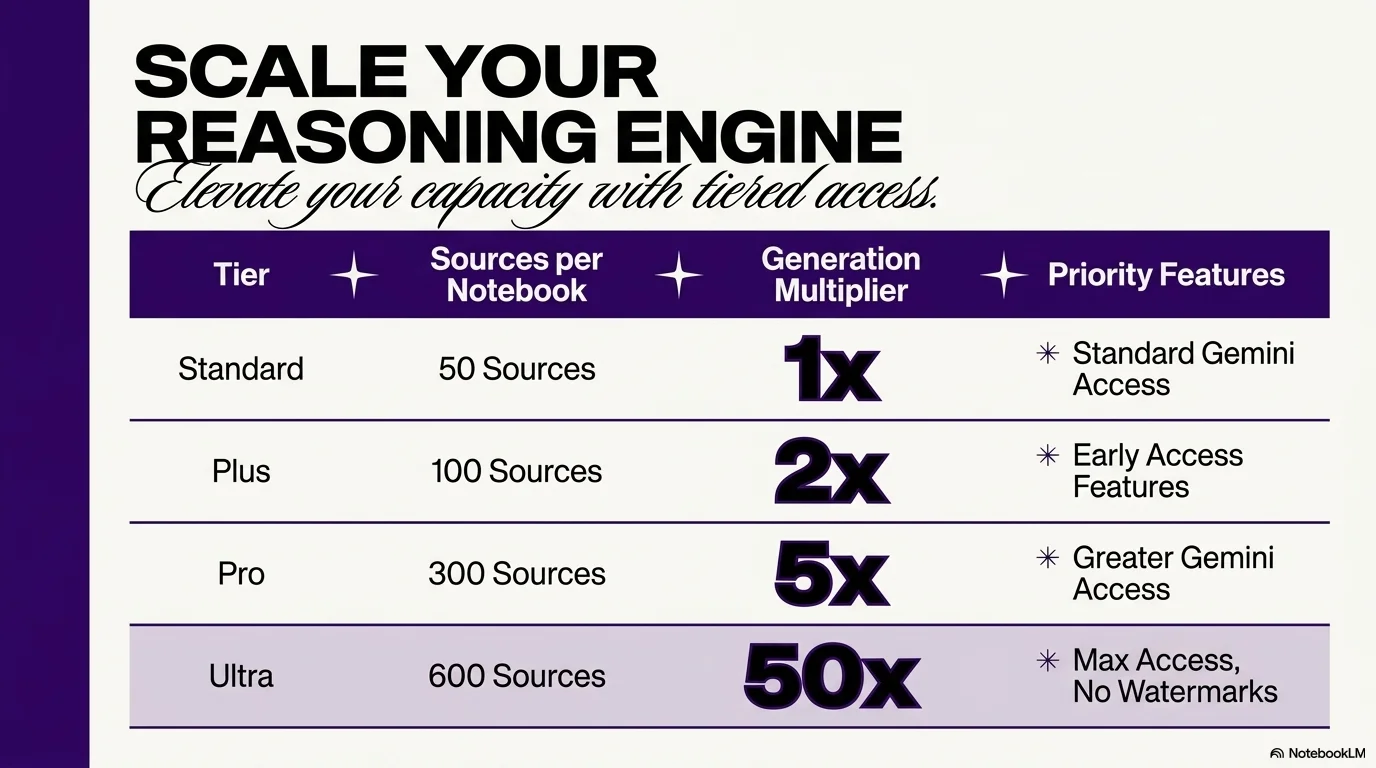
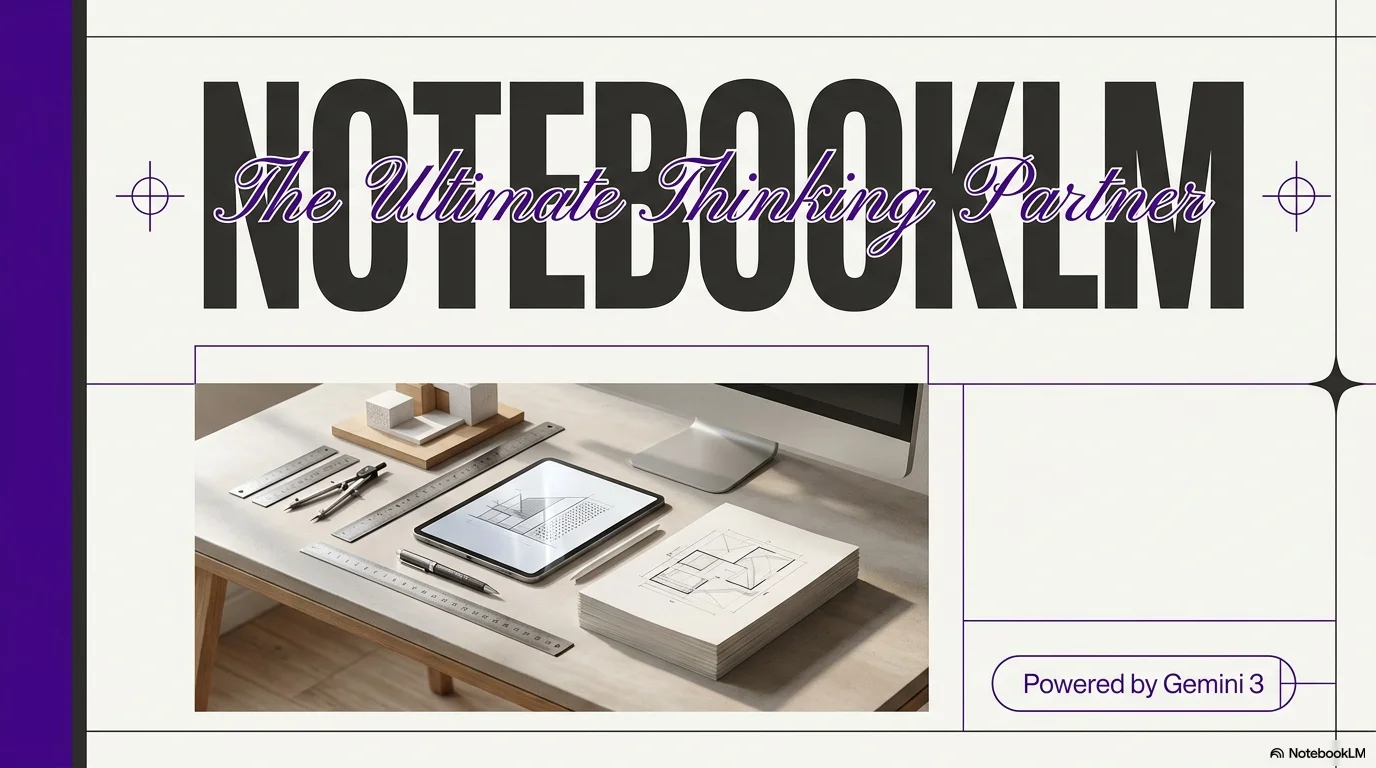
Vibrant, creative, and high-impact design. Uses a deep dark canvas with neon purple accents, combining elegant script typography with bold, heavy block fonts for maximum contrast.
Palette
- Primary
#B18CFF - Background
#0F0F0F - Text
#FFFFFF
Typography
- primary heading
- Bold heavy sans-serif (e.g., Montserrat Black, Archivo Black)
- accent heading
- Elegant cursive script (e.g., Great Vibes, Dancing Script)
- body text
- Clean modern sans-serif (e.g., Inter, Roboto)
Key visual elements
- Four-pointed sparkle/star icons for bullets and decoration
- Thick vertical color blocks on slide edges
- High-contrast tables with vibrant borders
- Mix of script and block fonts for visual hierarchy
YAML
design_system:
  global_style:
    theme: "Vibrant, creative, and high-impact. Uses a dark canvas with neon purple accents and a mix of elegant script and bold block typography."
    typography:
      primary_heading: "Bold heavy sans-serif (e.g., Montserrat Black, Archivo Black)"
      accent_heading: "Elegant cursive script (e.g., Great Vibes, Dancing Script)"
      body_text: "Clean modern sans-serif (e.g., Inter, Roboto)"
    color_palette:
      primary_color: "#B18CFF" # Neon Lilac/Purple
      background: "#0F0F0F"    # Deep Charcoal/Black
      text_main: "#FFFFFF"     # Pure White
      accent_color: "#1A1A1A"  # Dark gray for card backgrounds
    key_visual_elements:
      - "Four-pointed sparkle/star icons for bullets and decoration"
      - "Thick vertical color blocks on slide edges"
      - "High-contrast tables with vibrant borders"
      - "Mix of script and block fonts for visual hierarchy"

  image_generation_prompts:
    style_guidelines: "Dark studio background, neon purple lighting, sharp focus, creative professional vibe, high contrast, clean white typography elements."
    themes:
      - target: "Creative Workspace"
        prompt_elements: "Minimalist desk with neon purple accent lighting, high-tech gadgets, dark sleek surfaces, professional creative studio."

slide_layout_templates:
  - type: "Cover_Spark"
    usage: "High-impact opening slide"
    components:
      - "Layout: Large bold centered title"
      - "Visual: Decorative script subtitle above the main title, framed by neon sparkles"

  - type: "Stitched_Portfolio"
    usage: "Showcasing multiple works or images"
    components:
      - "Layout: Asymmetrical grid of images with neon purple borders"
      - "Block: Thick vertical purple bar on the left or right edge"

  - type: "Impact_Results_Table"
    usage: "Presenting data with high contrast"
    components:
      - "Layout: Full-width table with deep purple headers and white cells"
      - "Visual: Checkmark and X icons in hand-drawn style"




Connect & Share