Creative Notebook
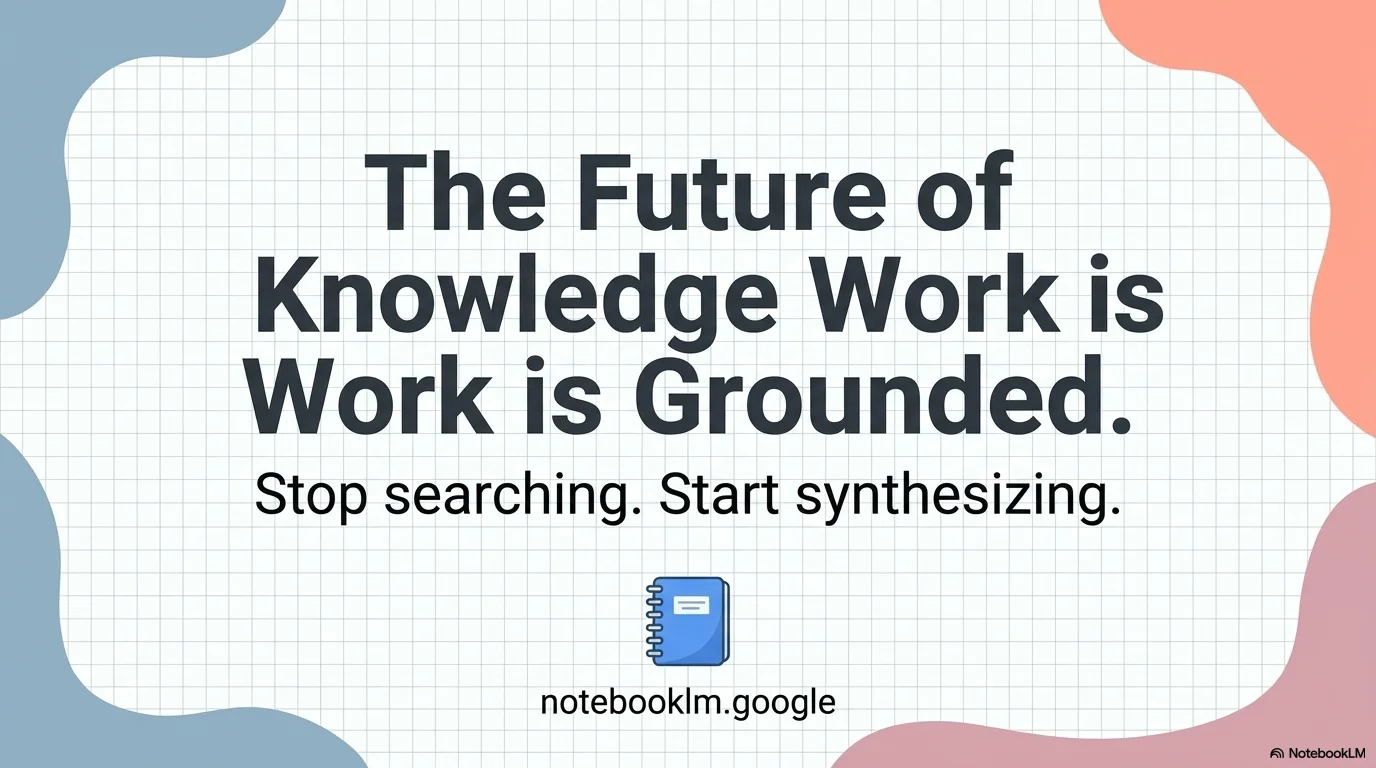
A clean, academic yet playful design inspired by creative journals and student notebooks. It features a graph paper grid background, organic pastel blobs in peach and blue, and numbered list elements for a highly organized yet aesthetic presentation feel.
Palette
- Primary
#FAD9C5 - Text
#333333
Typography
- primary heading
- Bold, clean sans-serif (e.g., Inter, Montserrat, bold weights), primarily sentence case or uppercase for emphasis.
- secondary heading
- Medium weight sans-serif, slightly smaller than primary headings.
- body text
- Clean, highly legible sans-serif with generous line height and spacing (e.g., Roboto, Open Sans).
Key visual elements
- Graph paper/grid background pattern for an academic or 'work-in-progress' feel.
- Organic, hand-drawn-style pastel blobs (peach, blue, pink) acting as frames or background accents.
- Numbered list items inside colored circles with high-contrast text.
- Post-it note style elements with subtle drop shadows and digital paperclips.
- Clean, flat vector illustrations (e.g., ringed notebooks, monitors, simple bar charts).
YAML
design_system:
  global_style:
    theme: "Creative, academic-journalistic, organized yet playful, scrapbook/scrapbook aesthetic with grid textures and organic pastel shapes."
    typography:
      primary_heading: "Bold, clean sans-serif (e.g., Inter, Montserrat, bold weights), primarily sentence case or uppercase for emphasis."
      secondary_heading: "Medium weight sans-serif, slightly smaller than primary headings."
      body_text: "Clean, highly legible sans-serif with generous line height and spacing (e.g., Roboto, Open Sans)."
    color_palette:
      primary_color: "Pastel Coral (#FAD9C5) and Dusty Blue (#D1E3E9)"
      accent_color: "Muted Pink (#F7D1CC)"
      background: "White with a light gray graph paper/grid pattern and organic corner blobs."
      text_main: "Dark Charcoal (#333333)"
    key_visual_elements:
      - "Graph paper/grid background pattern for an academic or 'work-in-progress' feel."
      - "Organic, hand-drawn-style pastel blobs (peach, blue, pink) acting as frames or background accents."
      - "Numbered list items inside colored circles with high-contrast text."
      - "Post-it note style elements with subtle drop shadows and digital paperclips."
      - "Clean, flat vector illustrations (e.g., ringed notebooks, monitors, simple bar charts)."

  image_generation_prompts:
    style_guidelines: "Creative academic style, scrapbook-inspired, flat vector art, pastel color palette (peach, soft blue, muted pink), graph paper texture, organic shapes, clean minimalist layouts, high-key lighting."
    themes:
      - target: "Abstract Background"
        prompt_elements: "Minimalist graph paper background with soft organic pastel blobs in the corners, peach and light blue tones, clean and professional, plenty of copy space."
      - target: "Academic Objects"
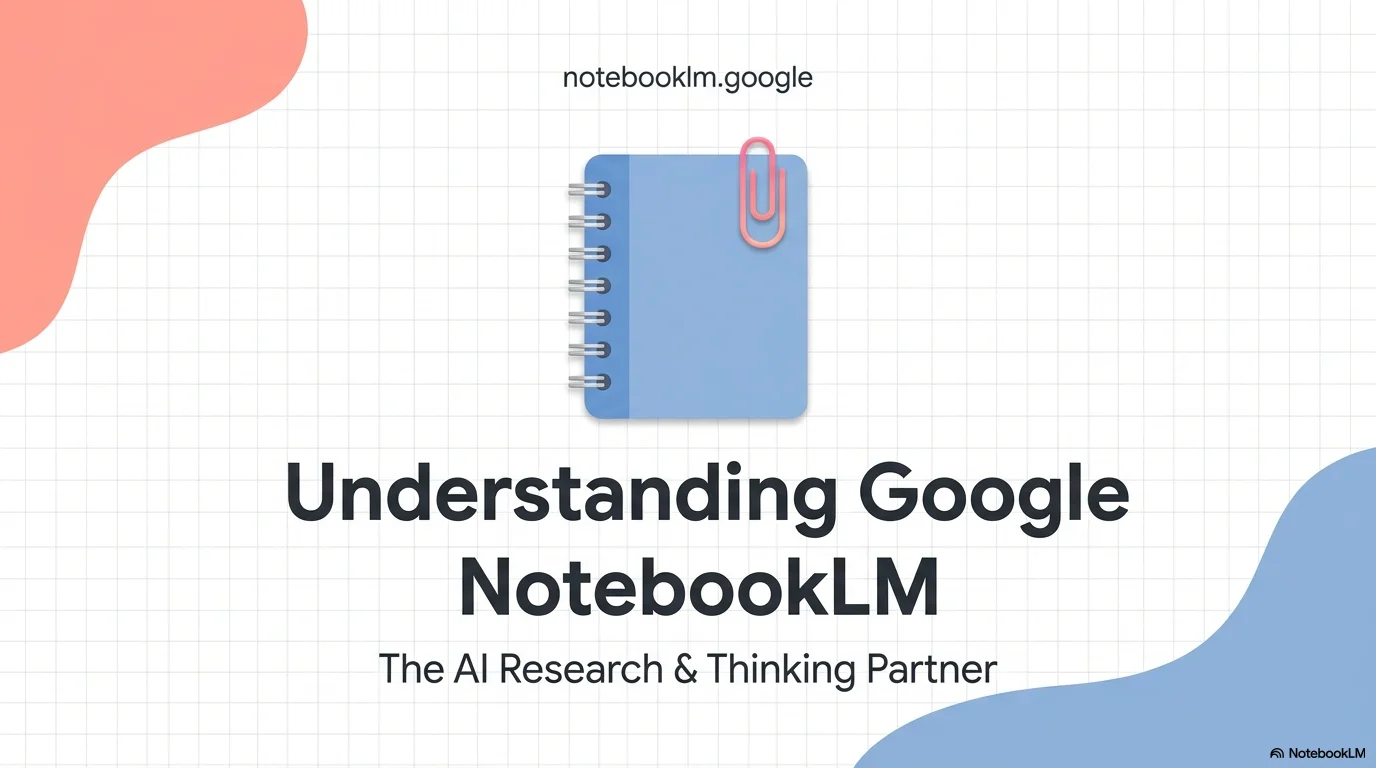
        prompt_elements: "Flat vector illustration of a modern blue notebook with rings, colorful paperclips, sticky notes on a white grid background, pastel colors, clean lines."
      - target: "Data Visualization"
        prompt_elements: "Simple minimalist bar chart in pastel blue and peach, flat design, clean grid background, academic aesthetic."

slide_layout_templates:
  - type: "Cover_Journal"
    usage: "Title slide, project presentation start"
    components:
      - "Large bold Main Title centered on the grid"
      - "Small subtitle or presenter name below (e.g., 'Presented by...') "
      - "Organic pastel blobs framing the top and bottom corners"
      - "Optional: Website URL at the top in small font"

  - type: "Horizontal_Cards"
    usage: "Mission & Vision, Key Objectives, Core Values"
    components:
      - "Section Heading centered at the top"
      - "Row of 3-4 rounded rectangular cards in pastel colors (Pink, Blue, Peach)"
      - "Each card contains a bold number (e.g., '01.') and a short descriptive paragraph"

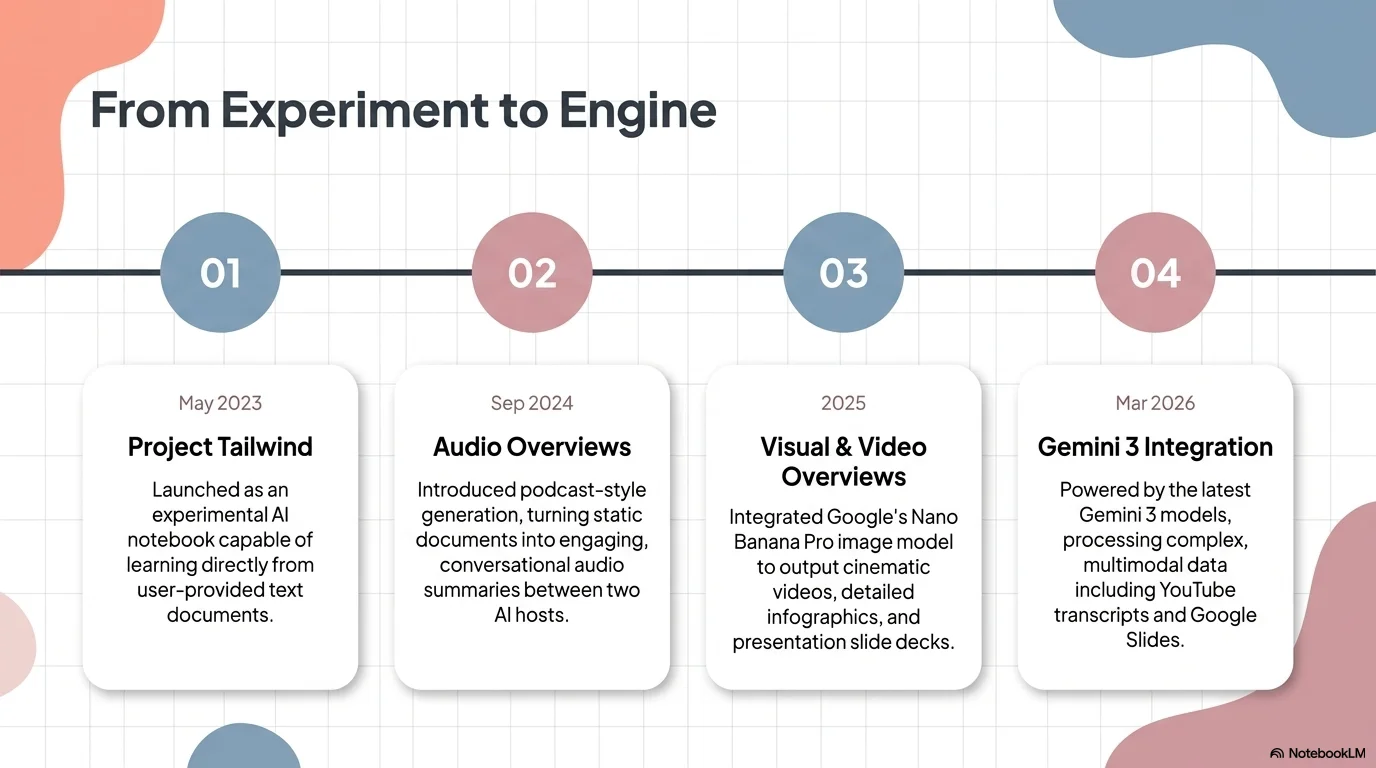
  - type: "Process_Timeline"
    usage: "Project Strategy, Roadmap, Execution Phases"
    components:
      - "Section Heading left-aligned or centered"
      - "Horizontal line connecting small numbered circles"
      - "Vertical cards or text blocks below each circle detailing the phase"
      - "Color-coded cards corresponding to the primary palette"

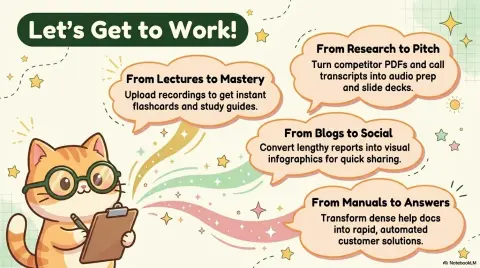
  - type: "Sticker_Note_Split"
    usage: "Idea origin, quick tips, highlighted quotes"
    components:
      - "Layout: 40/60 split"
      - "Visual: Image of a sticky note with a paperclip or a related flat illustration"
      - "Text: Section Heading + Descriptive paragraph"

  - type: "Vertical_Process"
    usage: "Step-by-step development, vertical lists"
    components:
      - "Section Heading centered"
      - "Vertical list of large rounded bars"
      - "Each bar has a leading numbered circle and a detailed text description"
      - "Alternating or solid pastel colors for the bars"

  - type: "Data_Graph_Clean"
    usage: "Results, statistics, success cases"
    components:
      - "Layout: Text on one side (Heading + Description) and Chart on the other"
      - "Chart: Simple bar or pie chart using the pastel palette"
      - "Large numeric highlight (e.g., '92% Success')"
      - "Grid background visible behind the chart"

  - type: "Closing_Grid"
    usage: "Final slide, Thank You"
    components:
      - "Giant 'Thanks!' centered on the grid"
      - "Organic blobs in all four corners"
      - "Sub-text with contact info or website URL"




Connect & Share