Architectural Cobalt
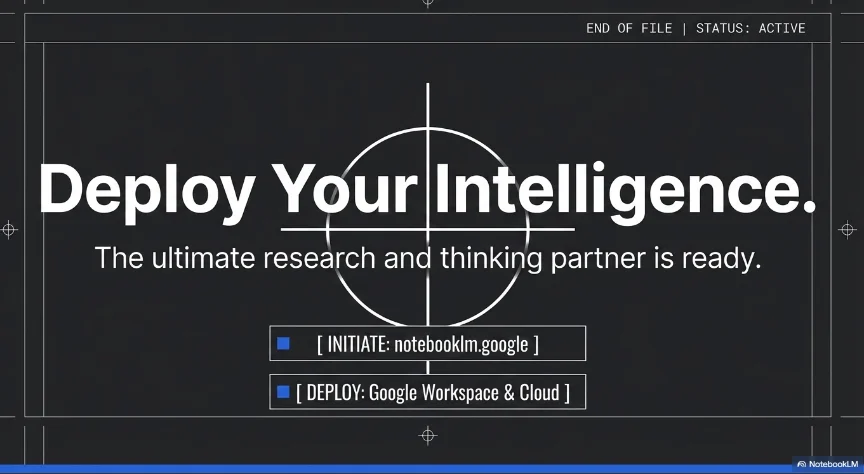
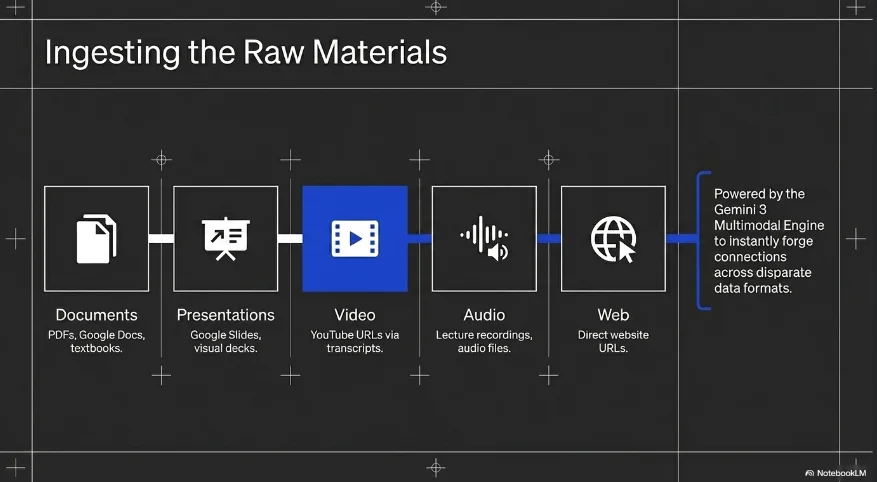
Technical, dark architectural, and blueprint-inspired design. Features deep charcoal backgrounds with vibrant cobalt blue gradients and precise 'sight' crosshair visual elements for a high-end engineering feel.
Palette
- Primary
#304FFE - Background
#111111 - Text
#FFFFFF
Typography
- primary heading
- Bold high-contrast sans-serif (e.g., Montserrat or Inter)
- secondary heading
- Medium sans-serif, clean, high visibility
- body text
- Functional sans-serif, optimized for dark mode readability
- technical label
- Small uppercase sans-serif with tracked spacing
Key visual elements
- Circular crosshair/sight icons (Blueprint markers)
- Vibrant cobalt blue gradient overlays
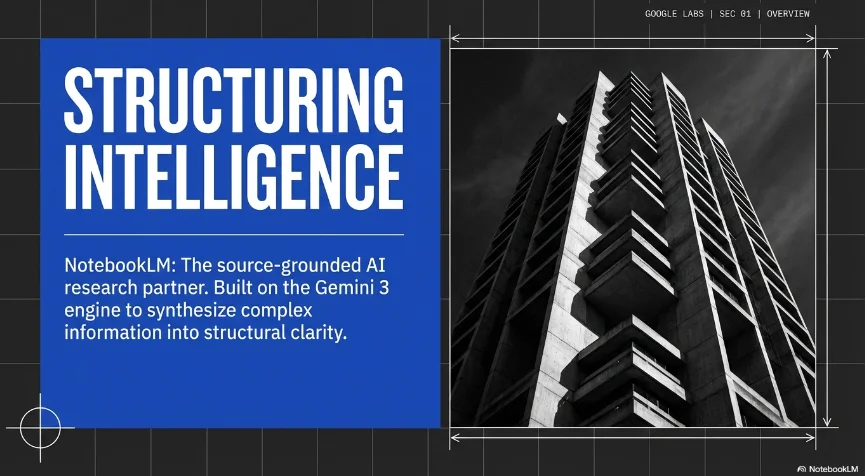
- Dark, high-shadow architectural photography
- Thin white grid lines for structural emphasis
- Top-right corner metadata stamps (Company | Year)
YAML
design_system:
  global_style:
    theme: "Technical, dark architectural, and blueprint-inspired. Features deep charcoal backgrounds with vibrant cobalt blue gradients and precise 'sight' crosshair visual elements."
    typography:
      primary_heading: "Bold high-contrast sans-serif (e.g., Montserrat or Inter)"
      secondary_heading: "Medium sans-serif, clean, high visibility"
      body_text: "Functional sans-serif, optimized for dark mode readability"
      technical_label: "Small uppercase sans-serif with tracked spacing"
    color_palette:
      primary_color: "#304FFE" # Vibrant Cobalt Blue
      background: "#111111" # Deep Charcoal/Black
      text_main: "#FFFFFF" # Pure white for high contrast
      accent_overlay: "rgba(48, 79, 254, 0.2)" # Cobalt transparency for gradients
    key_visual_elements:
      - "Circular crosshair/sight icons (Blueprint markers)"
      - "Vibrant cobalt blue gradient overlays"
      - "Dark, high-shadow architectural photography"
      - "Thin white grid lines for structural emphasis"
      - "Top-right corner metadata stamps (Company | Year)"

  image_generation_prompts:
    style_guidelines: "Low-key architectural photography, dark mode, vibrant blue accent lighting, geometric structural patterns, technical blueprint aesthetic, extremely high contrast."
    themes:
      - target: "Modern Skyscraper"
        prompt_elements: "Futuristic skyscraper facade at night, dark glass, cobalt blue interior lighting, sharp geometric angles, low-key photography, 8k."
      - target: "Interior Perspective"
        prompt_elements: "Minimalist concrete hallway, dramatic shadow casting, vibrant blue neon accent line, structural depth, architectural photography."

slide_layout_templates:
  - type: "Cobalt_Impact_Cover"
    usage: "Main title slide with technical structural visuals"
    components:
      - "Layout: Large bold title 'Architecture' centered vertically on the left"
      - "Visual: Large architectural shot with cobalt gradient and sight icon overlay"

  - type: "Dark_Project_Detail"
    usage: "Showcasing specific projects with technical metadata"
    components:
      - "Layout: Large image on the left, 2x2 grid of data (Project Name, Client, etc.) on the right"
      - "Decoration: Circular sight icon at the intersection of metadata fields"

  - type: "Expertise_Profile"
    usage: "Team introduction or service highlights"
    components:
      - "Layout: Vertical text block on the left, individual squares with b&w portraits and cobalt accents"
      - "Visual: High-contrast b&w portraits"

  - type: "Blueprint_Services"
    usage: "Listing service categories with icons"
    components:
      - "Layout: 5 small image thumbnails in a horizontal line, each with a title below"
      - "Overlay: Cobalt tint on hover or active state"

  - type: "Structural_Closing"
    usage: "Thank you slide with integrated contact info"
    components:
      - "Layout: Centered 'Thank You!' text, low-key background image, cobalt accents at the bottom"





Connect & Share