Vibrant Corporate
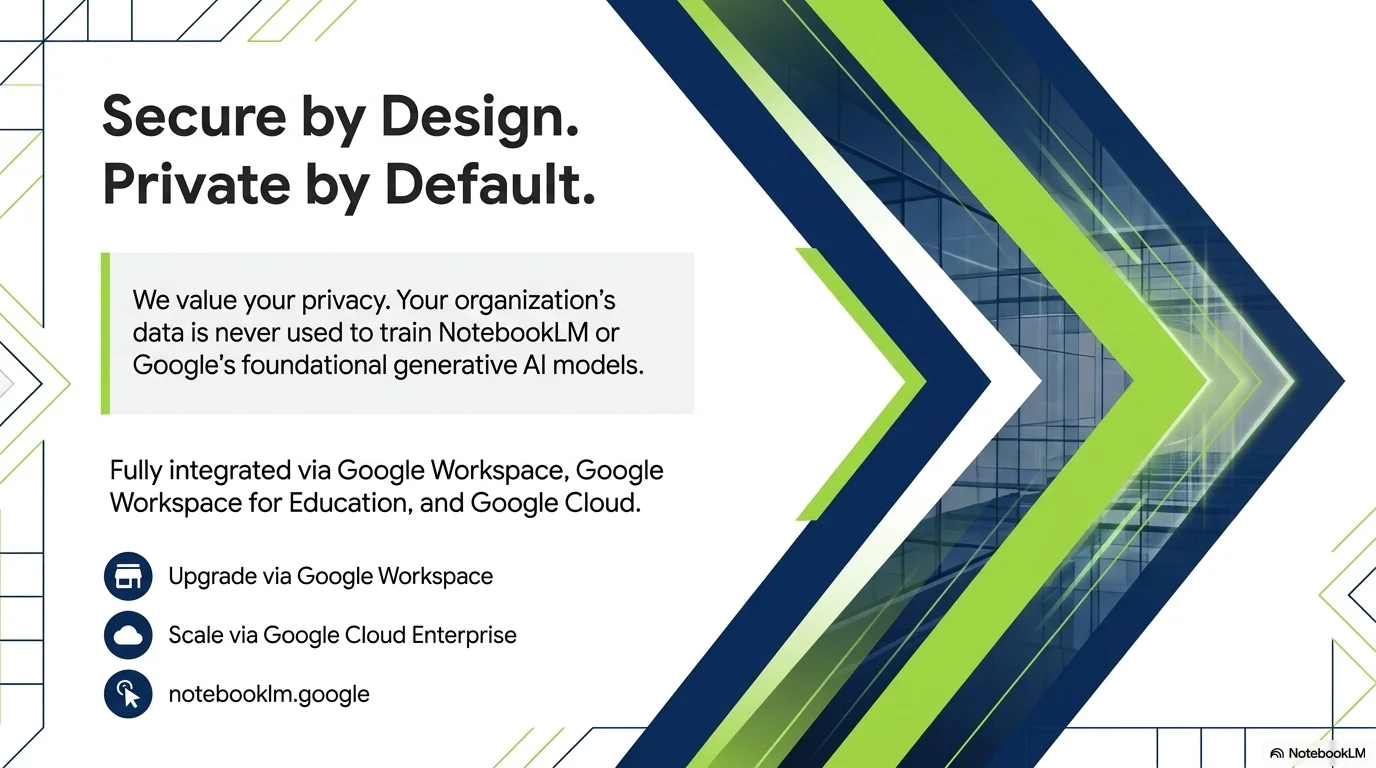
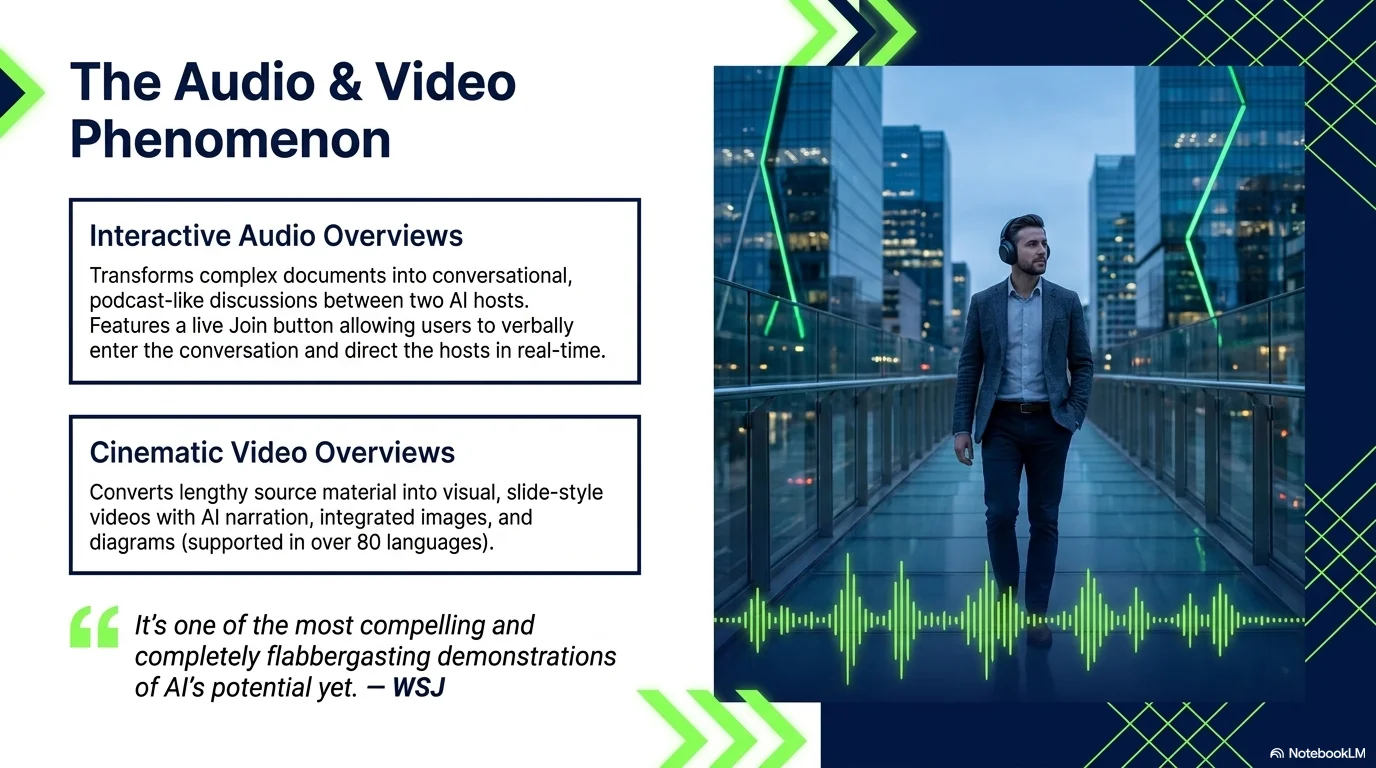
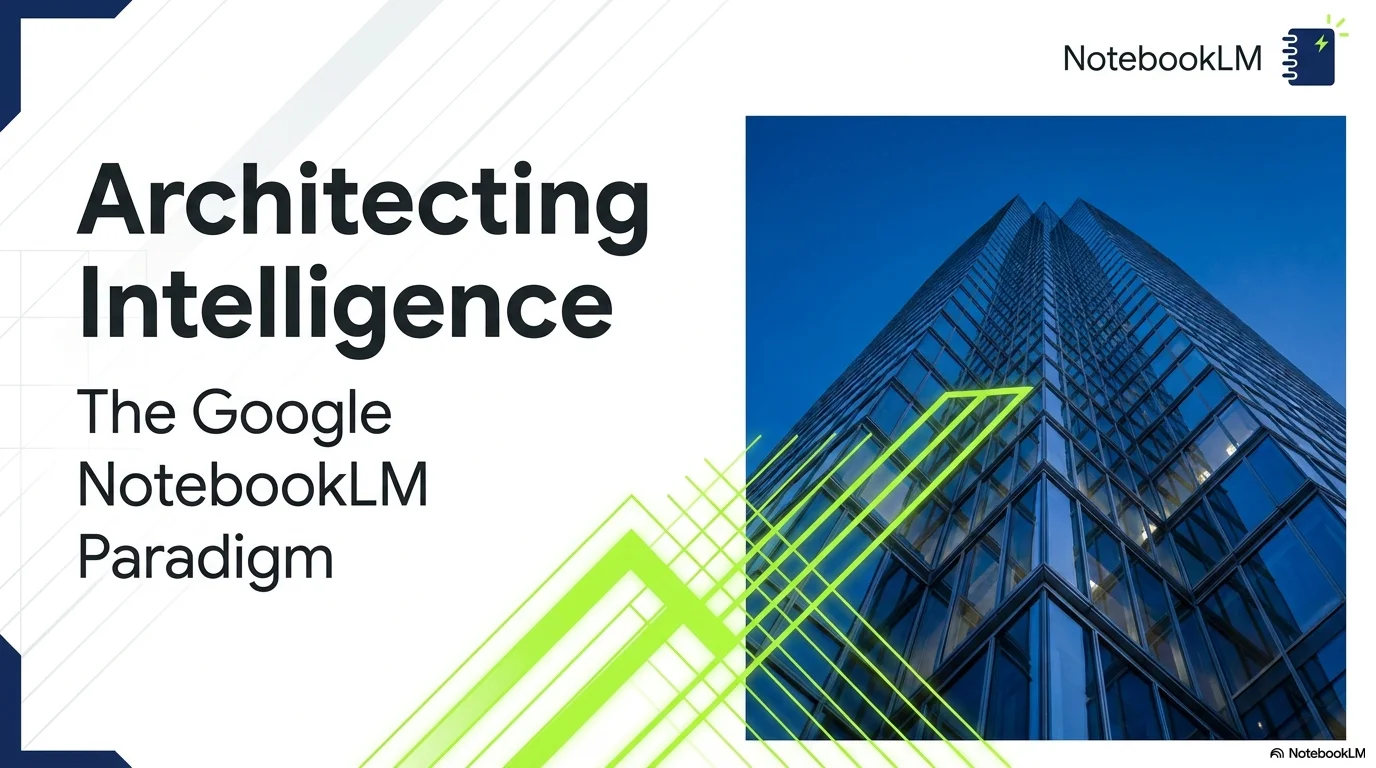
A dynamic, forward-moving corporate aesthetic featuring high-contrast navy blue and vibrant lime green. It uses sharp geometric diagonals, chevron markers, and structured grids to convey professional excellence and modern momentum.
Palette
- Primary
#051C2C - Background
#FFFFFF - Text
#111111
Typography
- primary heading
- Bold geometric sans-serif (e.g., Montserrat, Montserrat Bold) for an authoritative and modern feel.
- secondary heading
- Medium weight sans-serif with clean tracking.
- body text
- Functional and highly legible sans-serif (e.g., Inter, Roboto).
Key visual elements
- Dynamic diagonal color blocks and chevron-style geometric overlays.
- Circular icons with navy backgrounds and white glyphs.
- Chevron-shaped pointers for numbered lists and objectives.
- Clean bar charts using navy and lime green color split.
- Modern architectural and city photography with high clarity.
- Strategic use of navy blue corners and green accents to frame content.
YAML
design_system:
  global_style:
    theme: "Modern, dynamic, and professional corporate aesthetic. Features high-contrast navy blue and vibrant lime green geometric elements. Focuses on structure, precision, and forward-moving momentum."
    typography:
      primary_heading: "Bold geometric sans-serif (e.g., Montserrat, Montserrat Bold) for an authoritative and modern feel."
      secondary_heading: "Medium weight sans-serif with clean tracking."
      body_text: "Functional and highly legible sans-serif (e.g., Inter, Roboto)."
    color_palette:
      primary_color: "#051C2C"
      secondary_color: "#4CAF50"
      background: "#FFFFFF"
      text_main: "#111111"
      accent_light: "#F0F0F0"
    key_visual_elements:
      - "Dynamic diagonal color blocks and chevron-style geometric overlays."
      - "Circular icons with navy backgrounds and white glyphs."
      - "Chevron-shaped pointers for numbered lists and objectives."
      - "Clean bar charts using navy and lime green color split."
      - "Modern architectural and city photography with high clarity."
      - "Strategic use of navy blue corners and green accents to frame content."

  image_generation_prompts:
    style_guidelines: "Modern corporate photography, high clarity, professional office settings, architectural shots of modern glass buildings, cityscapes at dusk with navy/blue tones, diverse professional teams, clean and organized compositions."
    themes:
      - target: "Architecture"
        prompt_elements: "Modern skyscraper with glass facade, blue sky reflection, sharp angles, architectural precision."
      - target: "Team Collaboration"
        prompt_elements: "Professional team in a bright modern office, collaborating over a table, natural lighting, high-end business photography."
      - target: "Cityscape"
        prompt_elements: "Modern city skyline at night, glowing lights, navy blue atmosphere, high resolution."

slide_layout_templates:
  - type: "Corporate_Cover"
    usage: "Main title for business plans or corporate presentations"
    components:
      - "Large Bold Title in navy blue with green accent keywords"
      - "Dynamic diagonal geometric shapes in navy and green in the corners"
      - "Corporate logo placeholder in the top-right"

  - type: "Timeline_History"
    usage: "Company milestones or project phases"
    components:
      - "Section Heading top-centered"
      - "Layout: Horizontal timeline with circular navy nodes and green stems"
      - "Supporting description paragraphs below each milestone"

  - type: "Objective_Chevron"
    usage: "Highlighting key goals or strategic pillars"
    components:
      - "Large Section Title on a clean white background"
      - "Layout: Numbered list using green chevron-shaped markers"
      - "Visual: Large architectural bleed on the right edge"

  - type: "Market_Bar_Chart"
    usage: "Analyzing trends or comparison metrics"
    components:
      - "Section Heading top-left"
      - "Layout: Professional bar chart with alternating navy and lime green bars"
      - "Clean grid lines and legible axis labels"

  - type: "Team_Grid"
    usage: "Introducing leadership or project contributors"
    components:
      - "Section Heading top-centered"
      - "Layout: Grid of professional portraits with name and role labels"
      - "Background: Pure white with a thin navy horizontal divider at the bottom"

  - type: "Feature_Comparison"
    usage: "Showcasing commercial advantages or services"
    components:
      - "Section Heading top-left"
      - "Layout: Numbered list with large green digits and bold headings"
      - "Visual: Cityscape bleed at the bottom or side"

  - type: "Closing_Chevron"
    usage: "Final slide with contact information and call to action"
    components:
      - "Large Navy Heading on the left"
      - "Layout: Contact details list with icons"
      - "Visual: Large green and navy chevron geometric shape on the right edge"





Connect & Share