Learning Time
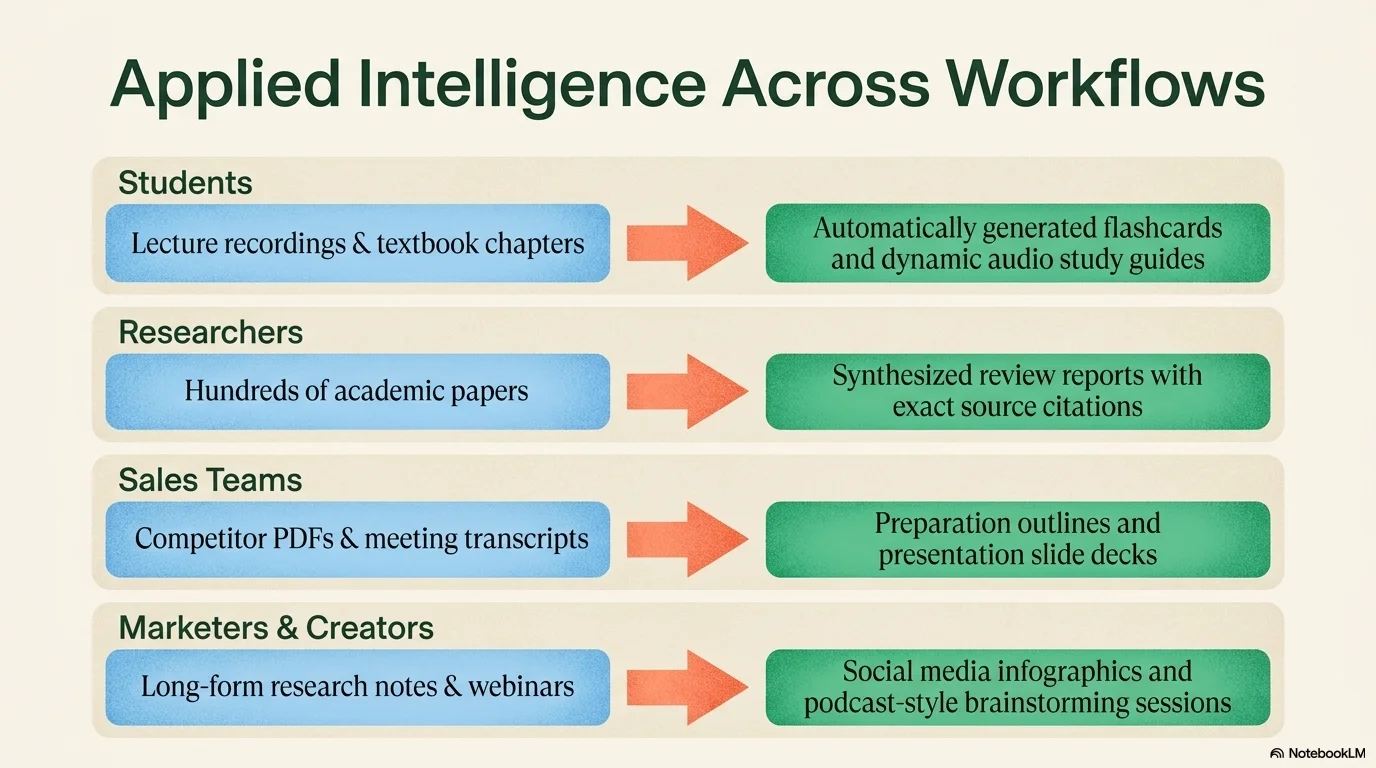
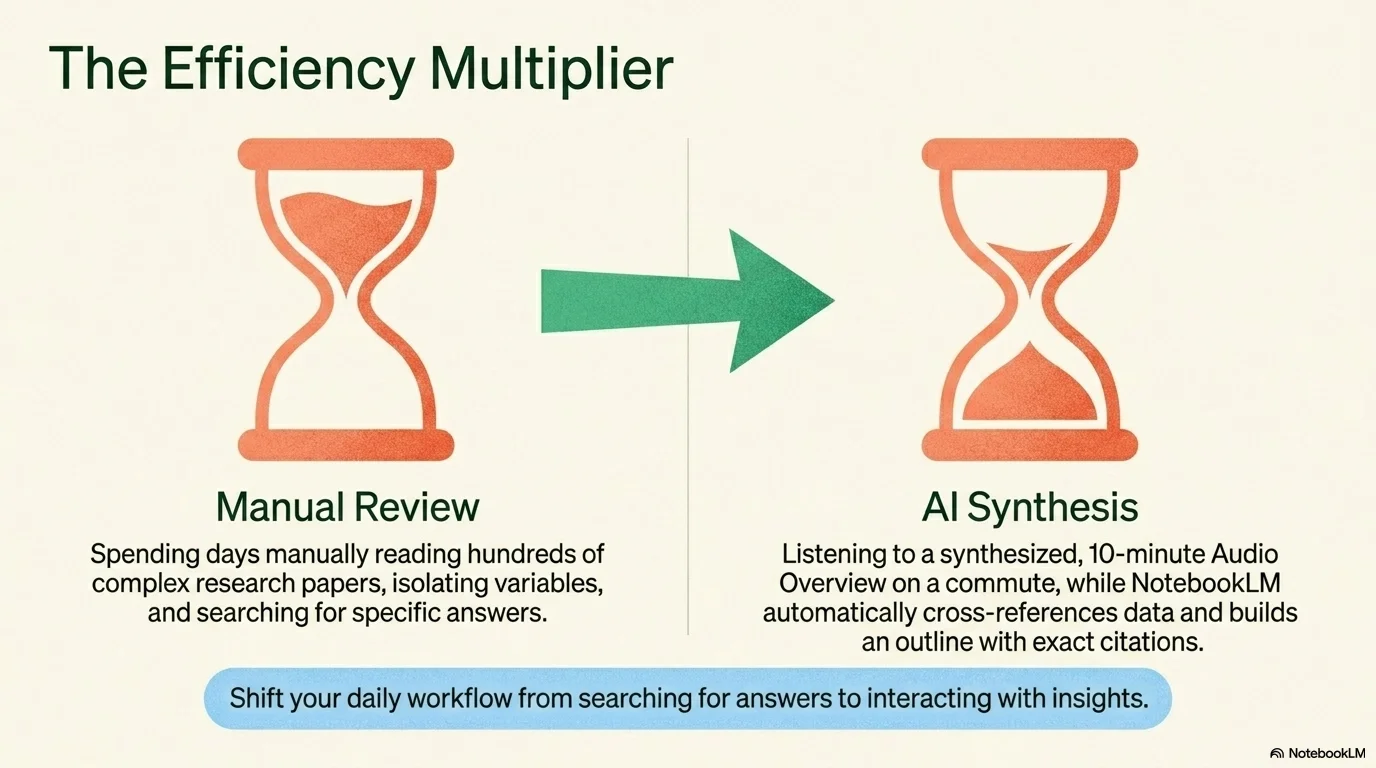
A structured and friendly educational aesthetic designed for learning environments, step-by-step guides, and data visualization. It features the soft geometric Aristotelica Pro typeface. Characterized by a palette of sky blue, emerald green, and coral orange on cream backgrounds, it uses grained textures, clock icons, and Venn-diagram-inspired lists to create a clear, professional, and engaging instructional atmosphere.

Palette
- Background
#FFF9C4 - Text
#1B5E20
Typography
- primary heading
- Aristotelica Pro, sans-serif
- secondary heading
- Aristotelica Pro, bold
- body text
- Aristotelica Pro, regular
Key visual elements
- Shapes with grained/noisy textures (circles, fans, semicircles)
- Instructional icons like hourglasses, clocks, and calendars
- List items with overlapping circular bullets (Venn diagram style)
- Balanced layouts with clear visual hierarchy and instructional focus
YAML
description: "A structured and friendly educational aesthetic designed for learning environments, step-by-step guides, and data visualization. It features the soft geometric Aristotelica Pro typeface. Characterized by a palette of sky blue, emerald green, and coral orange on cream backgrounds, it uses grained textures, clock icons, and Venn-diagram-inspired lists to create a clear, professional, and engaging instructional atmosphere."
design_system:
  global_style:
    theme: "Learning Time. Structured and friendly design for educational and instructional content."
    typography:
      primary_heading: "Aristotelica Pro, sans-serif"
      secondary_heading: "Aristotelica Pro, bold"
      body_text: "Aristotelica Pro, regular"
    color_palette:
      primary: "#4CAF50" # Emerald Green
      secondary: "#FF8A65" # Coral Orange
      background: "#FFF9C4" # Soft Cream
      surface: "#BBDEFB" # Sky Blue Surface
      text_main: "#1B5E20" # Dark Green for body text
      text_secondary: "#E64A19" # Deep Orange for emphasis
    key_visual_elements:
      - "Shapes with grained/noisy textures (circles, fans, semicircles)"
      - "Instructional icons like hourglasses, clocks, and calendars"
      - "List items with overlapping circular bullets (Venn diagram style)"
      - "Balanced layouts with clear visual hierarchy and instructional focus"

  image_generation_prompts:
    style_guidelines: "Educational and clean aesthetic, sky blue and emerald green palette, grained texture shapes, hourglass and clock icons, Aristotelica Pro font vibe, master-class atmosphere."
    themes:
      - target: "Lesson Introduction"
        prompt_elements: "A modern hourglass with green sand, soft grainy textures in the background, sky blue and cream palette, clean and professional."
      - target: "Concept Diagram"
        prompt_elements: "Abstract geometric shapes with noise texture, overlapping circles, educational and balanced composition."

slide_layout_templates:
  - type: "Instructional_Cover"
    usage: "Title in Aristotelica Pro over a large textured fan shape in coral and green"
  - type: "Venn_List_Slide"
    usage: "A vertical list where each bullet point is composed of two overlapping textured circles"
  - type: "Time_Metric_Highlight"
    usage: "Large clock icons used to highlight specific metrics or time durations"
  - type: "Summary_Grid"
    usage: "A clean 2x2 or 3x1 grid with light blue backgrounds and dark green text for summaries"




Connect & Share