Eco Estate
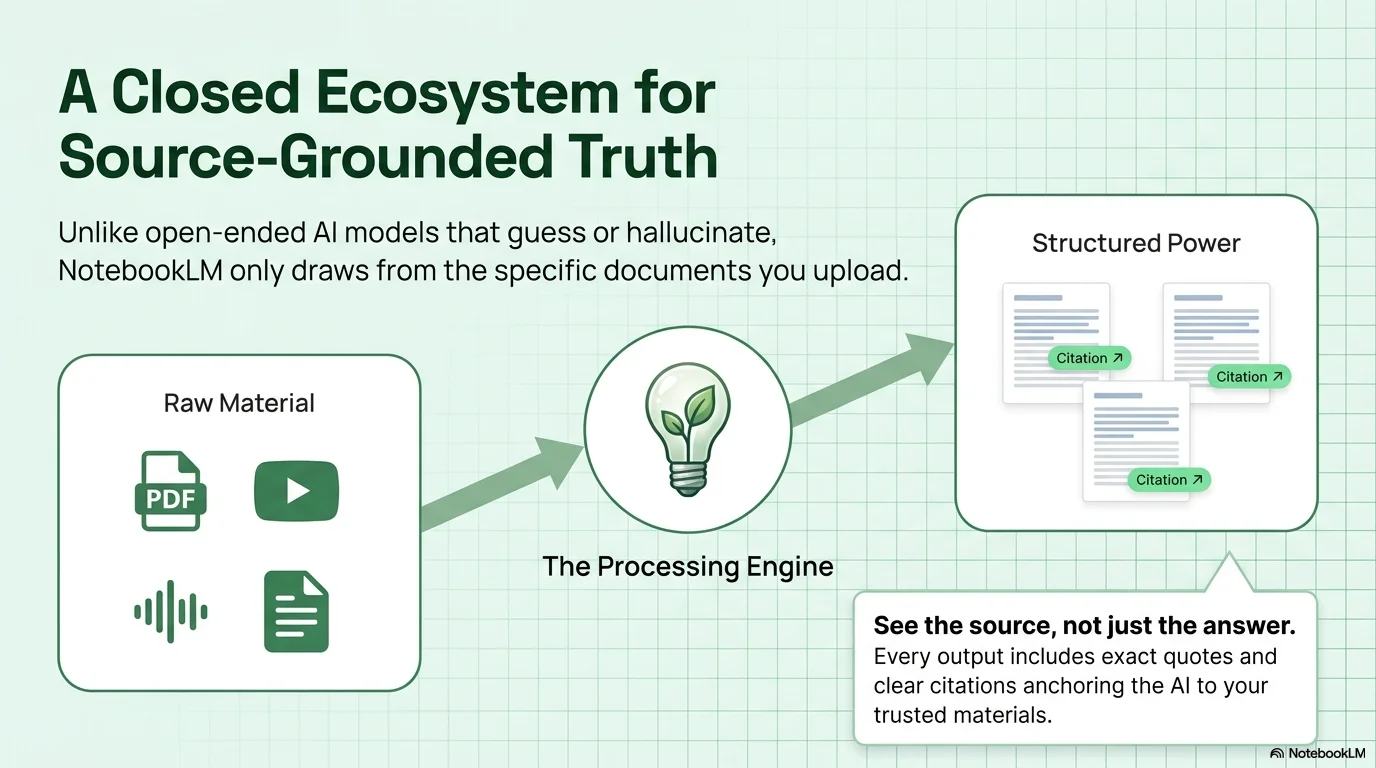
A clean and forward-thinking aesthetic designed for sustainable architecture, eco-friendly real estate, and green energy projects. It features the distinctive Prachasong typeface for a modern look, paired with the versatile Poppins. Characterized by a palette of sage green, forest green, and crisp white, it utilizes technical grid patterns, leaf-inspired lightbulb icons, and diagonal growth arrows to create a structured and environmentally conscious visual experience.
Palette
- Background
#FFFFFF - Text
#263238
Typography
- primary heading
- Prachasong, bold
- secondary heading
- Poppins, medium
- body text
- Poppins, regular
Key visual elements
- Subtle technical grid patterns (graph paper style) in light green
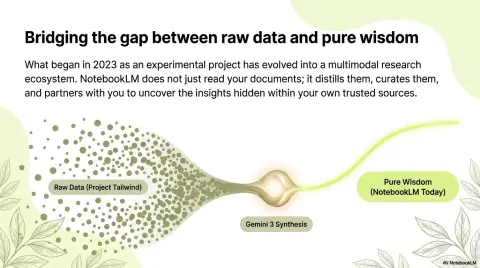
- Leaf-infused lightbulb icons to represent eco-innovation
- Diagonal 'growth' arrow lines in the corners
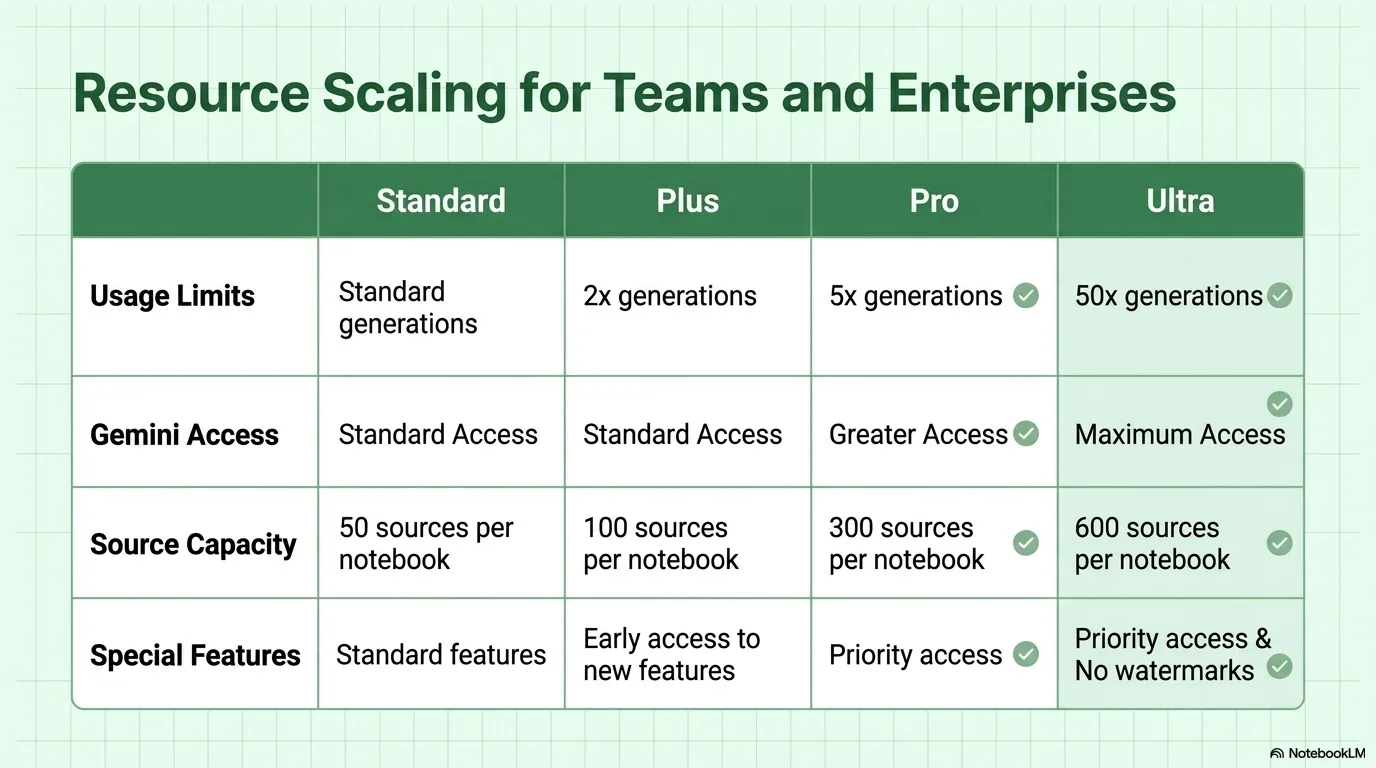
- Large rounded-corner cards with thin green borders
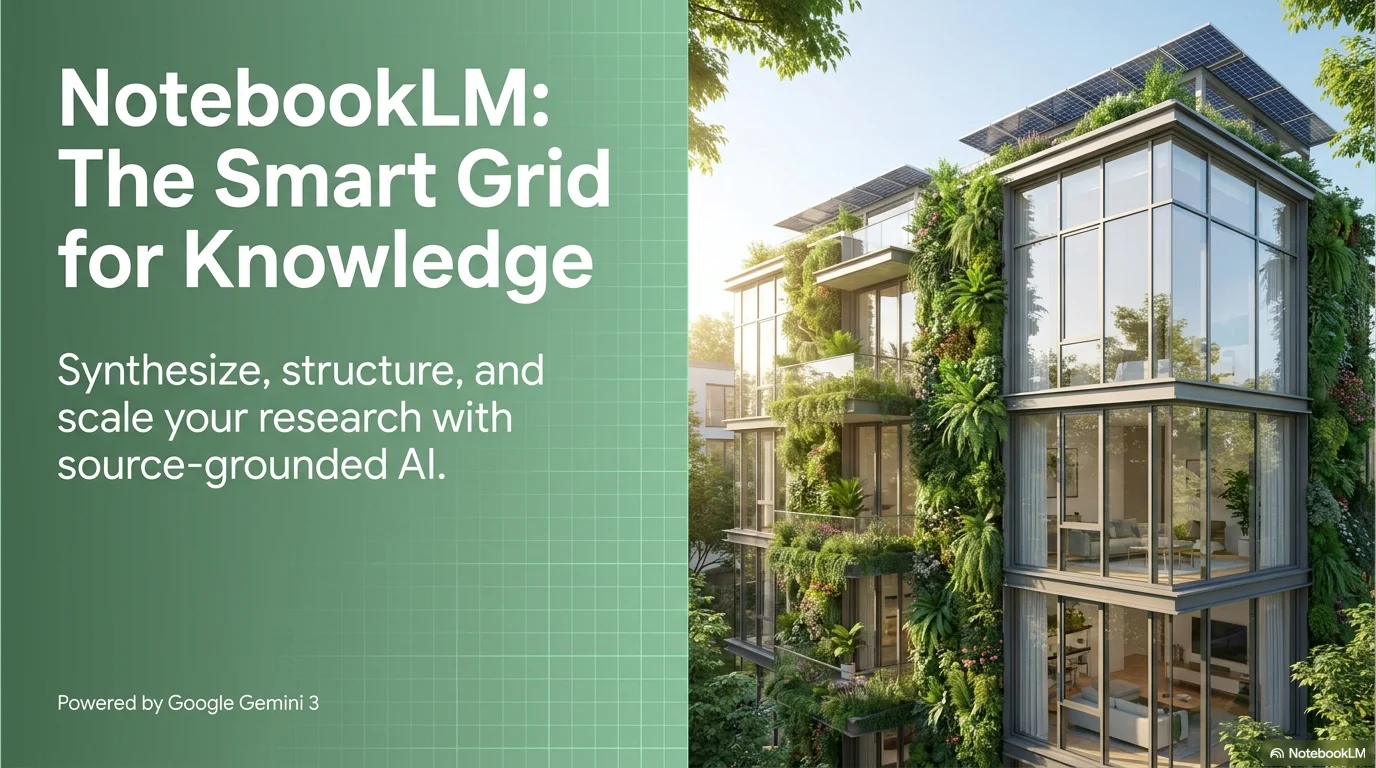
- Bright, natural lighting in architectural photography
YAML
description: "A clean and forward-thinking aesthetic designed for sustainable architecture, eco-friendly real estate, and green energy projects. It features the distinctive Prachasong typeface for a modern look, paired with the versatile Poppins. Characterized by a palette of sage green, forest green, and crisp white, it utilizes technical grid patterns, leaf-inspired lightbulb icons, and diagonal growth arrows to create a structured and environmentally conscious visual experience."
design_system:
  global_style:
    theme: "Eco Estate. Sustainable design with sage/forest green and technical grid accents."
    typography:
      primary_heading: "Prachasong, bold"
      secondary_heading: "Poppins, medium"
      body_text: "Poppins, regular"
    color_palette:
      primary: "#4F8A6D" # Sage Green
      secondary: "#1E4D3B" # Forest Green
      background: "#FFFFFF" # Pure White
      surface: "#F1F8F5" # Very Light Mint Surface
      text_main: "#263238" # Dark Charcoal
      text_secondary: "#546E7A" # Muted Blue Grey
    key_visual_elements:
      - "Subtle technical grid patterns (graph paper style) in light green"
      - "Leaf-infused lightbulb icons to represent eco-innovation"
      - "Diagonal 'growth' arrow lines in the corners"
      - "Large rounded-corner cards with thin green borders"
      - "Bright, natural lighting in architectural photography"

  image_generation_prompts:
    style_guidelines: "Modern eco-friendly architecture, solar panels on rooftops, lush green gardens, bright natural sunlight, sage and forest green palette, clean and technical, Prachasong font vibe."
    themes:
      - target: "Sustainable Home"
        prompt_elements: "A modern house with vertical gardens and large glass windows, solar panels, bright daylight, sage green accents, architectural photography style."
      - target: "Green Energy"
        prompt_elements: "Close up of a smart home energy monitor with leaf icons, soft green lighting, clean minimalist tech, eco-friendly atmosphere."

slide_layout_templates:
  - type: "Sustainable_Hero_List"
    usage: "Large photo on the right with a sage green gradient panel and bold white Prachasong title on the left"
  - type: "Eco_Market_Outlook"
    usage: "Technical grid layout with small photos and percentage stats highlighted in forest green"
  - type: "Pillar_Value_Cards"
    usage: "Three vertical cards with leaf-lightbulb icons and forest green Poppins headings"
  - type: "Green_Energy_Summary"
    usage: "Full-width photo with white text boxes and diagonal arrow markers in the corners"





Connect & Share